The Carouselz Blog
Practical guides for Instagram, LinkedIn, and TikTok carousels — from the team building the tool.
Social Media Carousels

LinkedIn Carousel: The Complete 2026 Guide to Specs, Slides, and Strategy
Everything on LinkedIn carousels in one place: what they are, the real 2026 history, exact specs for organic posts and paid ads, the right slide count, content ideas, and the tools, with a deep dive linked from every section.
16 min read

Instagram Carousel: The Complete 2026 Guide to Sizes, Slides, and Strategy
Everything you need on Instagram carousels in one place: the real 2026 slide limit, exact pixel sizes, posting steps, algorithm signals, and when a carousel beats a Reel.
15 min read
LinkedIn Carousel Examples: 7 Formats Broken Down Slide by Slide
Every strong LinkedIn carousel example shares the same skeleton: a credible hook, one idea per slide, and a single ask that fits a professional feed. Here are seven formats, each broken down slide by slide, with a reusable pattern you can copy.
8 min read

What Is an Instagram Carousel?
An Instagram carousel is one post holding 2 to 20 photos or videos that people swipe through. Here is the 2026 definition, the new 3:4 grid, and how it compares to a single post or a Reel.
6 min read

What Is a Carousel Post? Meaning + Every Platform (2026)
A carousel post is one post that holds several swipeable images or videos under a single caption. Here is what the format is called, and how many slides each platform allows, in 2026.
8 min read

Instagram Carousel With Multiple Aspect Ratios: One Toggle
Instagram now lets every slide in a carousel keep its own aspect ratio, if you turn on the Mixed setting first. Here is the exact toggle, the size limits that still apply, and when one ratio still beats Mixed.
7 min read

How to Make a Slideshow on Instagram: Reels, Stories & Feed
On Instagram, slideshow can mean three different things: a Reel that plays automatically with music, a Story, or a feed carousel you swipe through by hand. Native steps for each, plus the full music picker flow.
7 min read

How to Change an Instagram Carousel Thumbnail (2026 Update)
The Instagram carousel thumbnail is always slide 1. Since March 2026 you can reorder slides to put a different one in that spot, or use Adjust Cover to crop the current one to fit your profile grid better. Here are the exact steps for both paths.
6 min read

How to Post Multiple Photos on Instagram (Up to 20, 2026)
Post up to 20 photos in one Instagram post with Select Multiple. Steps for the mobile app, desktop, and Stories, plus fixes when the option is missing or greyed out.
8 min read
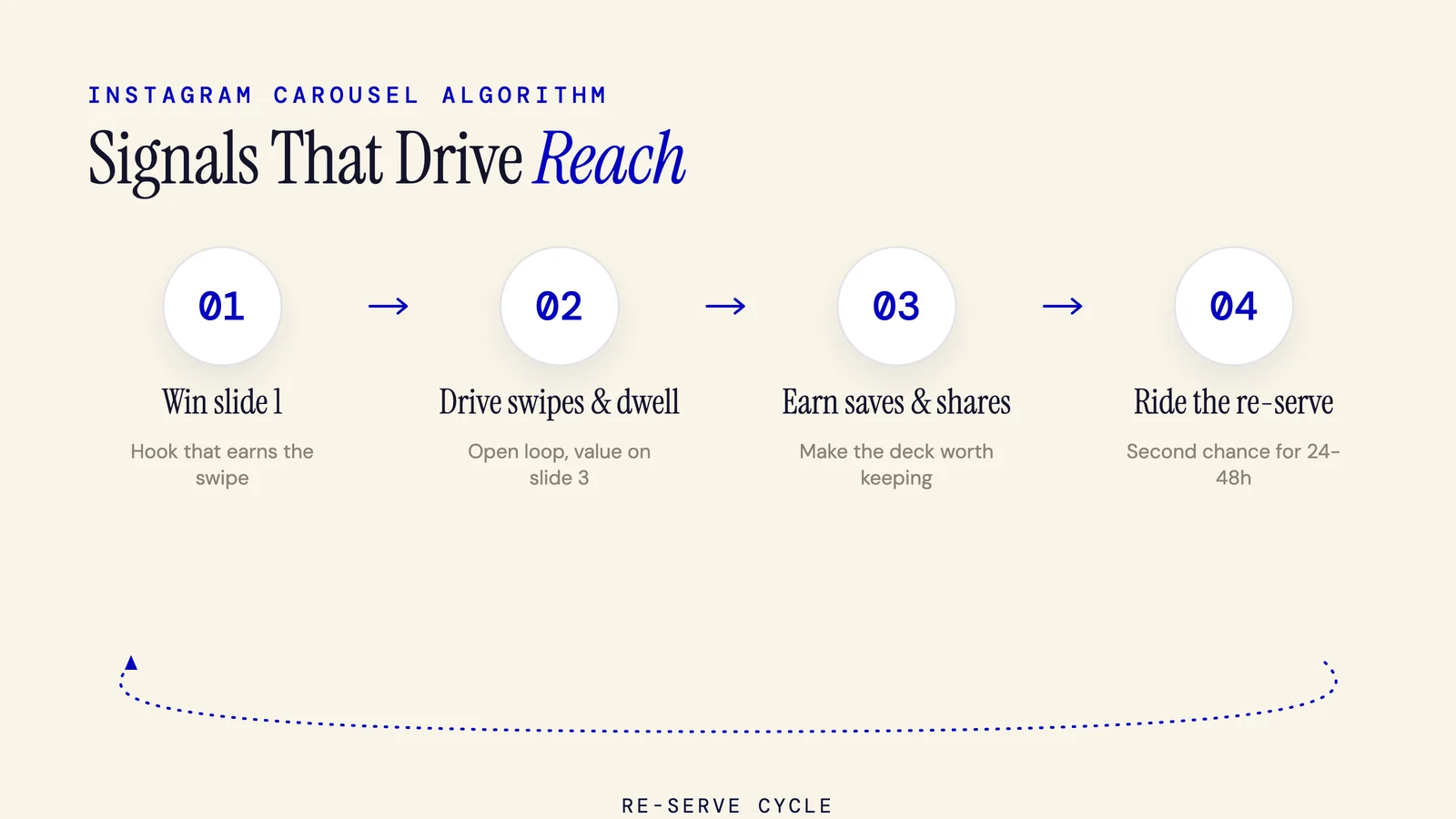
The Instagram Carousel Algorithm: 7 Ranking Signals That Drive Reach (2026)
The Instagram carousel algorithm ranks posts on swipe velocity, dwell time, and saves, not likes. Feed, Explore, and Reels weight those signals differently, and the re-serve mechanic gives each deck a second chance for 24 to 48 hours. Here is the full playbook.
7 min read
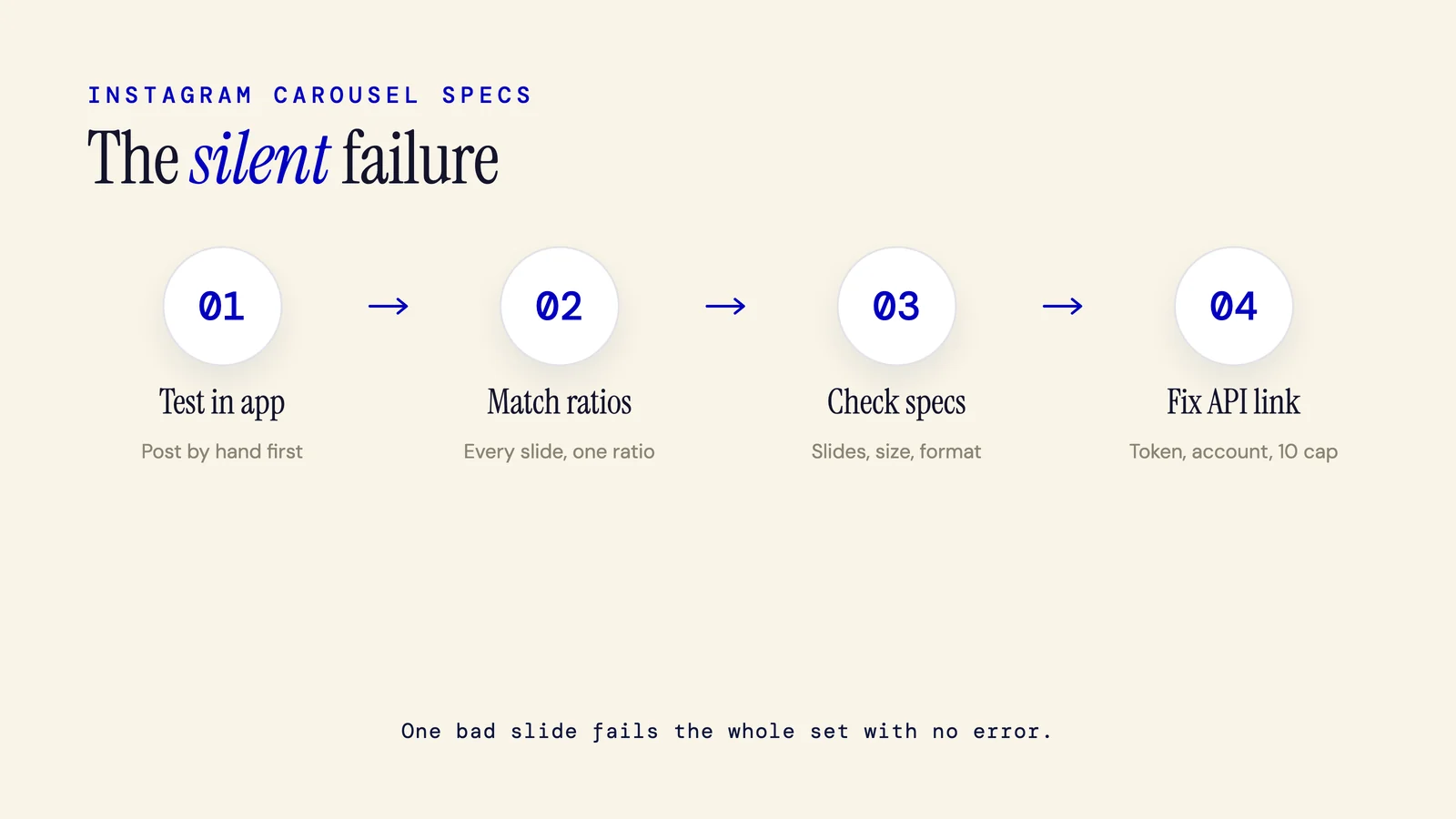
Instagram Carousel Not Posting? 9 Fixes for the Silent Failure (2026)
An Instagram carousel not posting almost always means one slide breaks a rule, so Instagram rejects the whole set with no error. The top causes: an aspect ratio mismatch, oversized files, too many slides, or a broken scheduler link. Here are the 2026 fixes.
7 min read
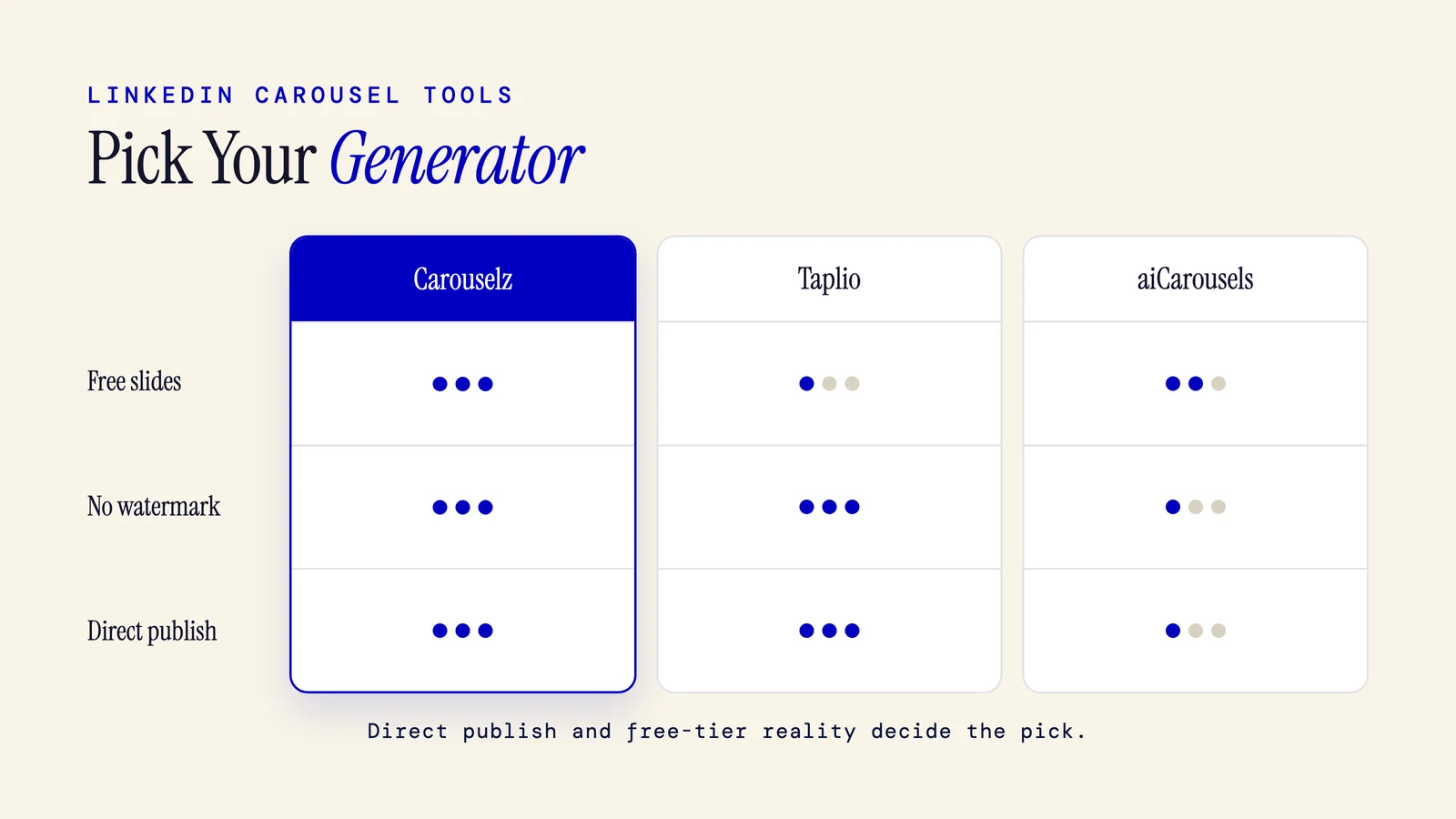
LinkedIn Carousel Generator: 9 Best Tools Compared (2026)
The best LinkedIn carousel generator in 2026 depends on how you publish. Taplio wins for all-in-one LinkedIn scheduling, Carouselz has the most generous free AI slide cap with no watermark, and PostNitro is cheapest for paid AI slides. Pick by free-tier limits and whether it posts for you.
9 min read
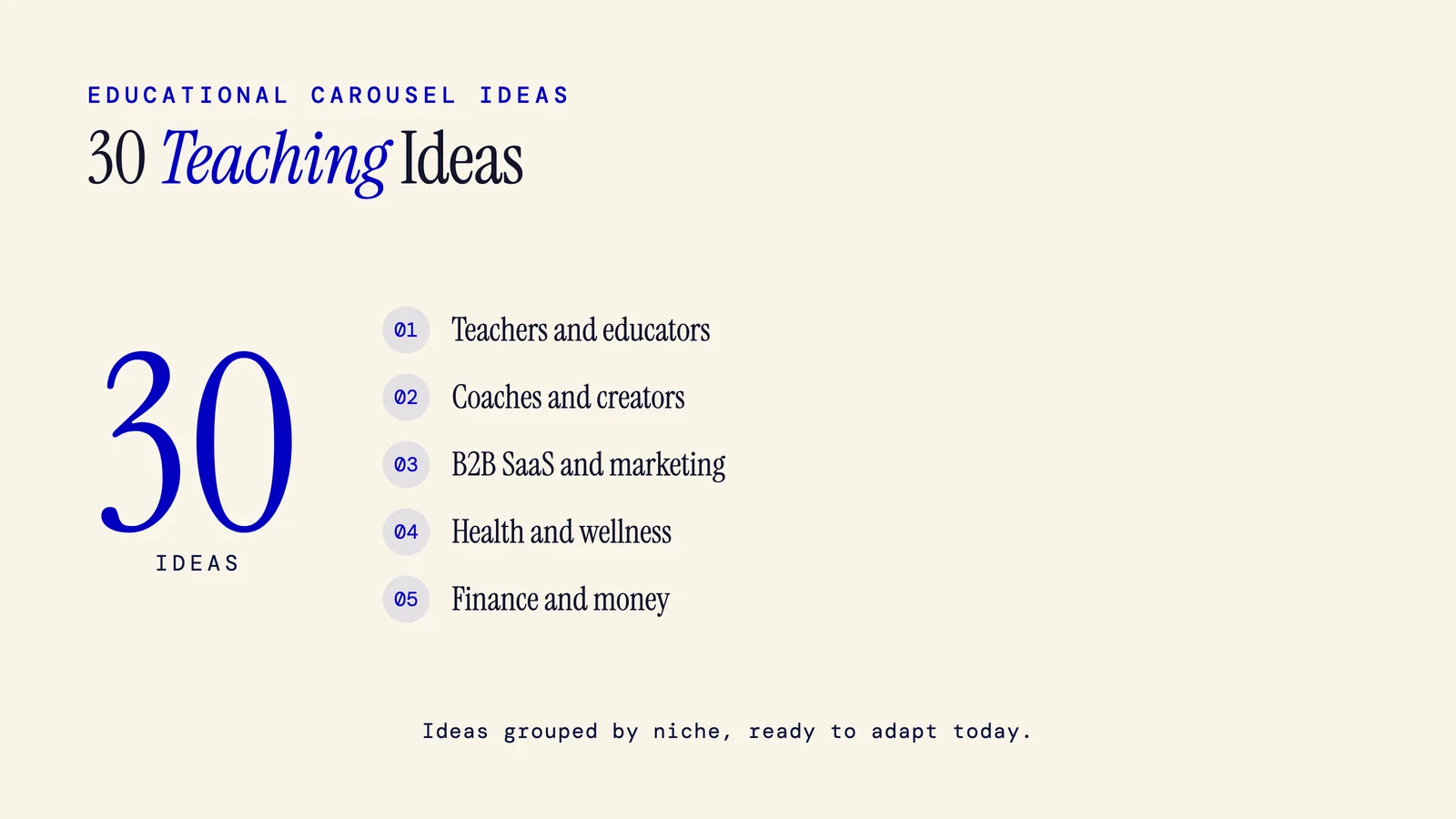
Educational Carousel Ideas: 30 Ready-to-Use Posts by Niche
Educational carousels teach one idea across 8 to 12 slides using a 5-part spine: hook, problem, teaching points, payoff, CTA. Get 30 ideas grouped by niche, copy-paste slide templates, cover hook formulas, and platform guidance for Instagram, LinkedIn, and TikTok.
9 min read
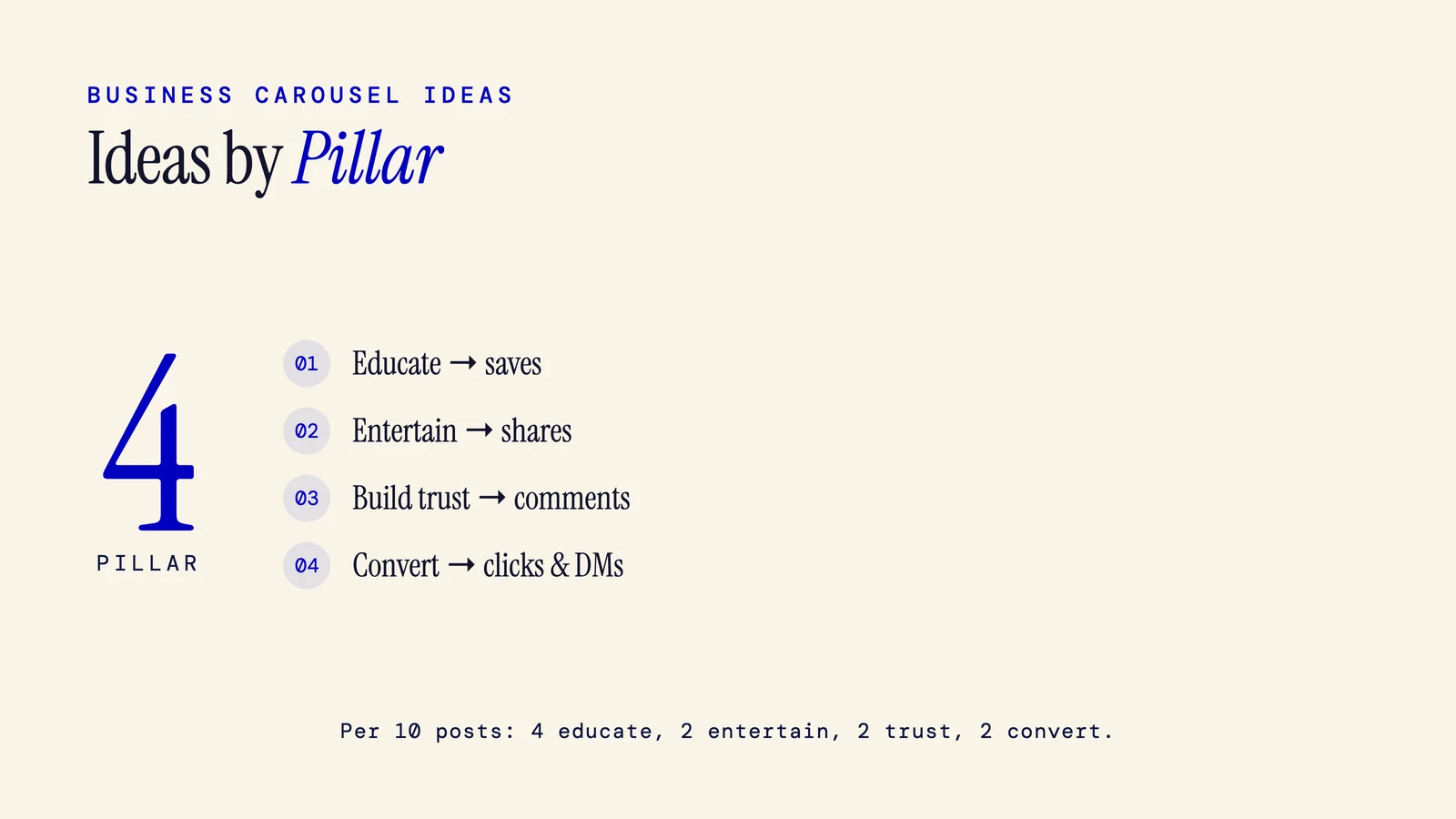
Instagram Carousel Ideas for Business: 25+ Ideas by Pillar and Type (2026)
The best Instagram carousel ideas for business sort into four pillars: educate, entertain, build trust, and convert. Tip lists earn saves, proof posts earn comments, relatable posts earn shares, and offers earn clicks. Mix all four for a balanced calendar.
10 min read
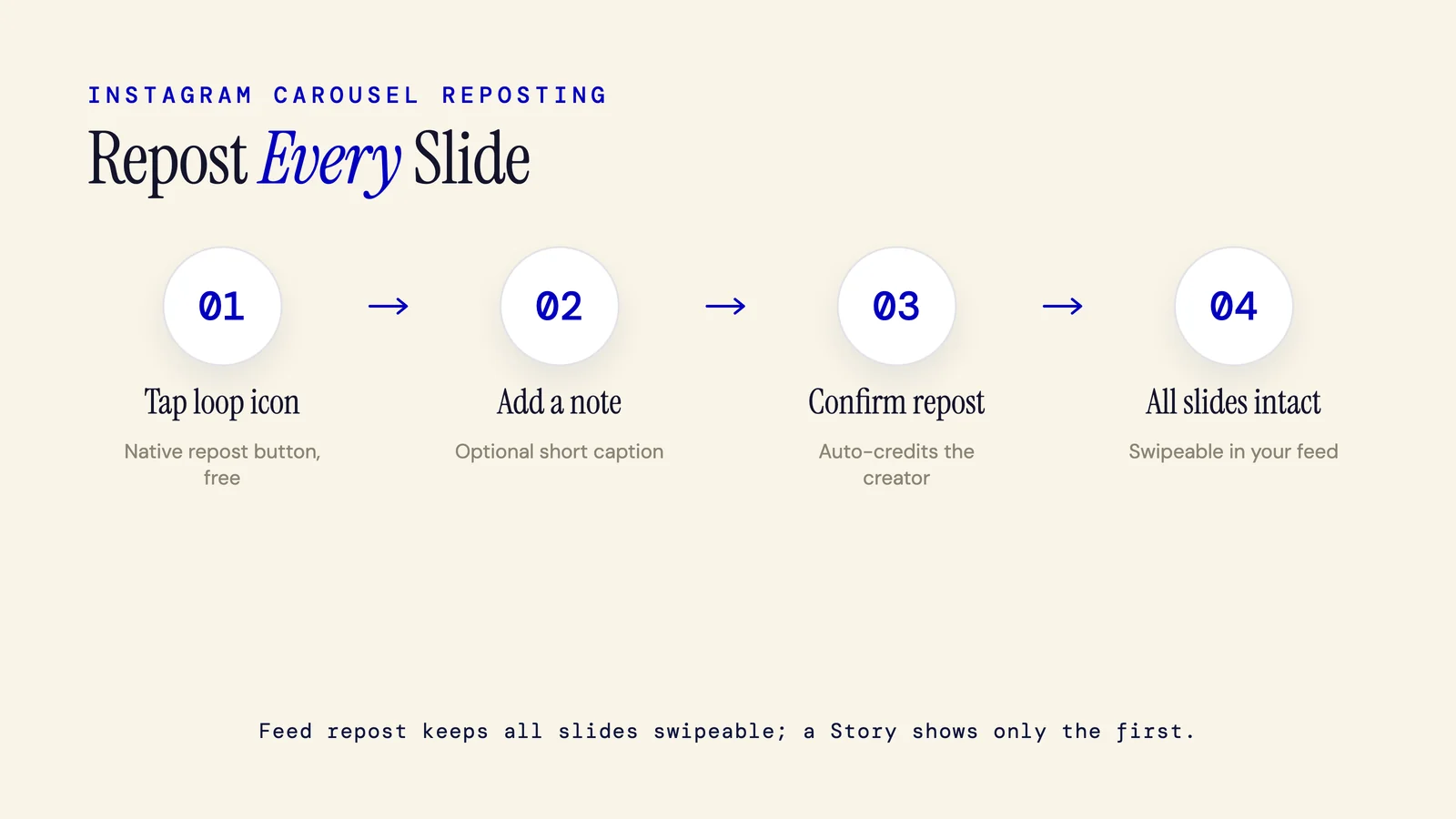
How to Repost an Instagram Carousel (All Slides Intact, 2026)
Repost an Instagram carousel with every slide intact using Instagram's native repost button (live since August 2025). A native feed repost keeps all slides swipeable, while a Story repost shows only the first. Here are all three methods, plus a permission template.
7 min read
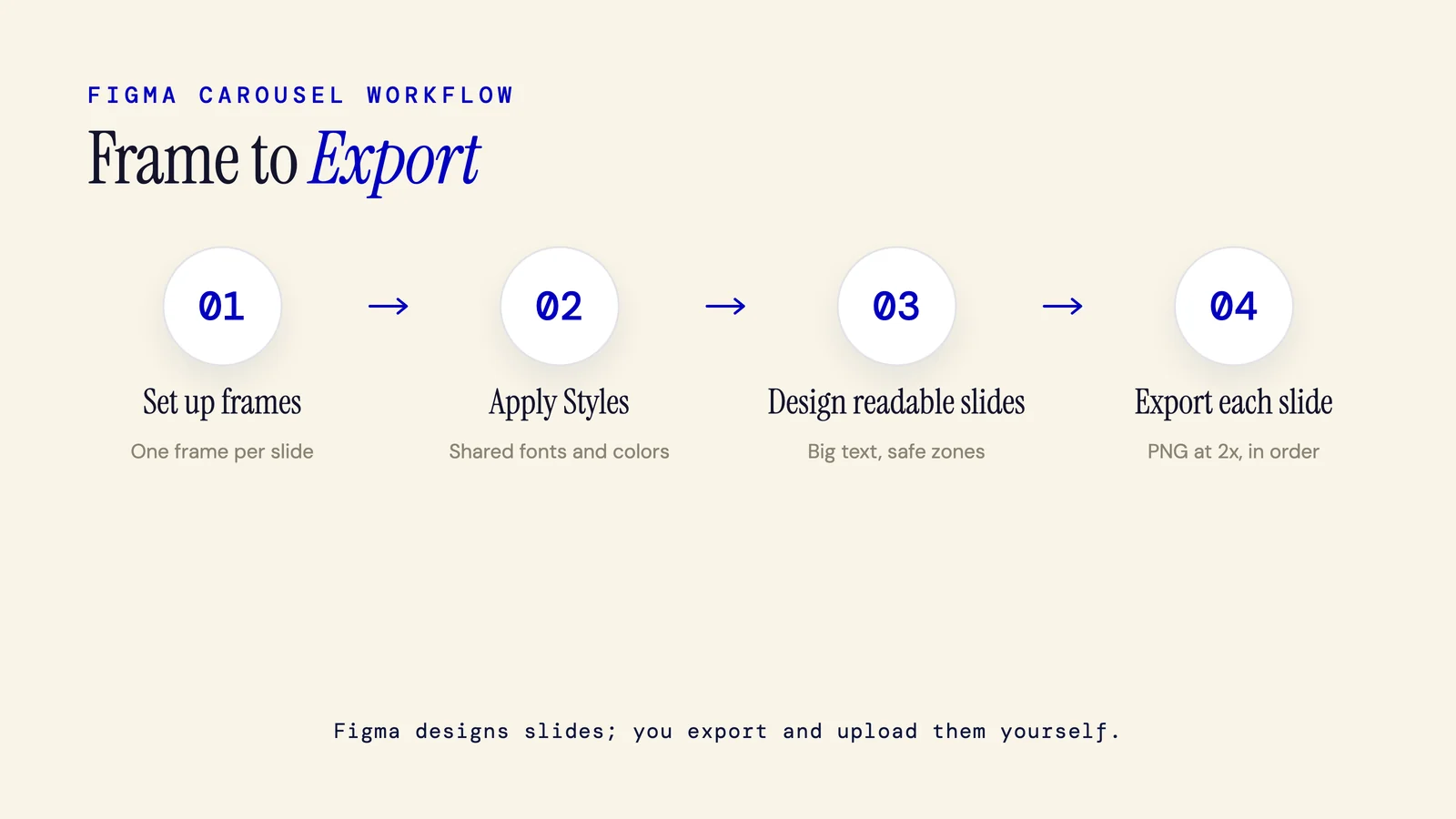
How to Make a Carousel in Figma for Social Media (2026 Guide)
Make a carousel in Figma for social media: create one frame per slide at your platform size (1080x1080 for Instagram), line them up with horizontal Auto Layout, apply shared Styles, then export each frame as a PNG and upload in order. Figma designs slides; it does not post them.
6 min read
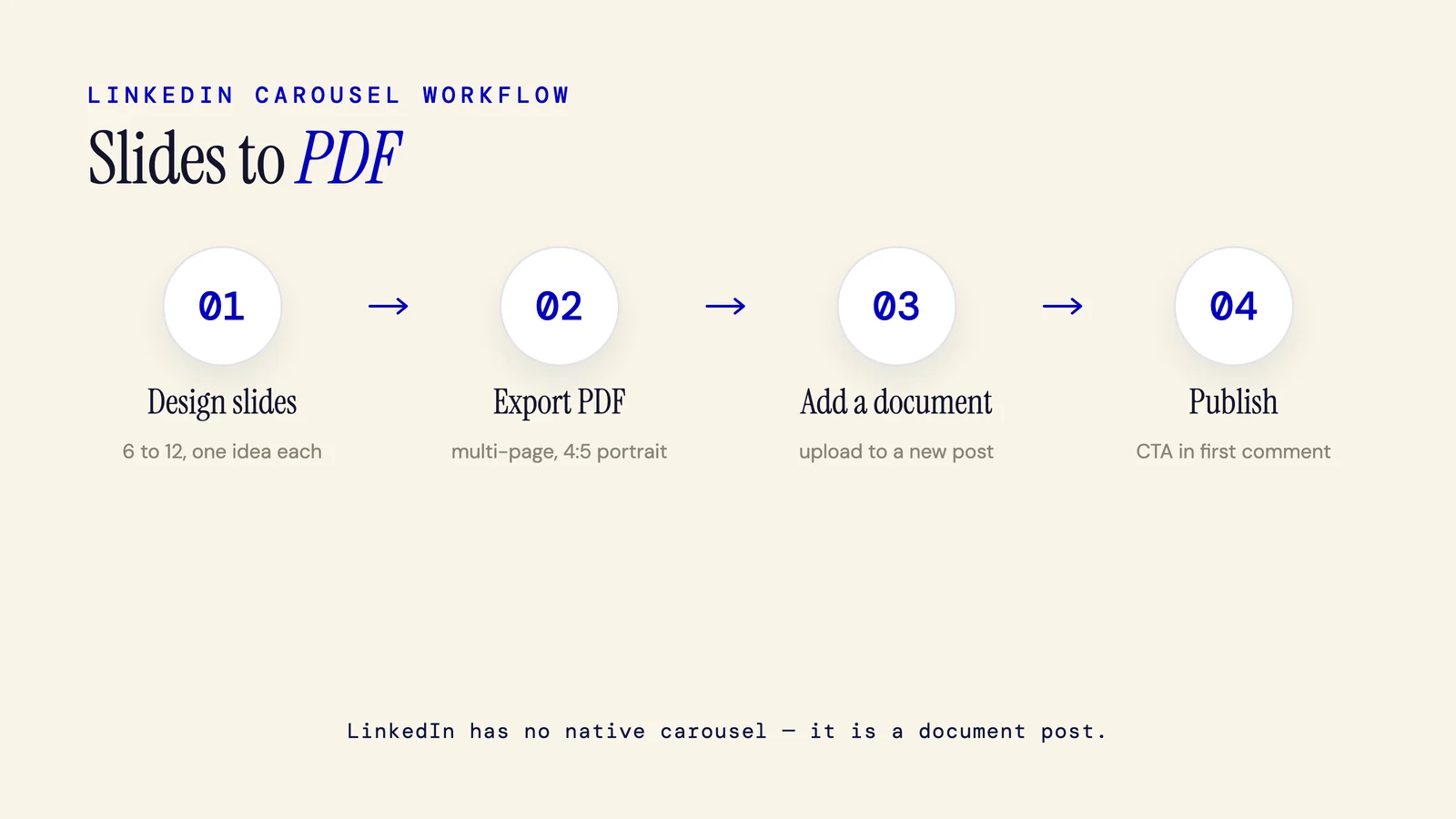
How to Make a LinkedIn Carousel: The Complete 2026 Step-by-Step Guide
Here is how to make a LinkedIn carousel: design 8 to 12 slides, export them as one PDF, and upload it as a document post. LinkedIn has no native carousel feature. The PDF renders as a swipeable deck. Or generate the copy and slides with AI in one step.
6 min read
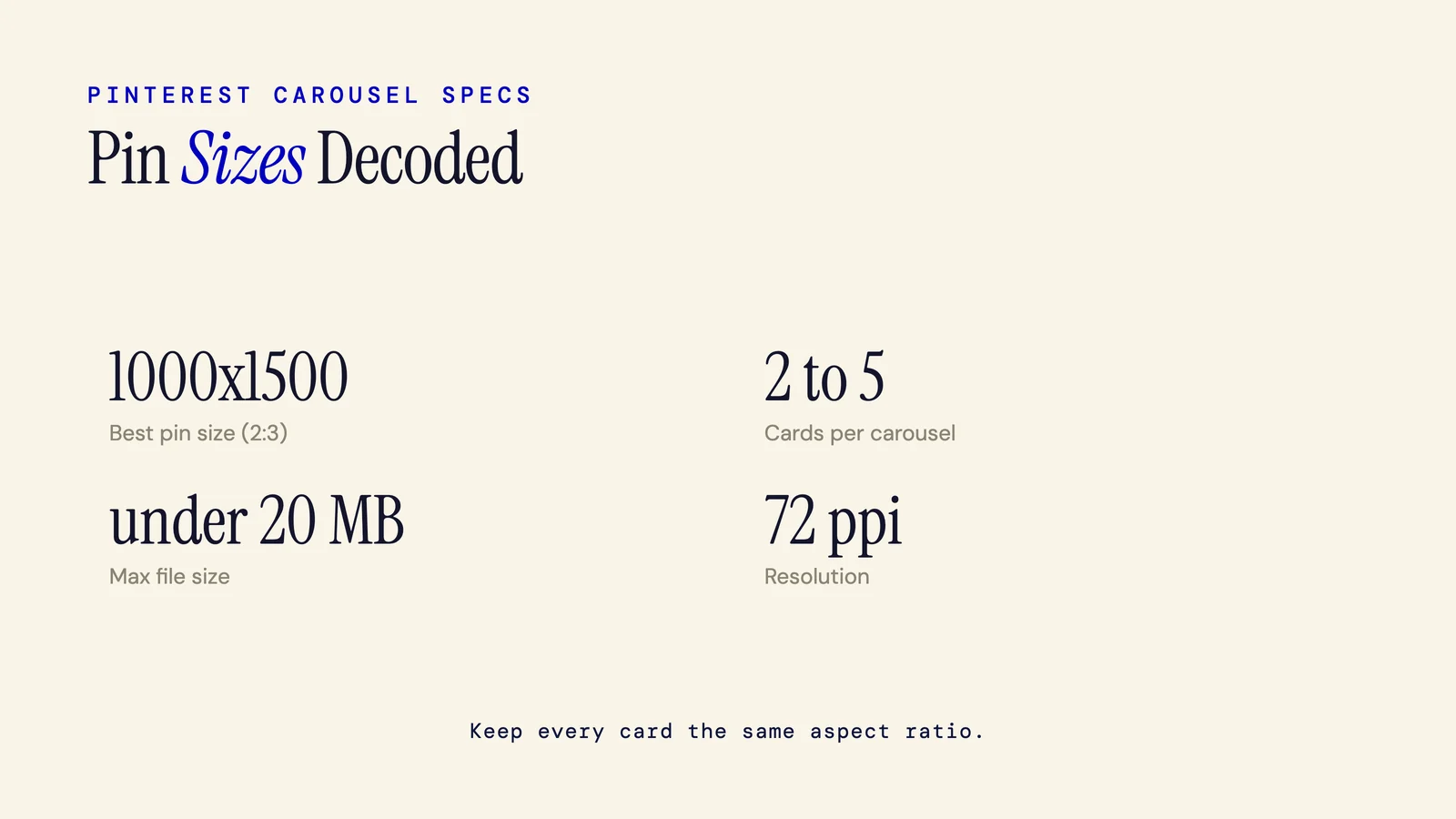
Pinterest Carousel Size: Exact Dimensions and Specs (2026)
Pinterest carousel size is 1000x1000 px (1:1) or 1000x1500 px (2:3), with 2 to 5 cards per pin. Save each card as PNG or JPEG under 20 MB at 72 ppi, and keep every card the same aspect ratio. From Pinterest's official 2026 ad specs.
5 min read
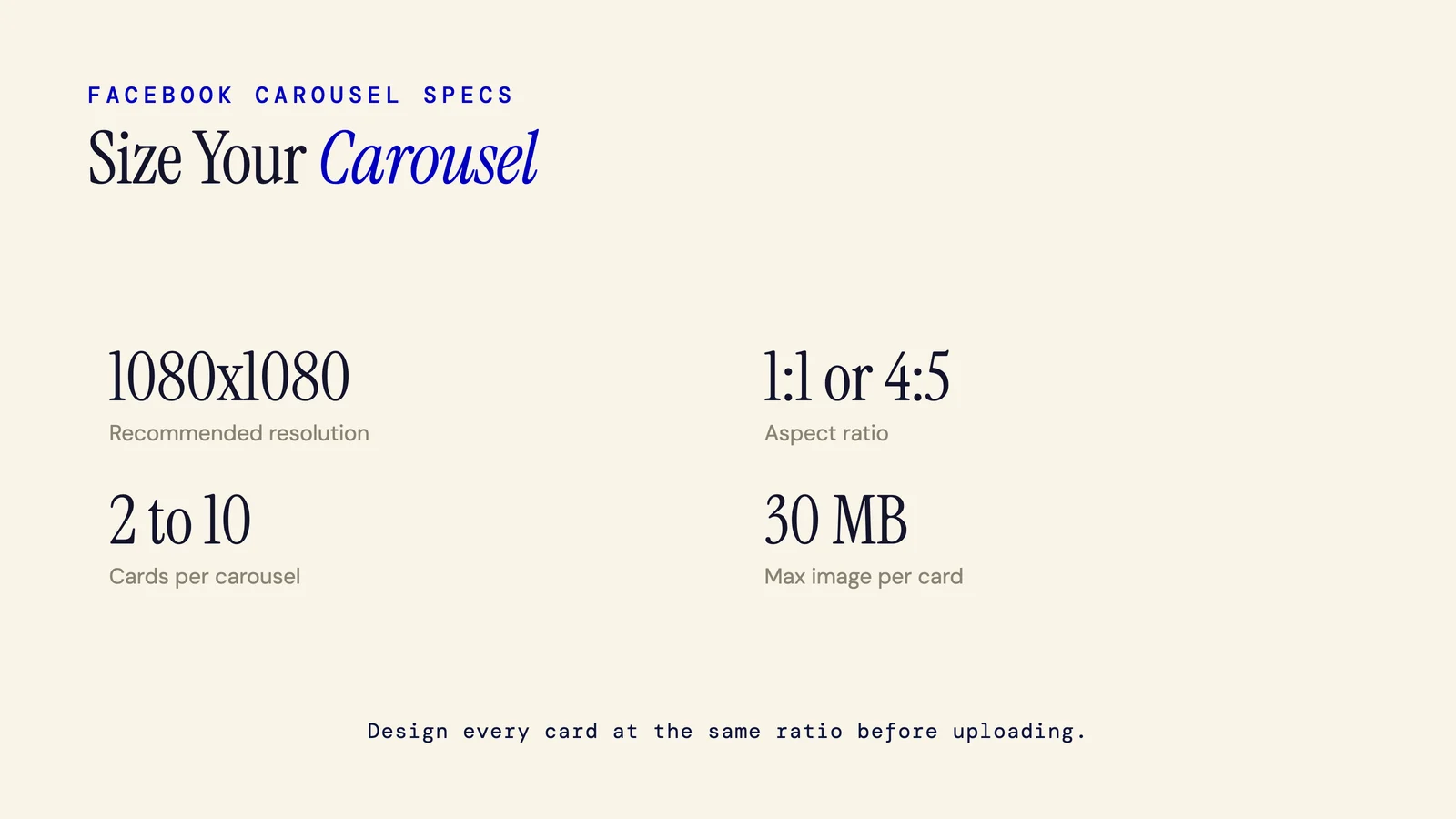
Facebook Carousel Size: Exact Specs by Placement (2026)
The recommended Facebook carousel size is 1080x1080px (1:1 square), or 4:5 vertical at 1080x1350px. Carousels hold 2 to 10 cards. These specs cover Feed, Stories, Reels, Marketplace, and Messenger, and apply to both organic posts and ads, unchanged for 2026.
5 min read
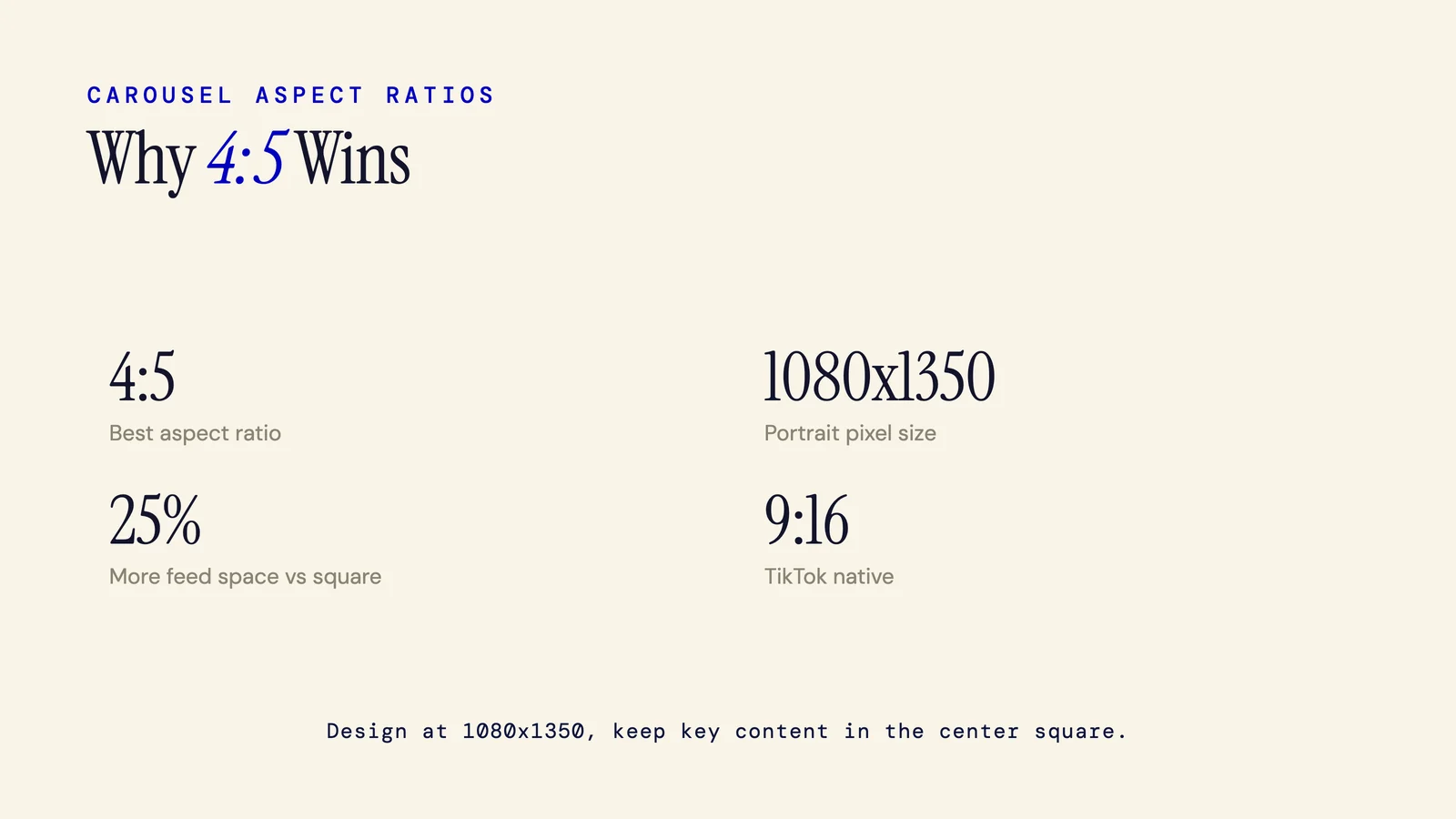
Best Aspect Ratio for a Carousel (4:5 and Why)
The best aspect ratio for a carousel is 4:5, or 1080x1350 pixels. Portrait fills more of the mobile screen than square, which means more scroll-stopping real estate. This post explains why 4:5 wins, how it applies per platform, and when to use something different.
4 min read
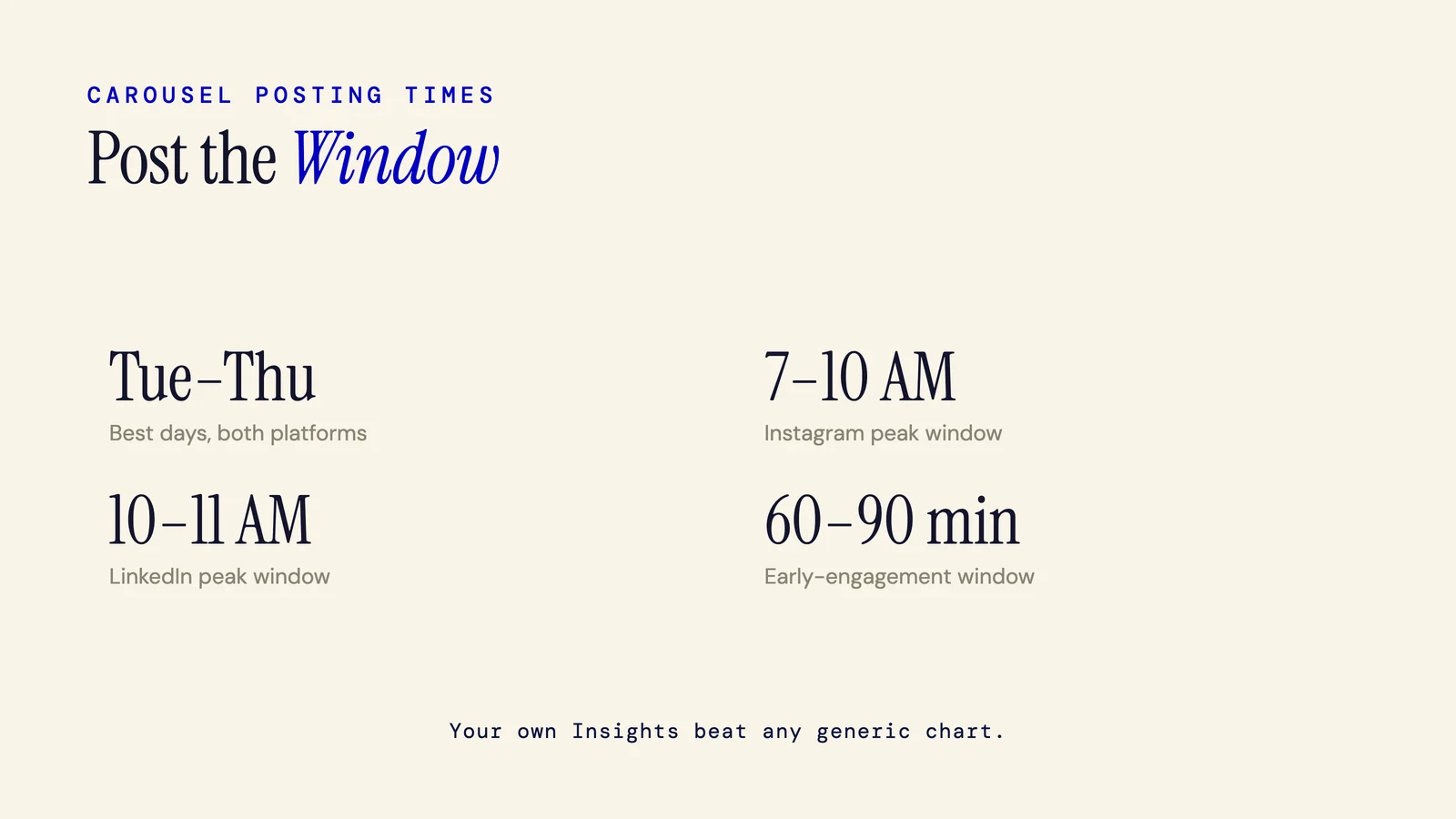
Best Time to Post a Carousel on Instagram and LinkedIn (2026 Data)
On Instagram, carousels posted Tuesday through Thursday between 7 AM and 10 AM tend to perform well. On LinkedIn, Tuesday through Thursday at 10 to 11 AM consistently leads. But your own audience analytics will beat any generic chart.
5 min read
Can You Edit an Instagram Carousel After Posting? (2026)
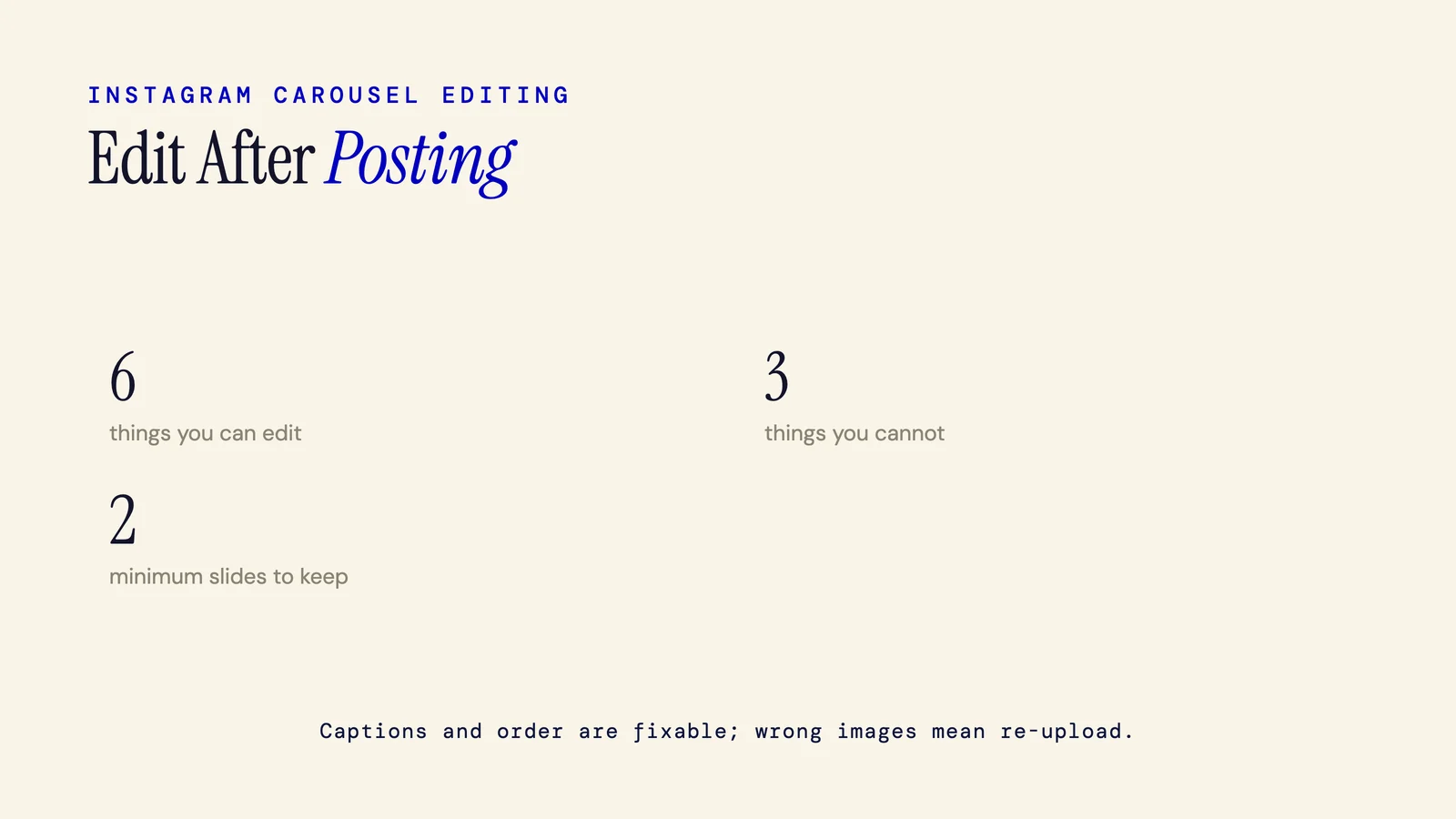
Yes, you can edit an Instagram carousel after posting, but only certain things. You can reorder slides, remove slides, edit the caption, and update tags and location. You cannot replace an image or add new slides. Here is the exact breakdown.
4 min read
Carousel vs Reels: Which Gets More Reach, Saves, and Results in 2026
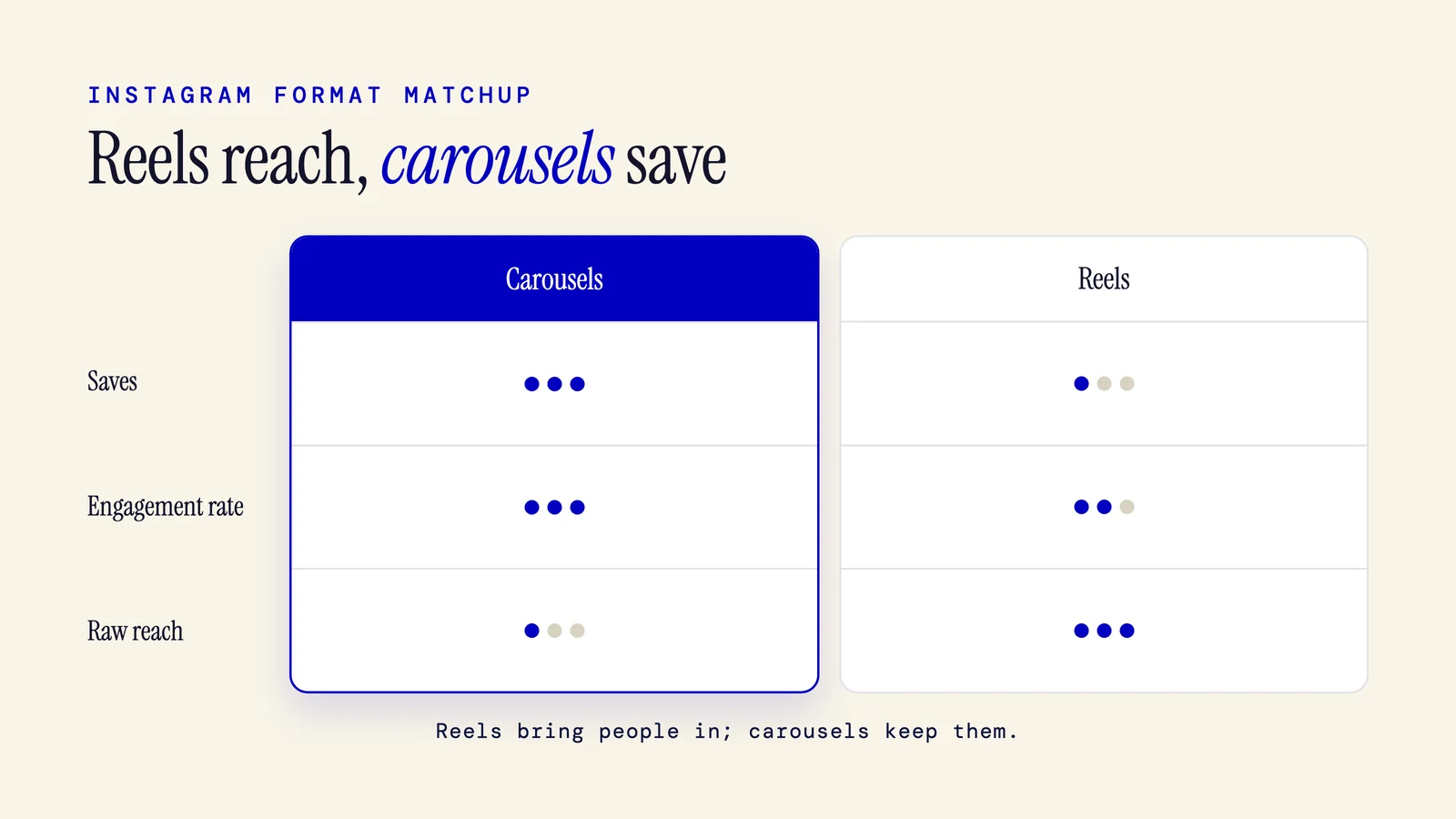
Carousels and reels serve different goals on Instagram. Reels win on raw reach and discovery. Carousels win on saves, engagement rate, and shelf life. This post breaks down the data and gives you a plain framework for choosing the right format.
7 min read
Carousel vs Single Image Post: Which Actually Performs Better
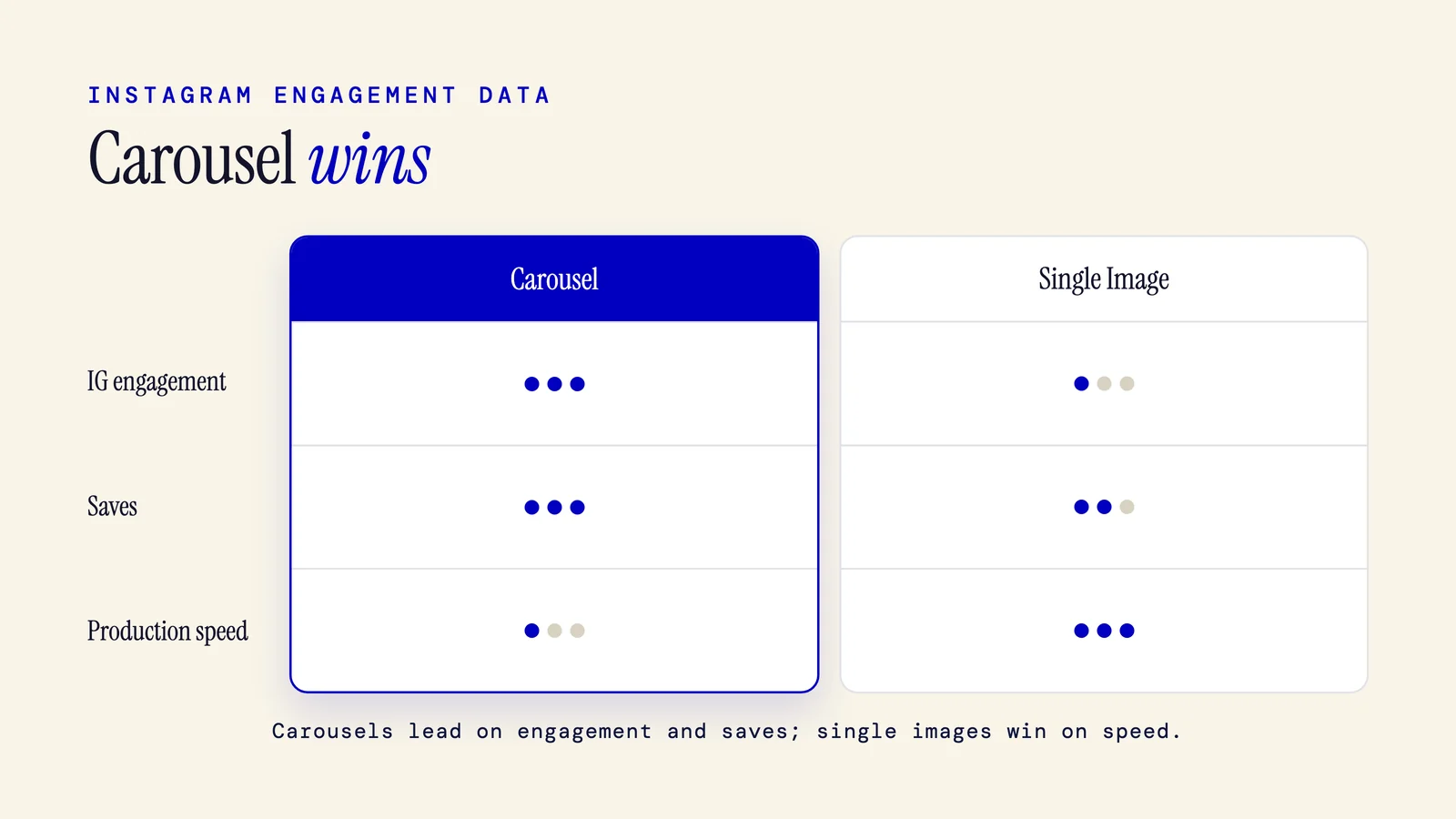
Carousels beat single images on engagement rate and saves in most studies. But single images are faster to produce and still win in specific cases like announcements, product photography, and time-sensitive posts. Here is the honest breakdown.
7 min read
Do Carousels Get More Engagement? The Data, the Caveats, and Why It Works
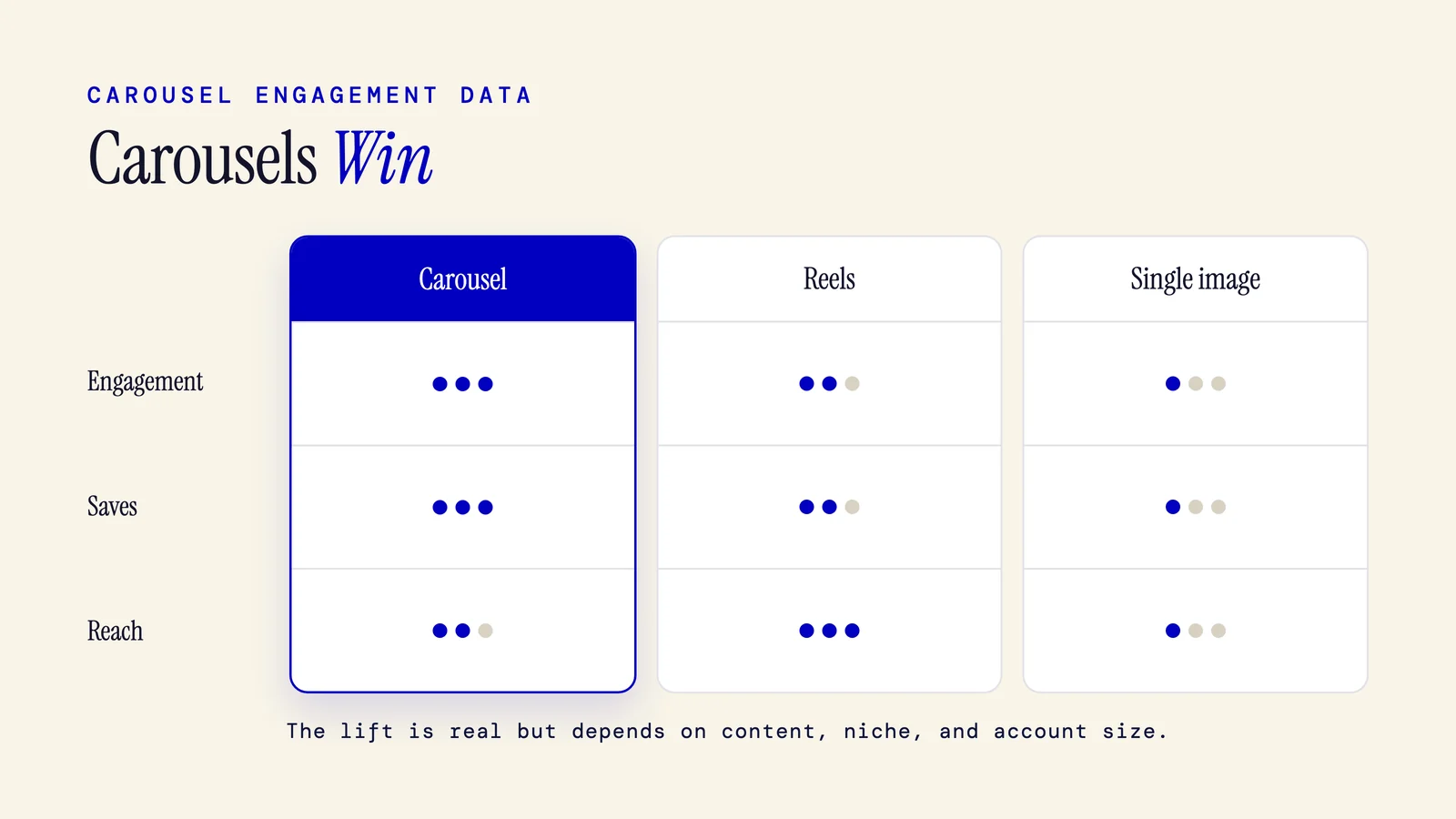
Carousels do get more engagement than single images on both Instagram and LinkedIn. Studies show 3x higher engagement on Instagram and a 21.77% median rate on LinkedIn. But the edge depends on content quality, niche, and account size. Here's what the data shows and what it misses.
9 min read
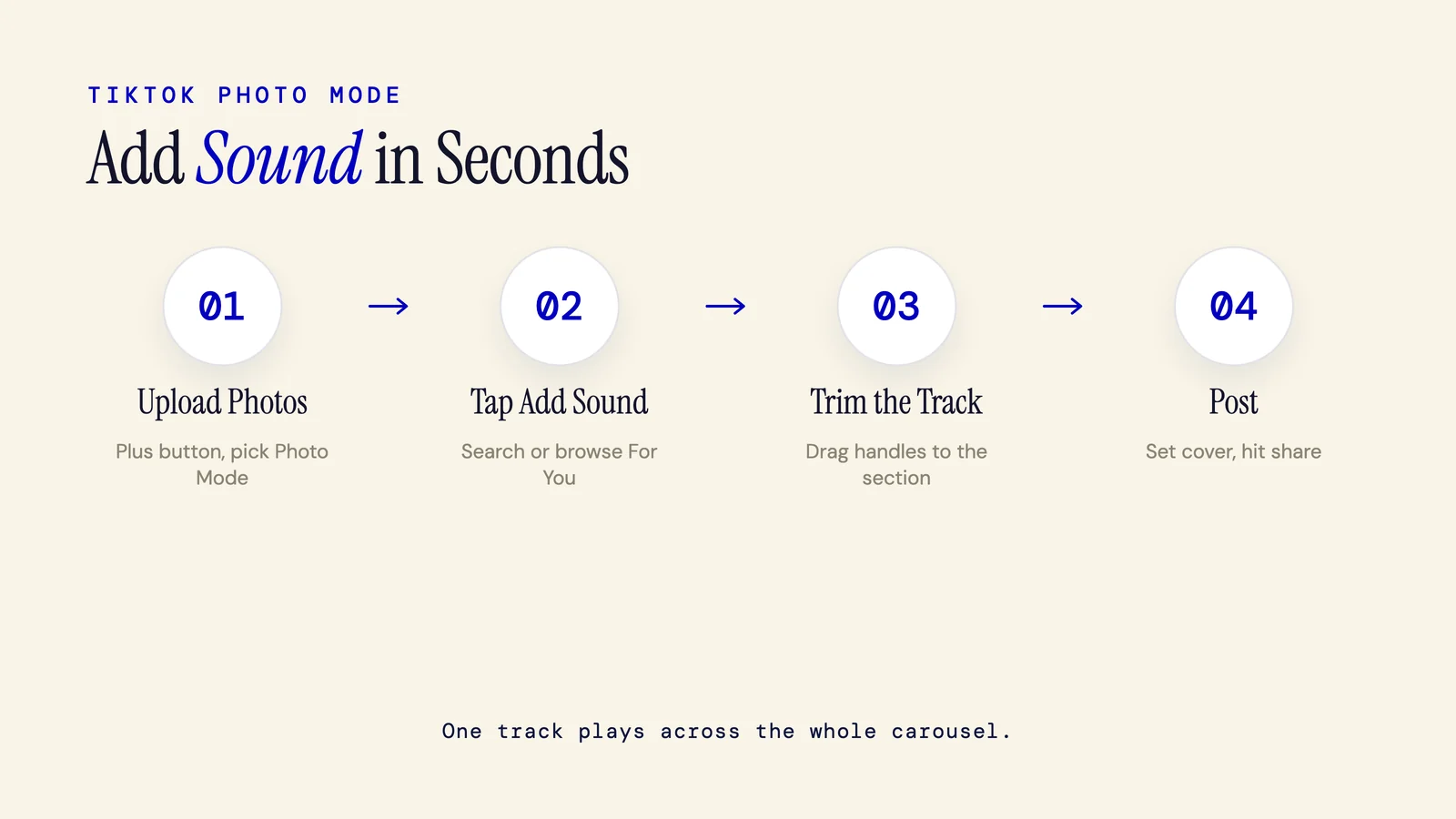
How to Add Music to a TikTok Carousel (Photo Mode Guide)
To add music to a TikTok photo carousel, tap the plus button, upload your photos, then tap Add Sound at the top of the editor. Search or browse the library, pick a track, trim to the section you want, and post. This guide walks through every step and explains how sound selection affects reach.
8 min read
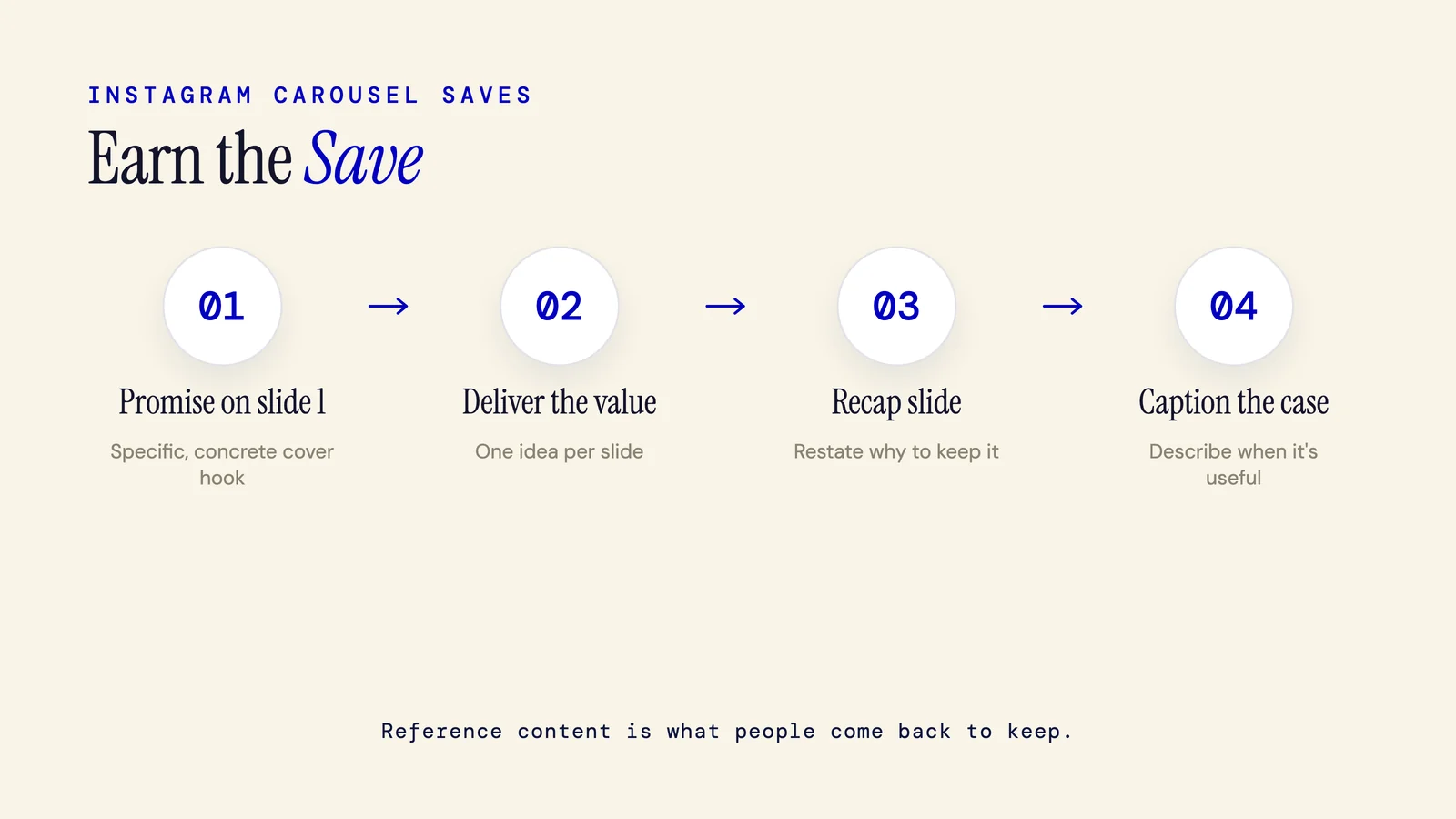
How to Get More Saves on Instagram (Tactics That Actually Work)
Saves signal to Instagram that your content is worth keeping. Carousels are the most saveable format because they hold reference material people actually return to. Here are the specific tactics that make posts save-worthy, from hook to last slide to caption.
7 min read
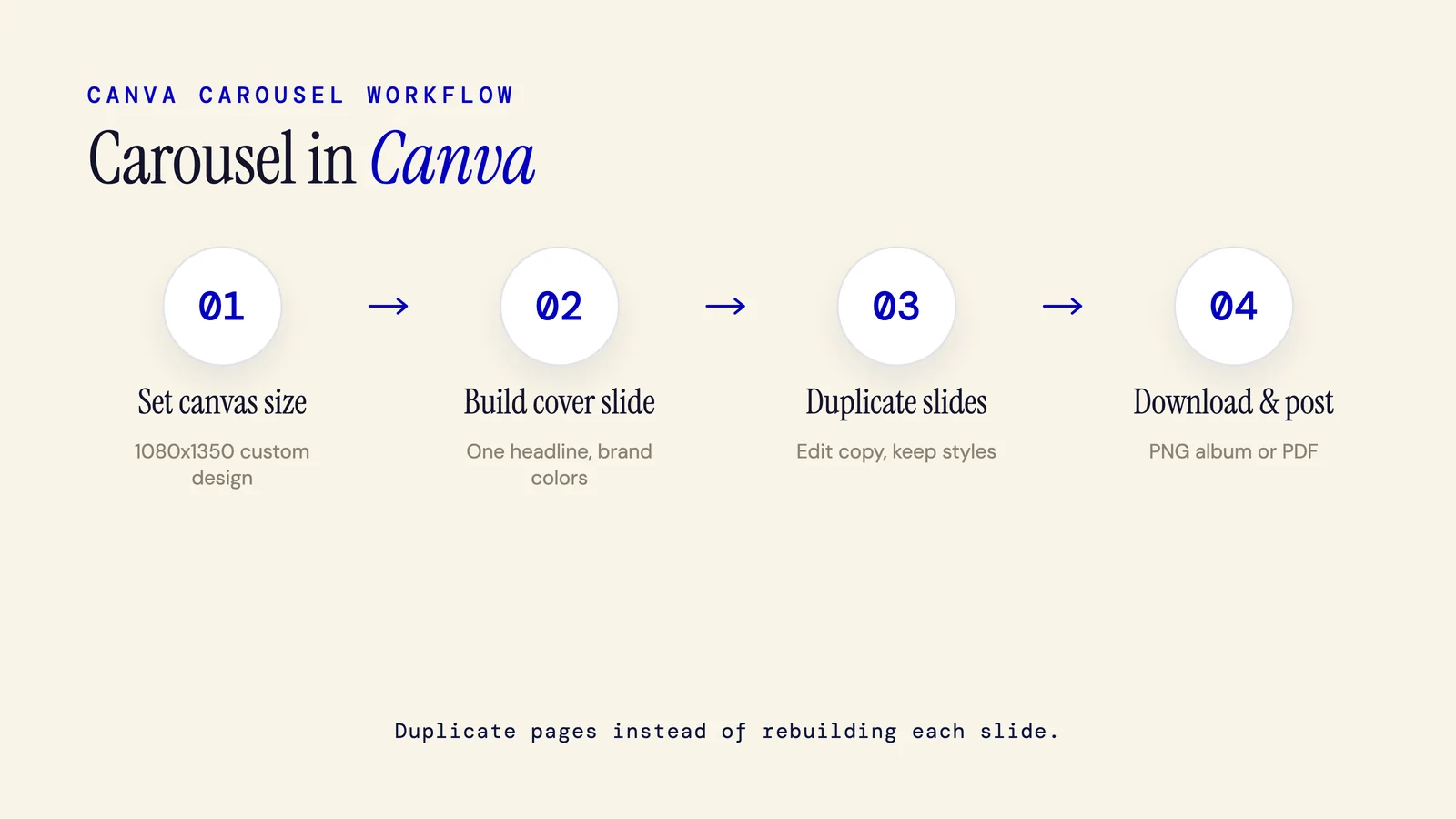
How to Make a Carousel on Canva (Step-by-Step)
The complete Canva carousel workflow: set a custom 1080x1350 canvas, duplicate slides to stay consistent, export as PNG for Instagram or PDF for LinkedIn, and post. Includes honest notes on where Canva creates extra work.
7 min read
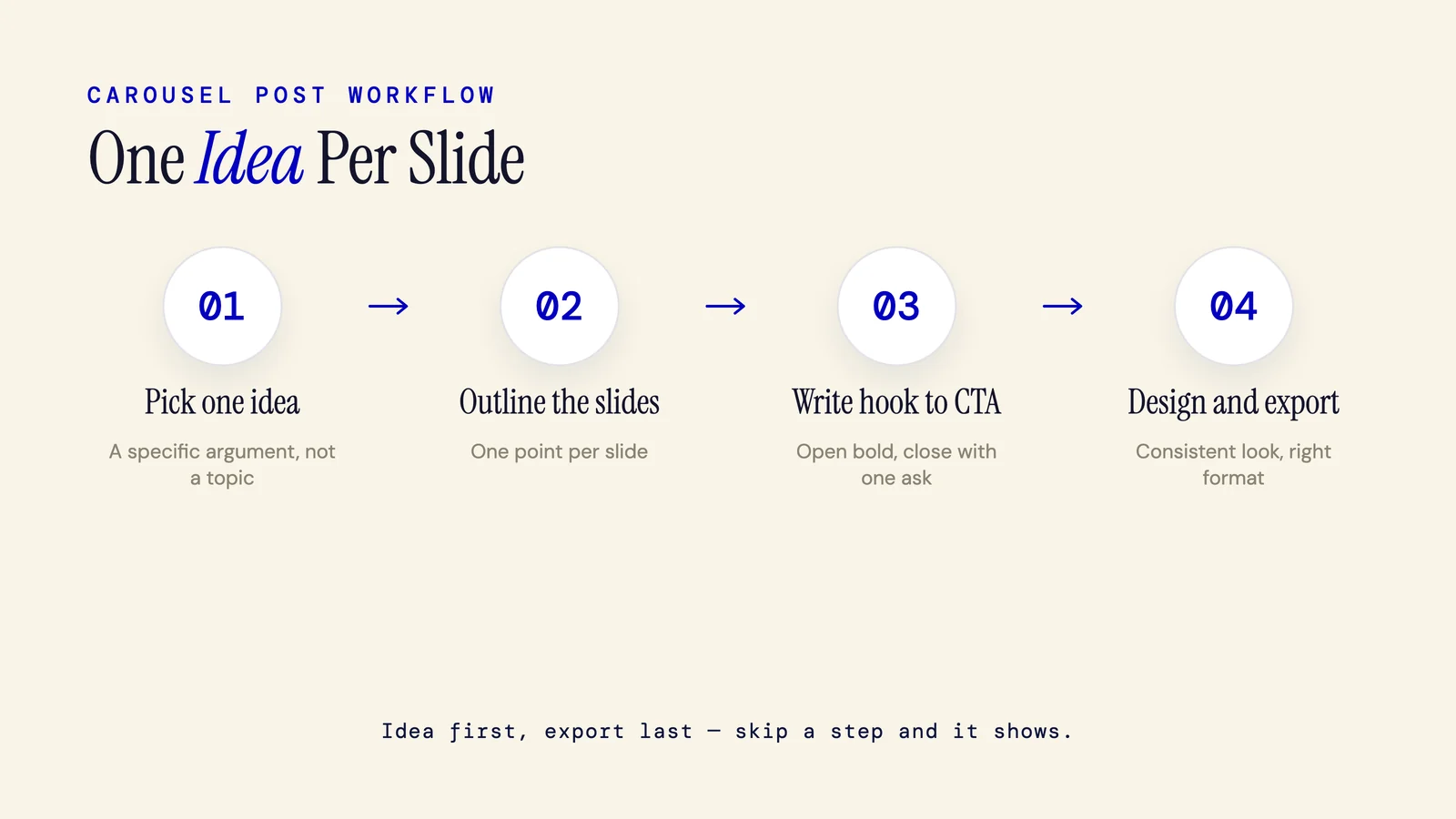
How to Make a Carousel Post (Any Platform, Step by Step)
To make a carousel post, you need one clear idea, one point per slide, a strong opening slide, a short closing call to action, and a consistent design. This guide walks through the full workflow from idea to published post, regardless of which platform you're targeting.
7 min read
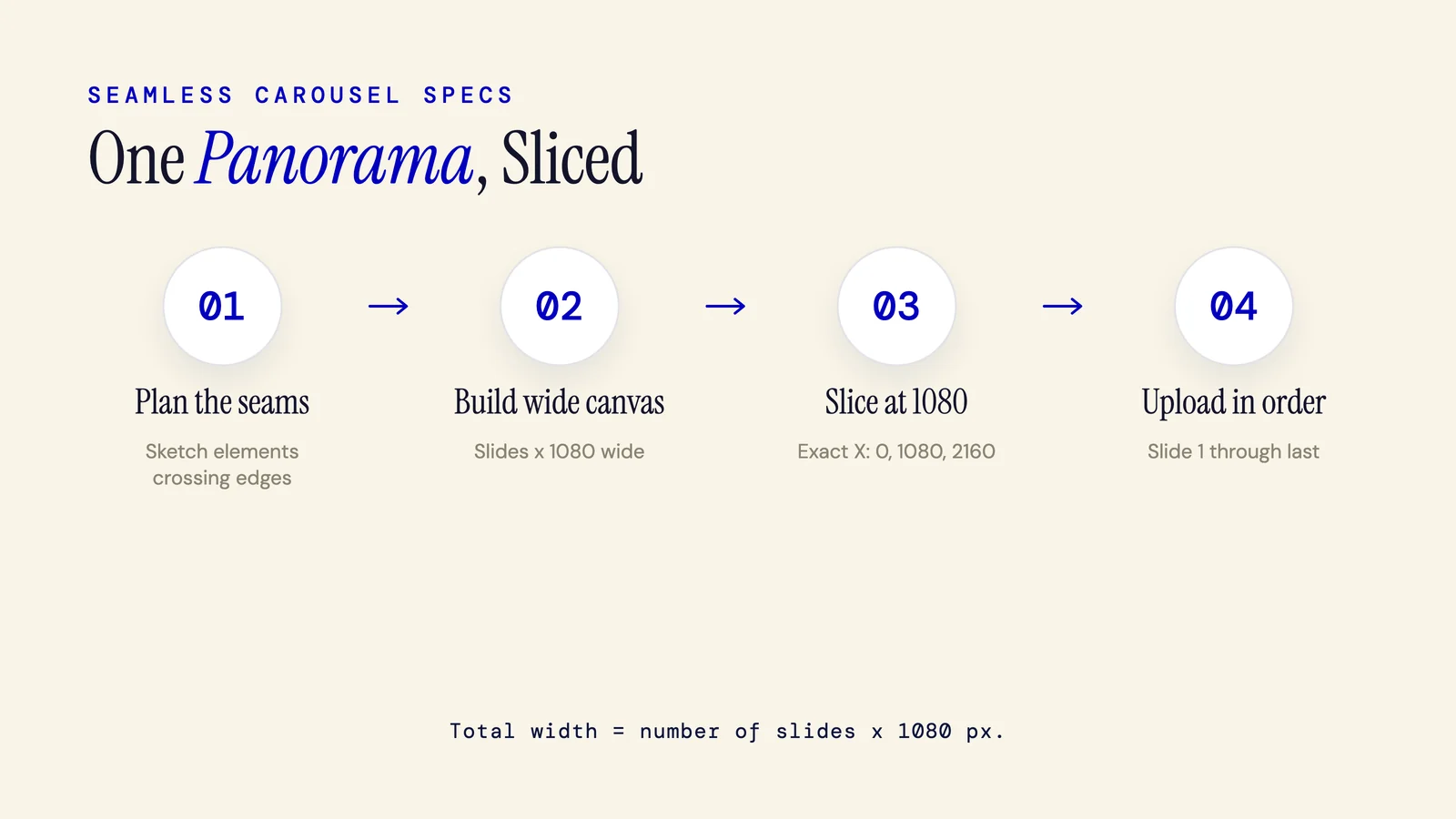
How to Make a Seamless Instagram Carousel (Step-by-Step)
A seamless Instagram carousel is a single wide image sliced into 1080-wide panels, so one continuous design flows across all your slides. This guide covers the exact canvas math, how to slice in Canva, Figma, and Photoshop, edge-lining tips, and the most common mistakes that break the illusion.
8 min read
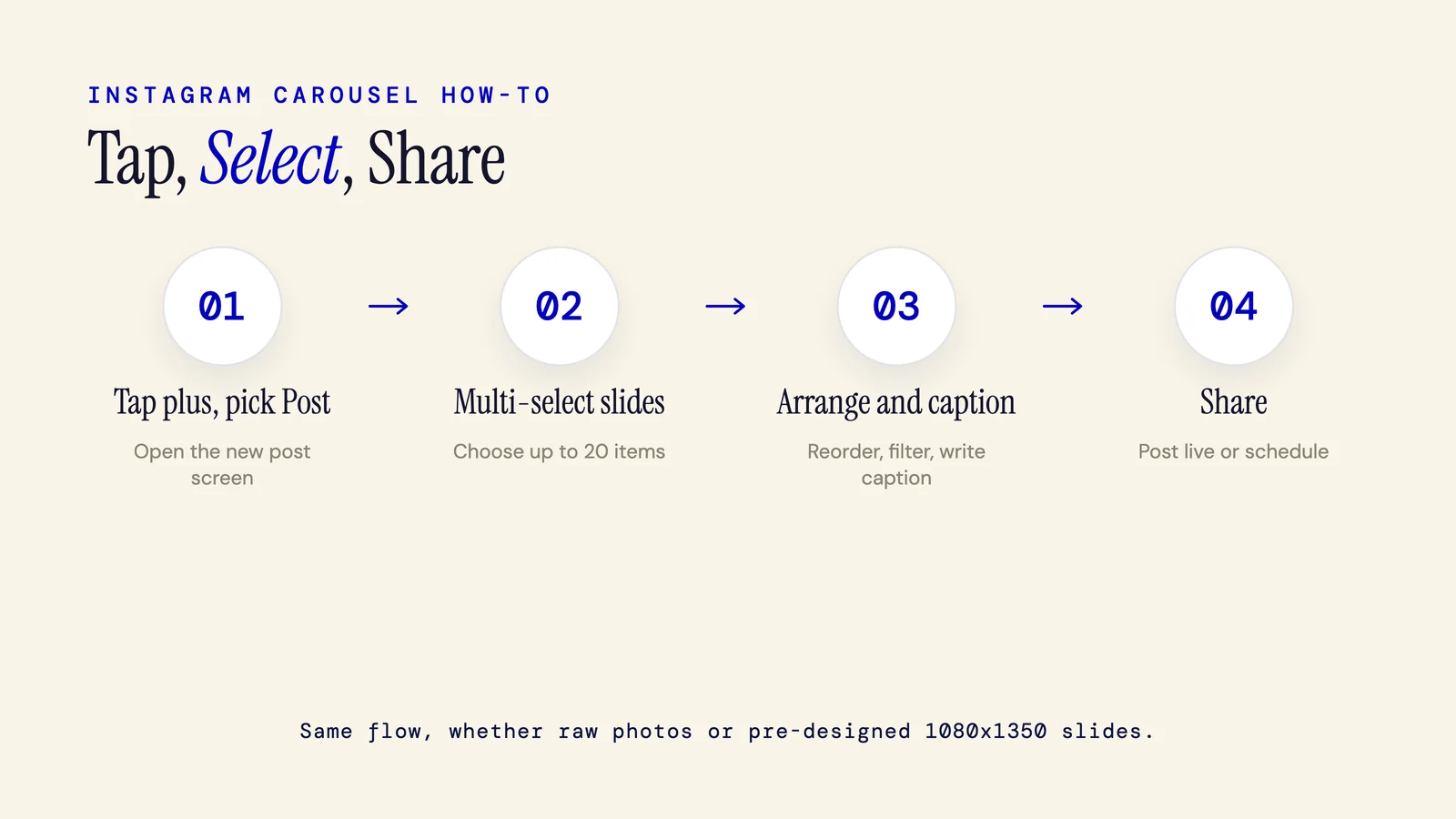
How to Make an Instagram Carousel (2026 Step-by-Step)
To make an Instagram carousel, tap the plus icon, select multiple photos or videos (up to 20), arrange them, write a caption, and share. Or design your slides first in a tool and upload the finished images. This post covers both paths with current specs.
7 min read
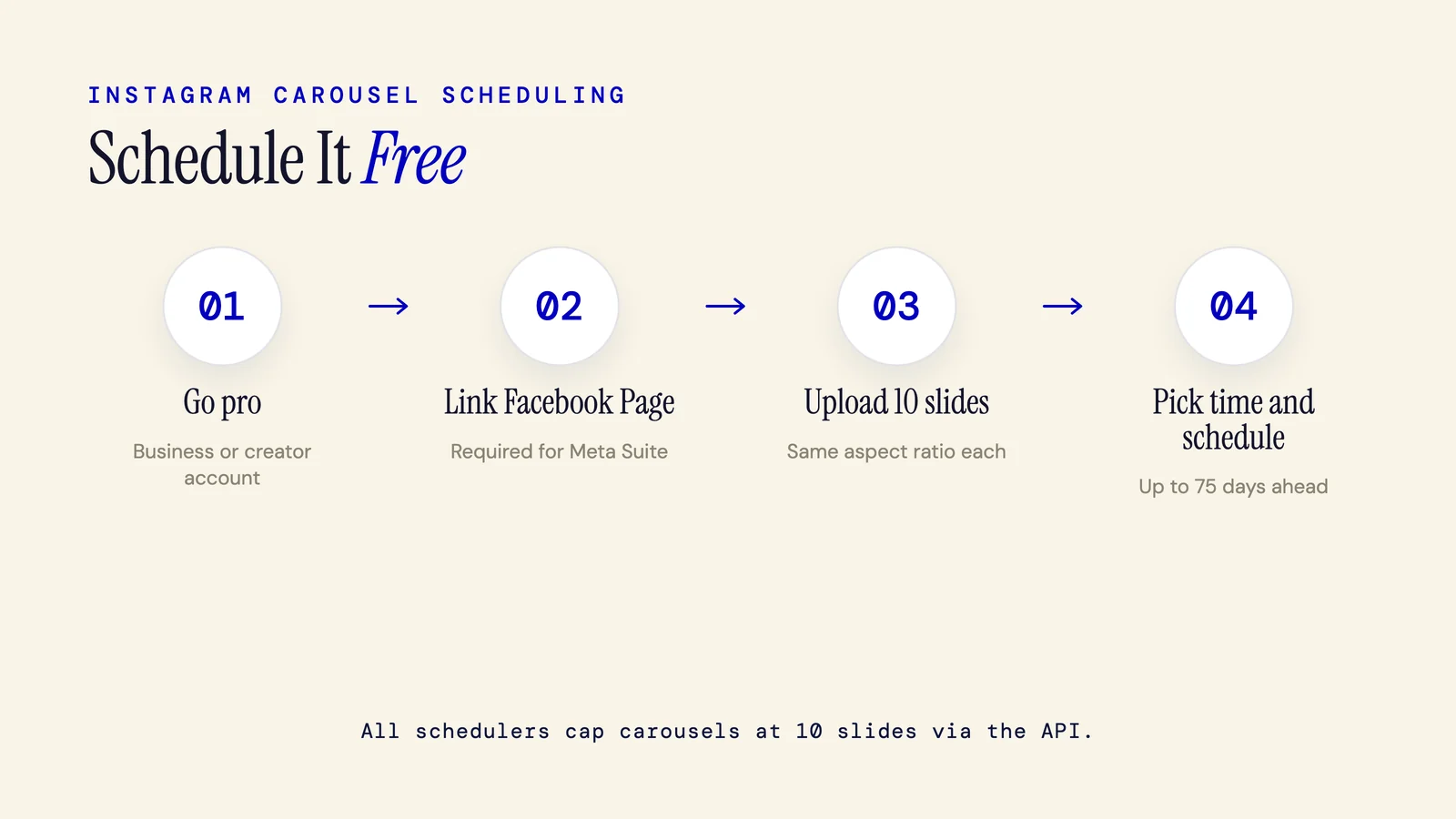
How to Schedule an Instagram Carousel (Free and Paid Methods)
You can schedule an Instagram carousel for free using Meta Business Suite on desktop. Third-party tools like Later, Buffer, and Metricool also support carousel auto-publishing. All schedulers cap at 10 slides due to Instagram's API, even though the native app allows 20.
7 min read
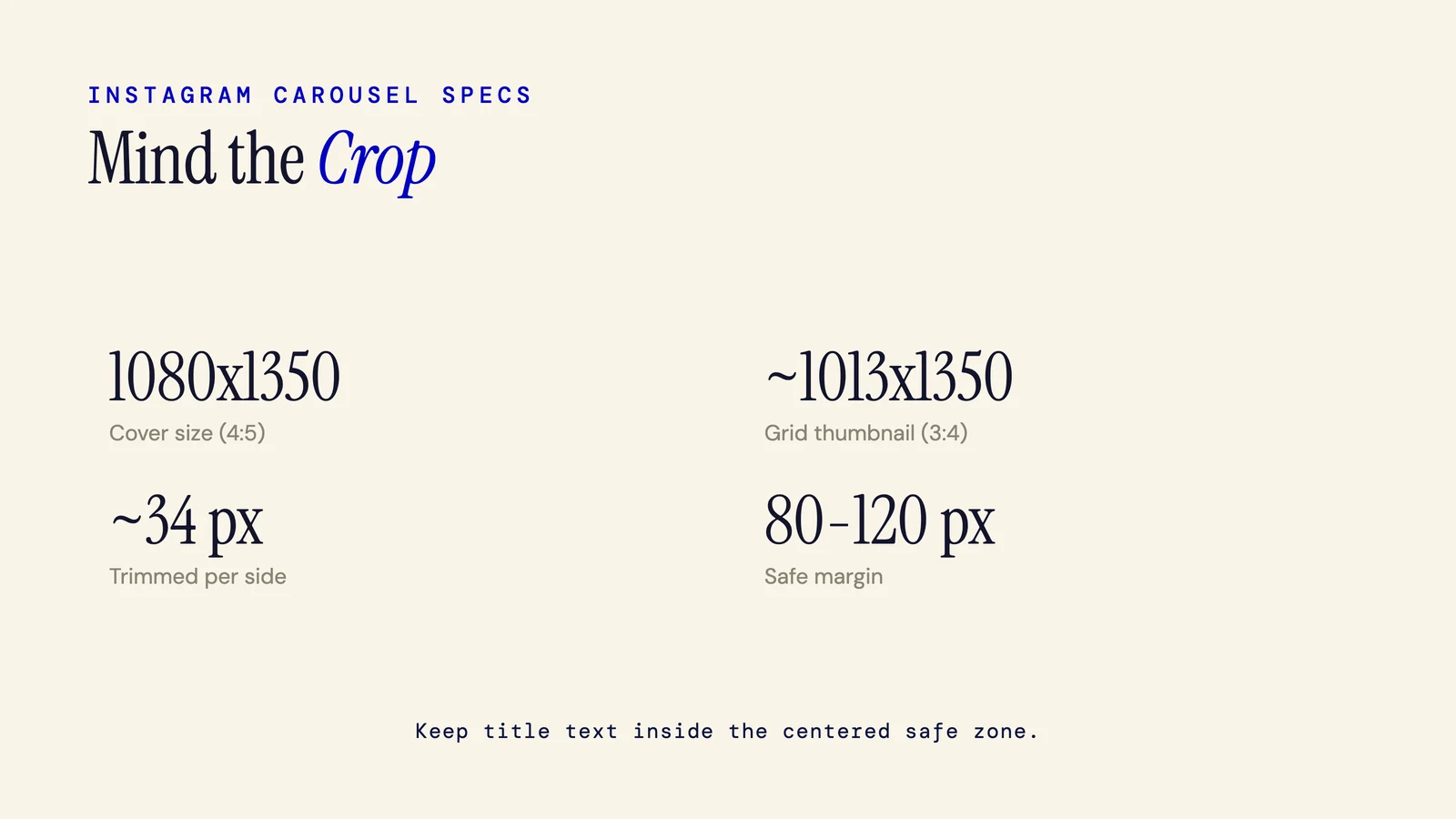
Instagram Carousel Cover Size: The Grid-Crop Safe Zone Guide (2026)
Instagram carousel covers are 1080x1350 px (4:5). But the profile grid crops to 3:4, trimming roughly 34 px from each side. Your title text needs to sit inside a centered safe zone or it disappears on the grid. Here's the exact math and how to design a cover that works in both views.
5 min read
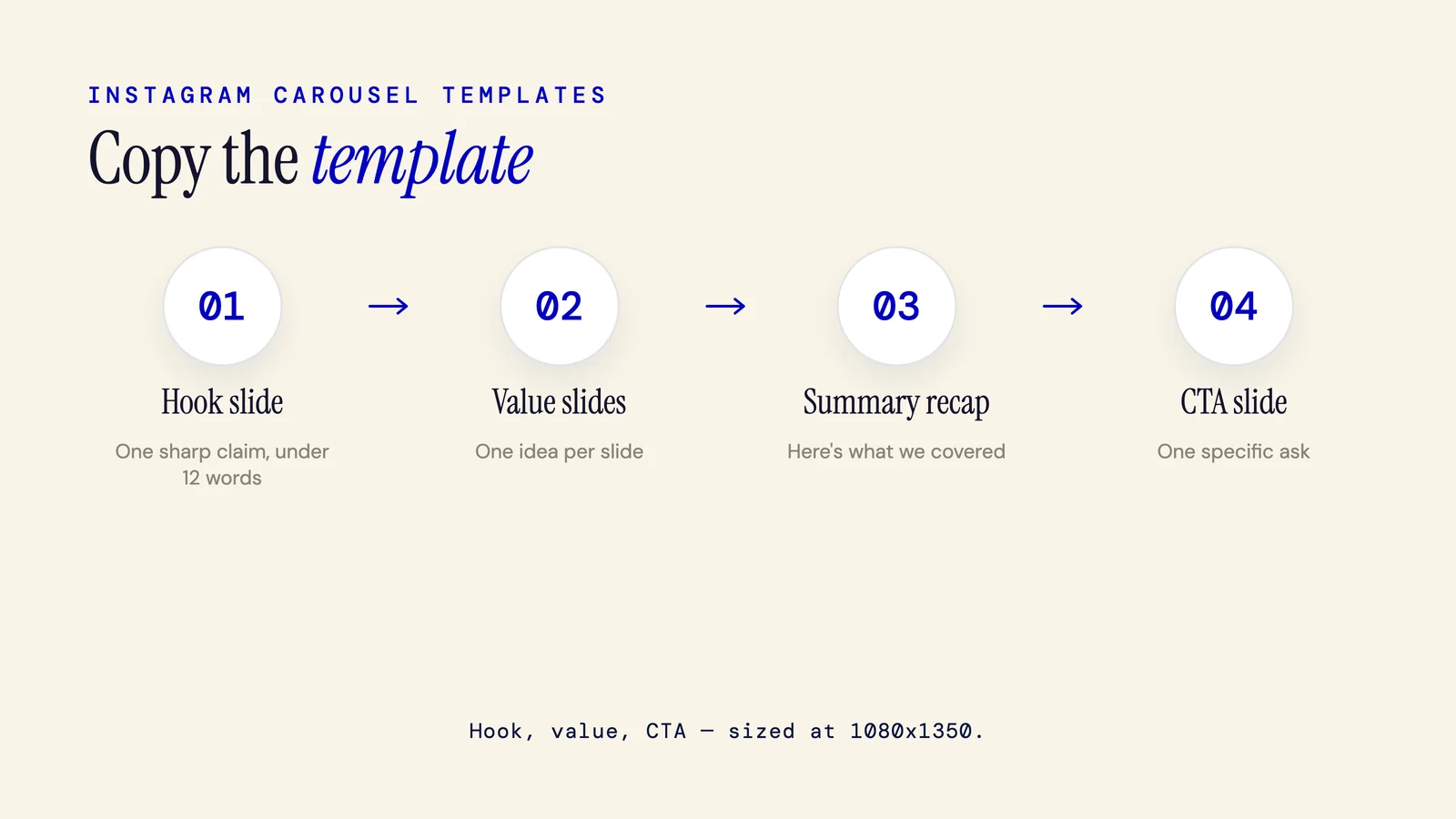
Instagram Carousel Templates: Where to Get Them and How to Use One
An Instagram carousel template is a pre-built slide layout set at the right dimensions (1080x1350 px) that you fill in with your own content. This guide covers where to find them, which size to use, and two structural templates you can copy for your next post.
7 min read
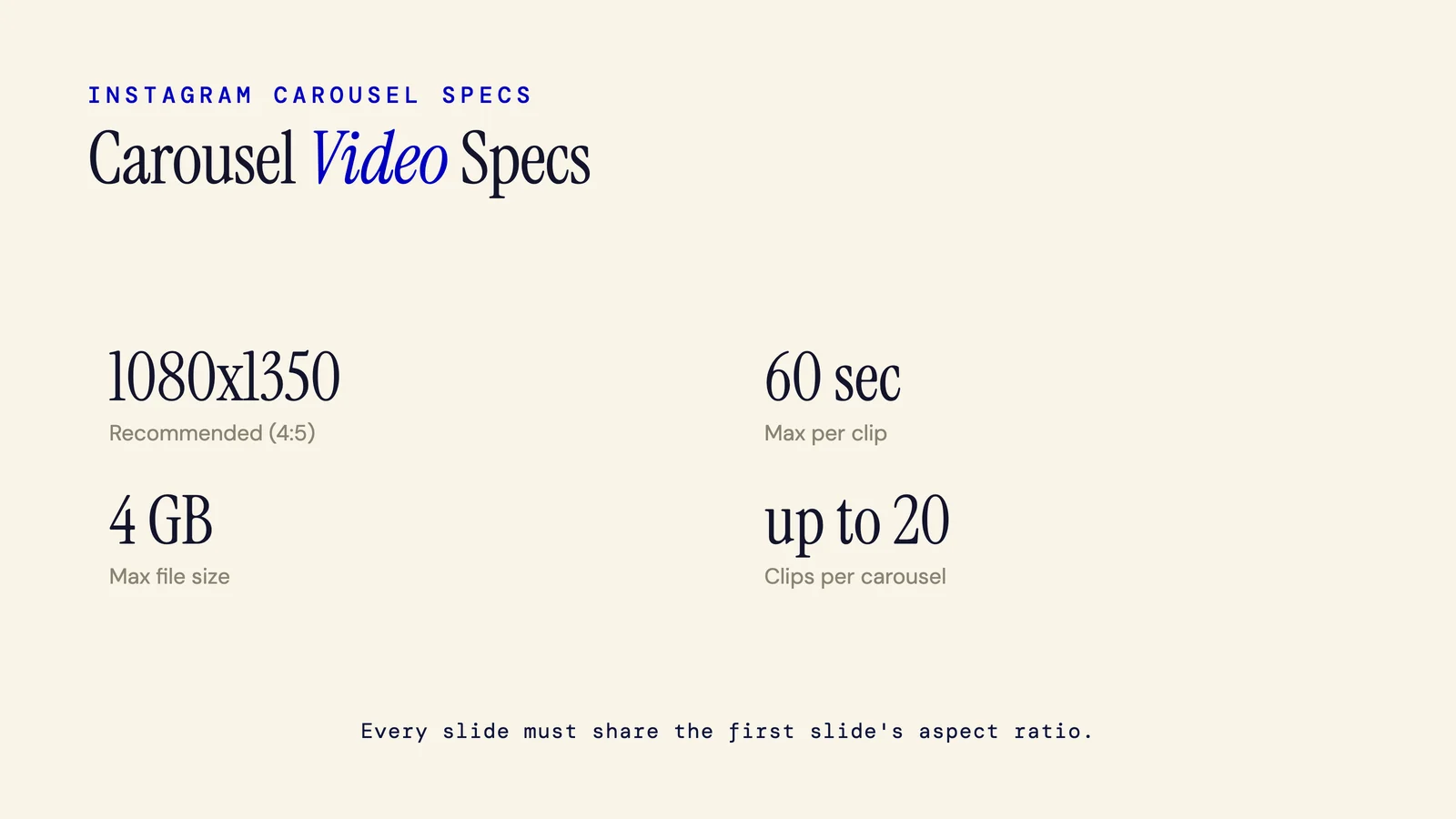
Instagram Carousel Video Size: Specs for Every Clip
Exact technical specs for video clips inside an Instagram carousel post: recommended resolution, accepted aspect ratios, max length per clip, MP4/MOV format, 4 GB file size cap, and frame rate. A quick reference you can bookmark.
4 min read
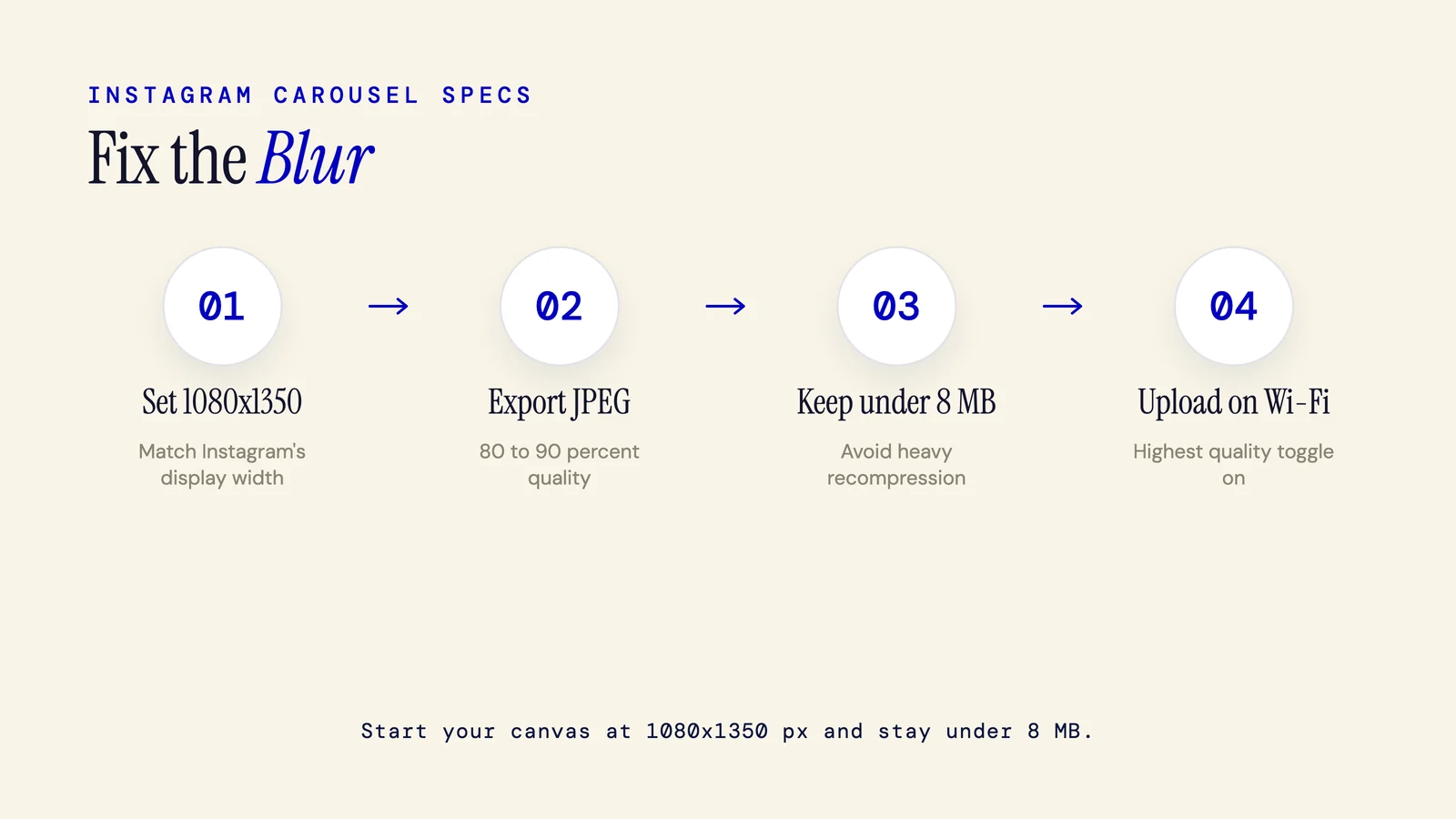
Why Is My Instagram Carousel Blurry? (Causes and Fixes)
The most common reason your Instagram carousel looks blurry is uploading slides at the wrong resolution. Instagram expects 1080x1350 px for portrait carousels. Anything smaller gets upscaled and anything oversized gets compressed. This guide covers every cause and the fix for each.
7 min read
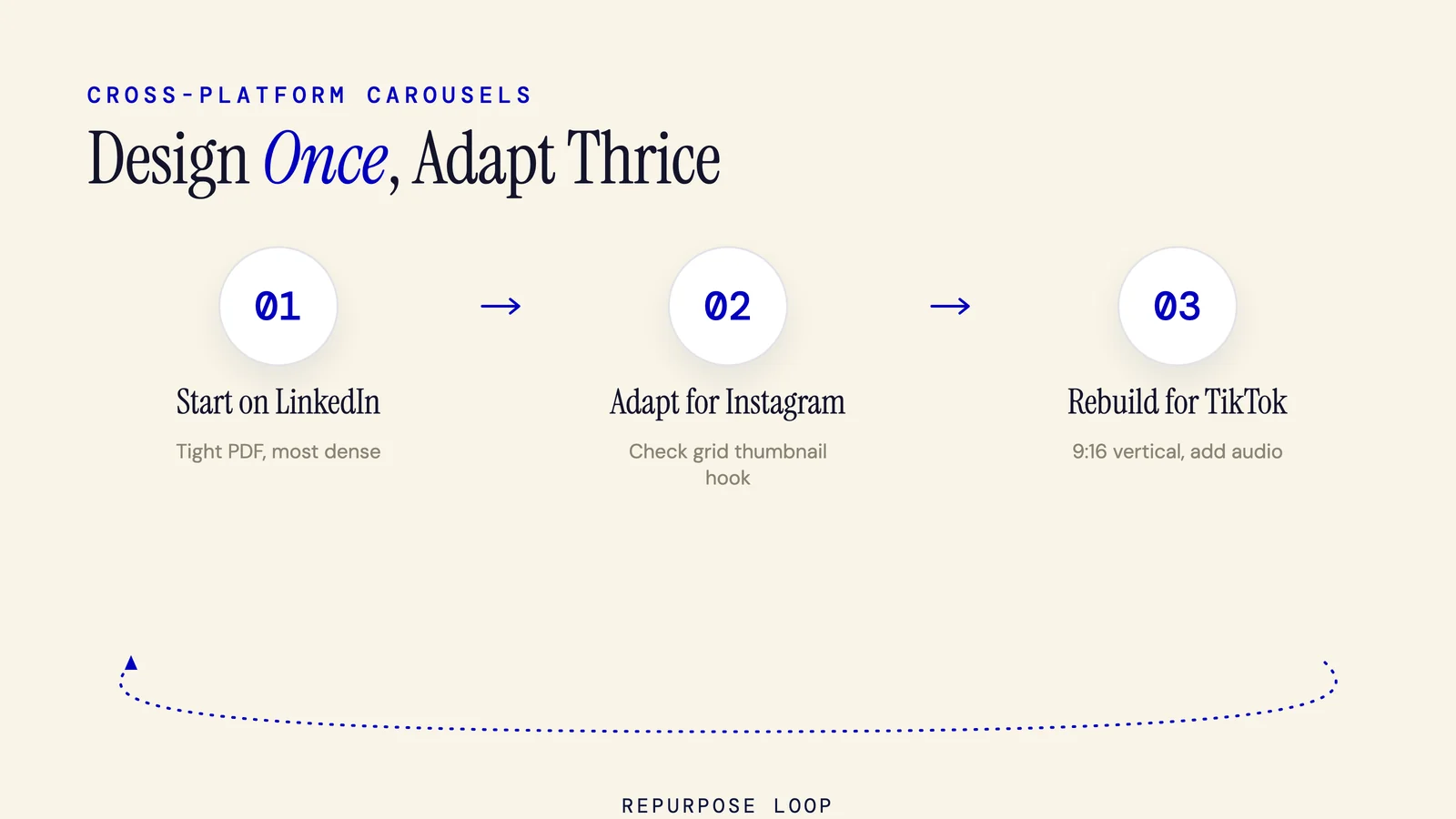
Social Media Carousels: The 2026 Cross-Platform Guide
The only truly cross-platform carousel guide, Instagram, LinkedIn, and TikTok covered with equal depth, from specs and slide counts to algorithms, content types, and repurposing.
18 min read
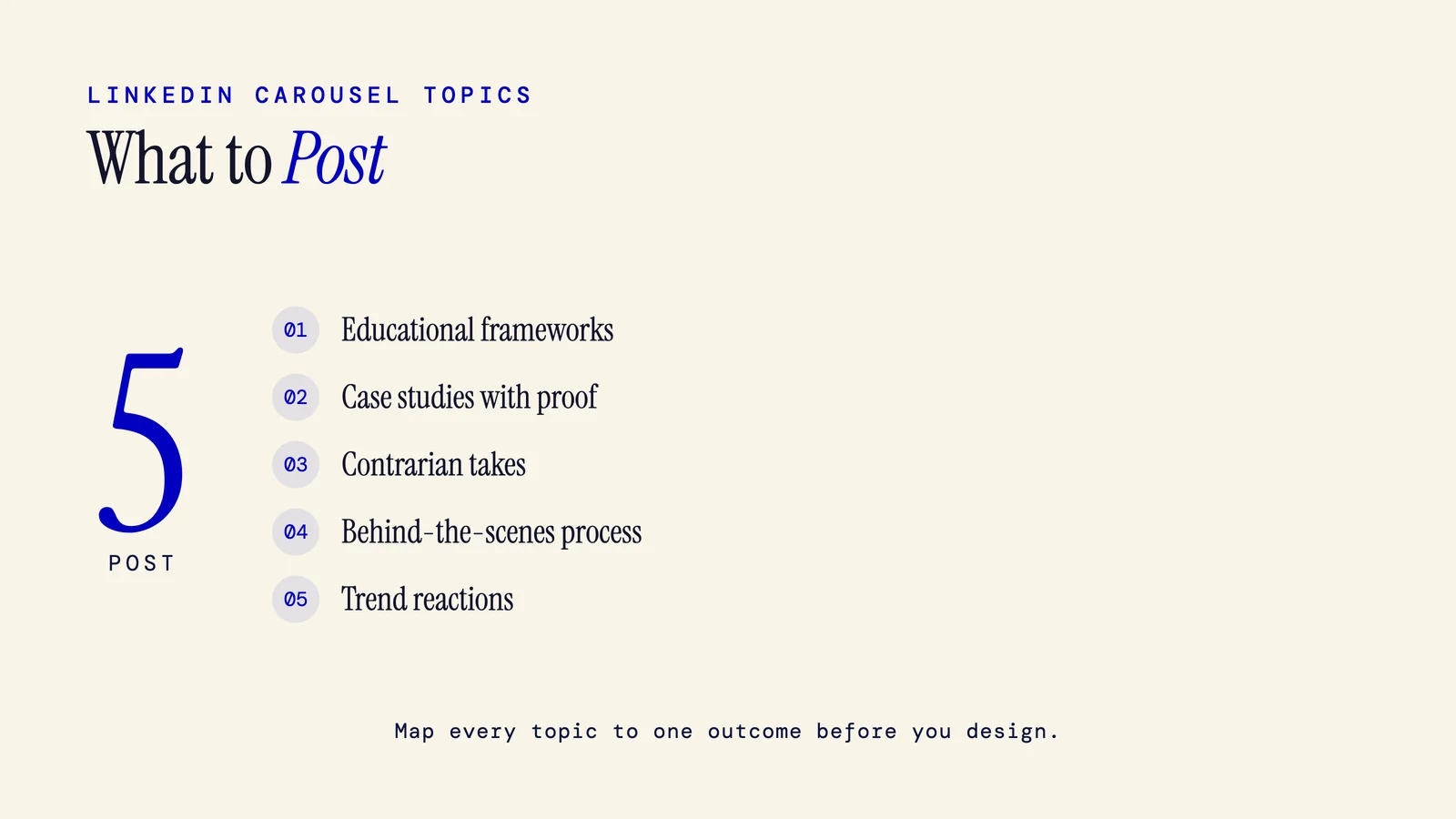
What to Post on a LinkedIn Carousel: A Topic Framework
Stop guessing what to post on a LinkedIn carousel. A decision framework for choosing topics by audience, funnel stage, and monthly rotation, plus what to avoid.
10 min read
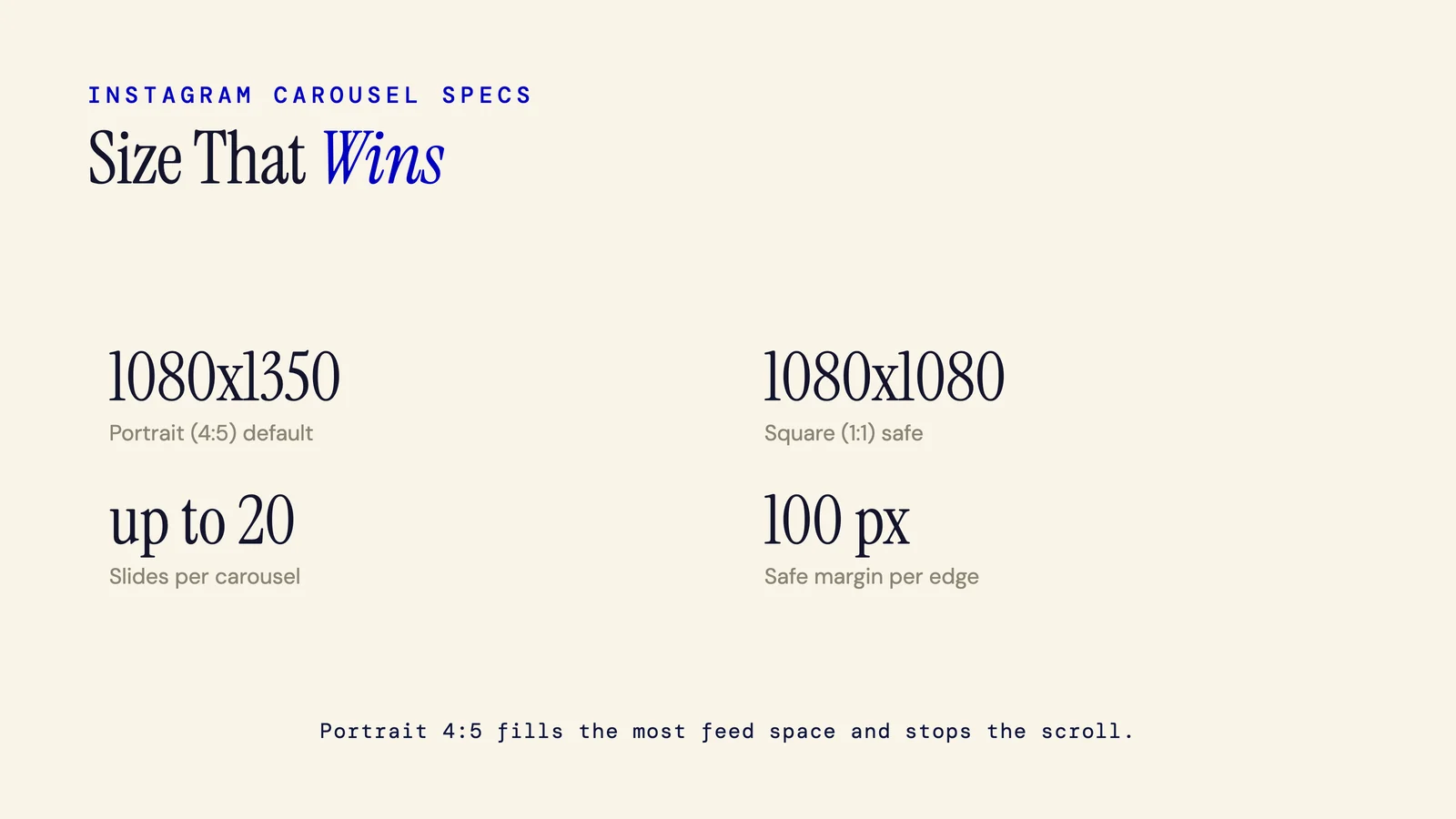
Instagram Carousel Size: The Exact Dimensions (2026)
The exact pixel dimensions and aspect ratios for Instagram carousels, with a copy-paste reference table.
5 min read

12 TikTok Photo Carousel Ideas That Get Swipes
TikTok photo carousel ideas built for photo mode, swipe-reveals, photo dumps, 35-slide essays, plus the audio and For You tactics that drive completion.
11 min read
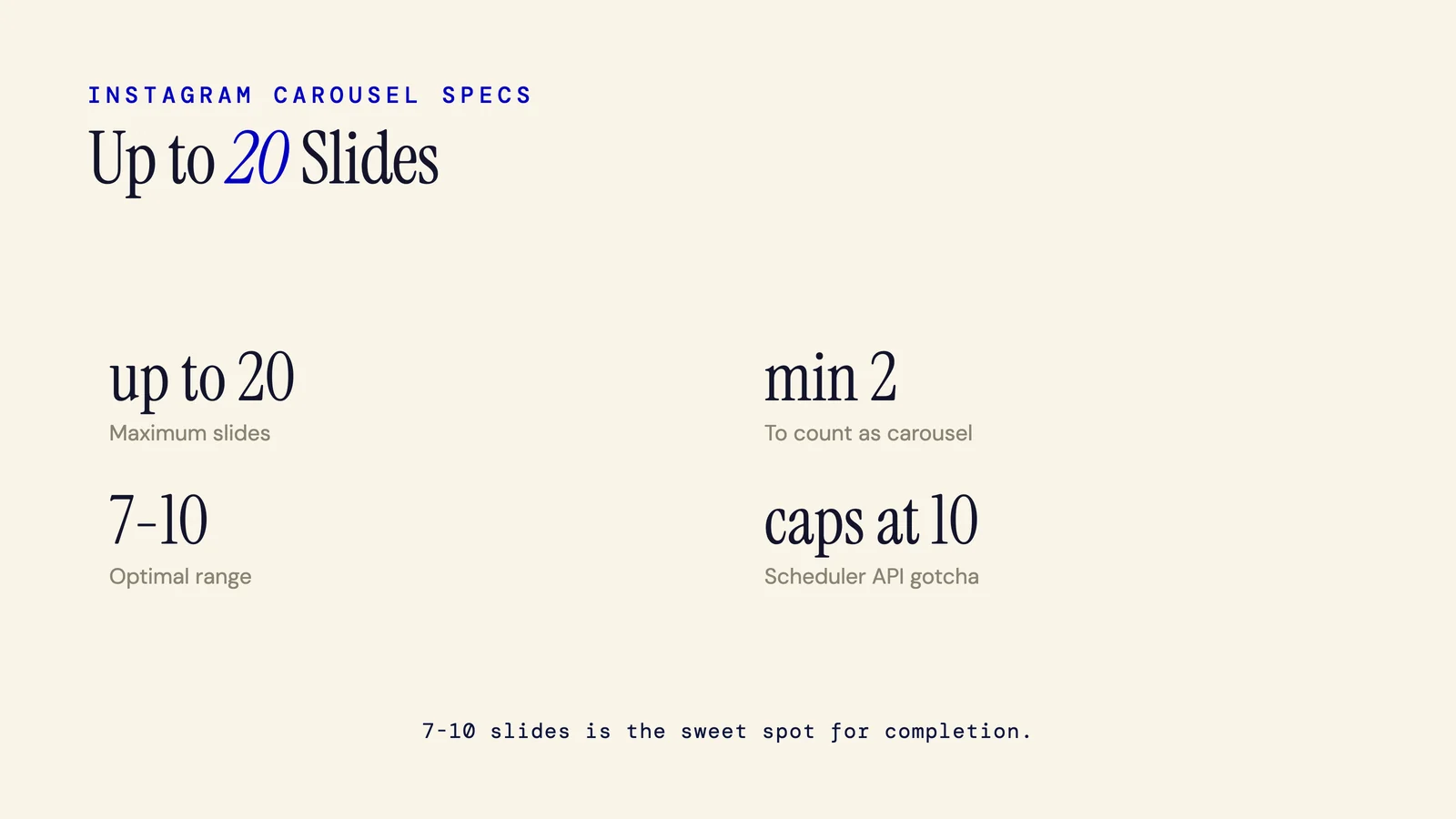
How Many Slides in an Instagram Carousel? (2026)
Instagram carousels allow up to 20 slides and require a minimum of 2. Here's what changed in 2024, why the 7 to 10 range works, and the scheduling gotcha most people hit.
5 min read
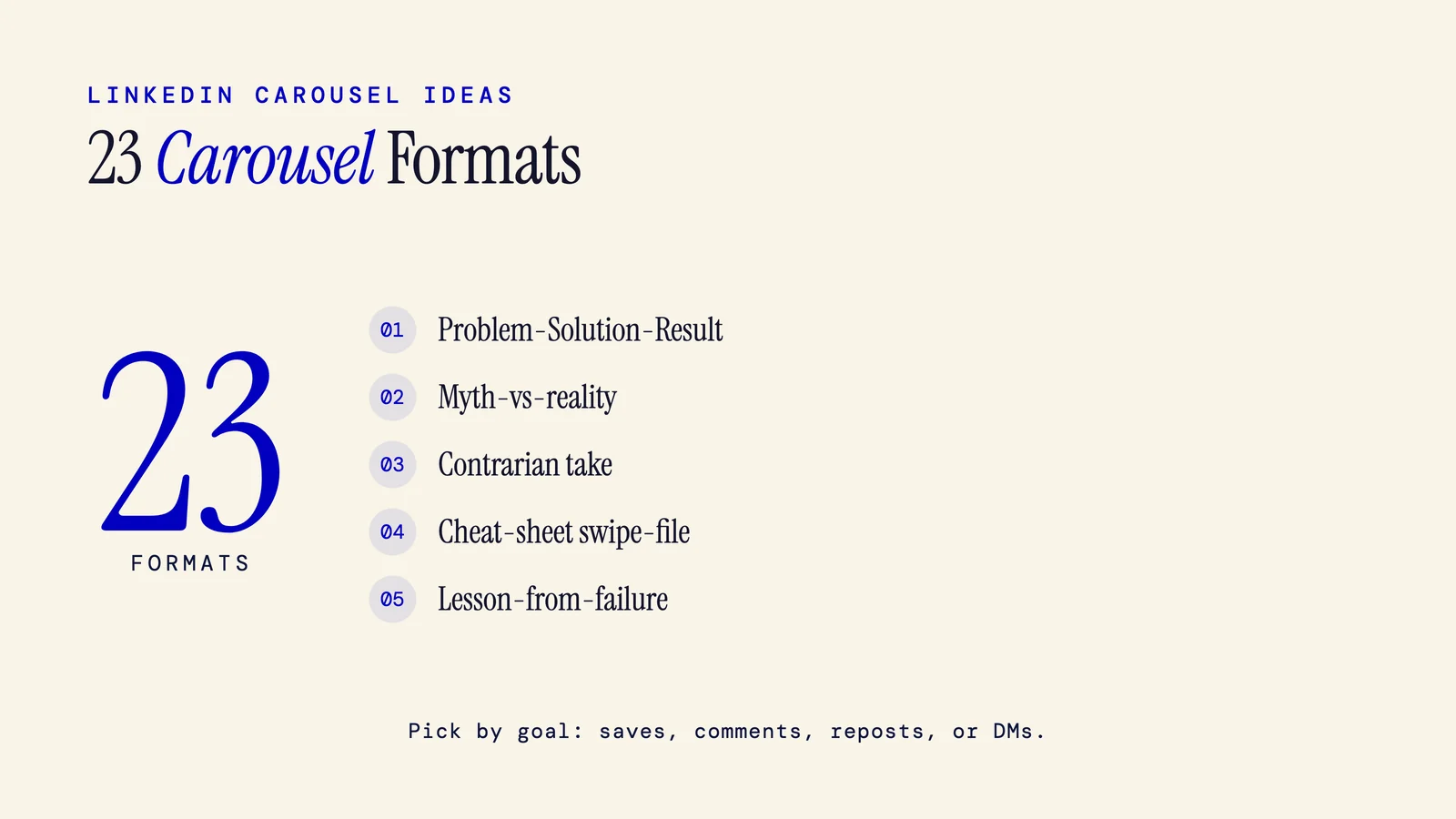
23 LinkedIn Carousel Ideas (With Real Examples)
A field guide to the repeatable LinkedIn carousel formats that earn saves, comments, reposts, and DMs, with real example post titles for each one.
10 min read
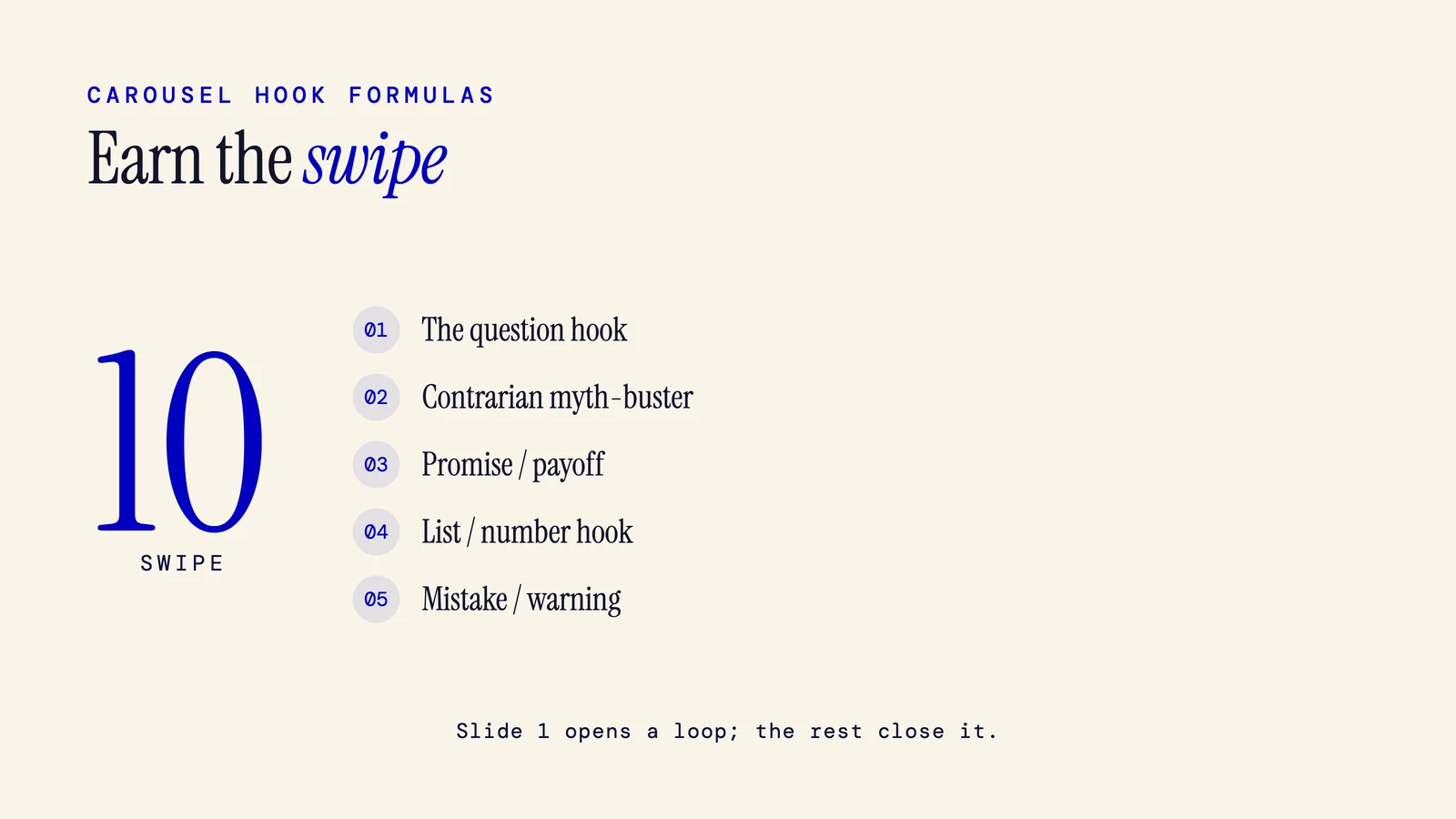
20+ Carousel Hook Ideas (Formulas + Examples)
A bank of carousel hook formulas, each with a fill-in-the-blank pattern, real example openers, and platform-specific rewrites for LinkedIn, Instagram, and TikTok.
9 min read
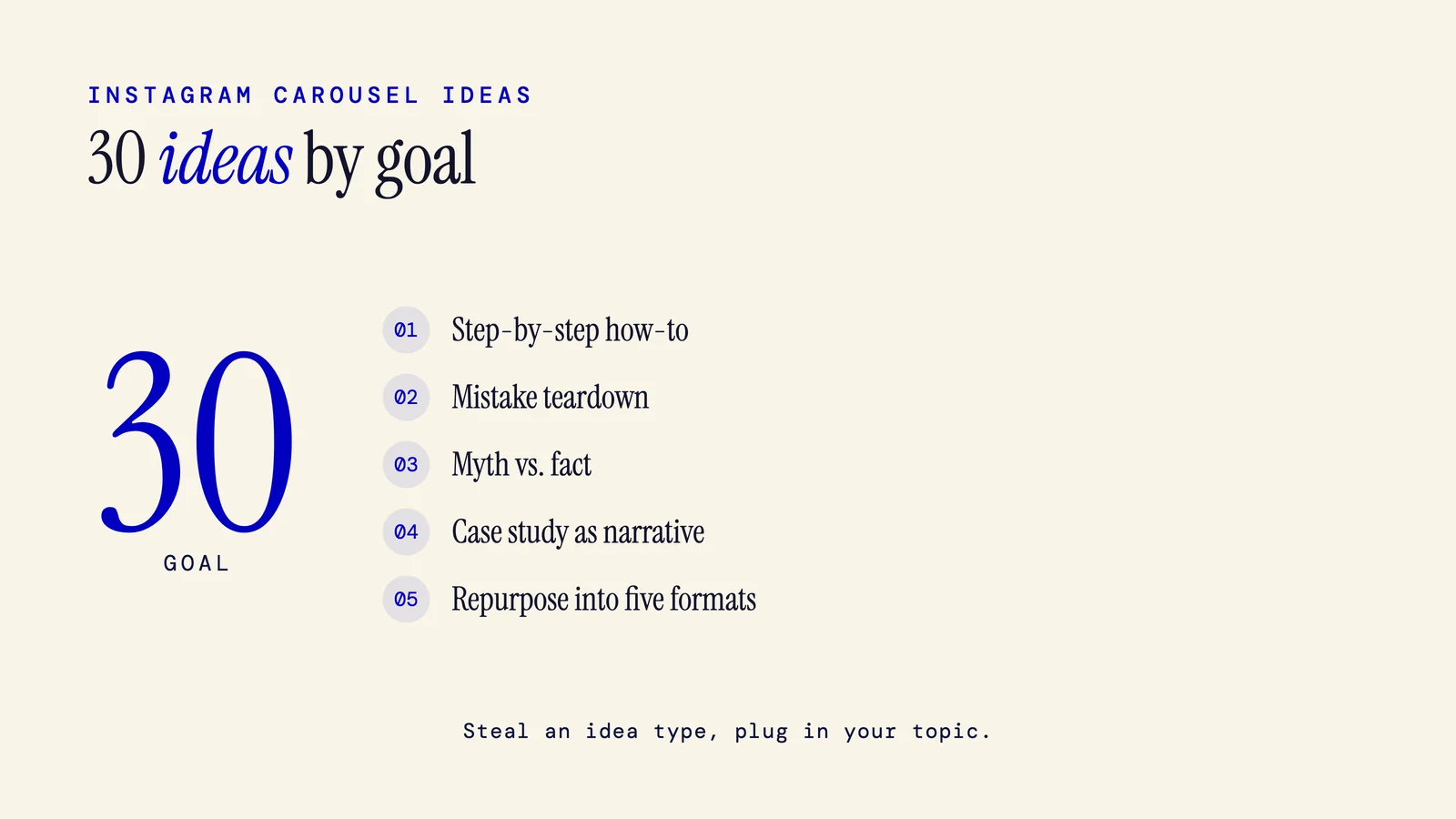
30+ Instagram Carousel Ideas (With Examples)
A grouped idea bank of 30+ Instagram carousel ideas, each with a concrete example title and the niche it fits. Goes beyond recycled lists into B2B/SaaS, series, lead-magnets, and repurposing.
11 min read
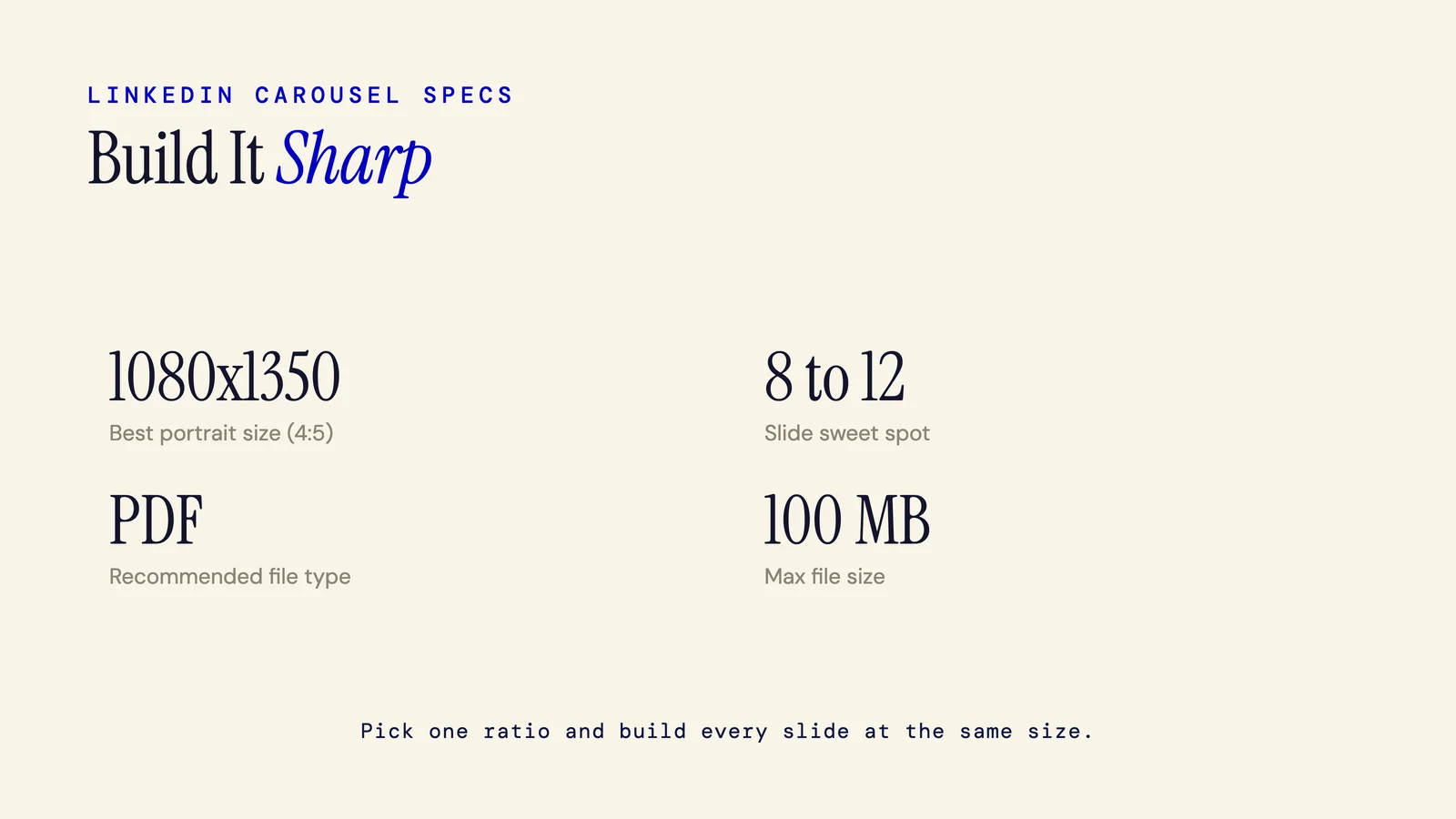
LinkedIn Carousel Dimensions: The 2026 Spec Guide
Exact LinkedIn carousel dimensions for 2026, with the organic-vs-ads difference and the mobile cropping rule most guides miss.
4 min read
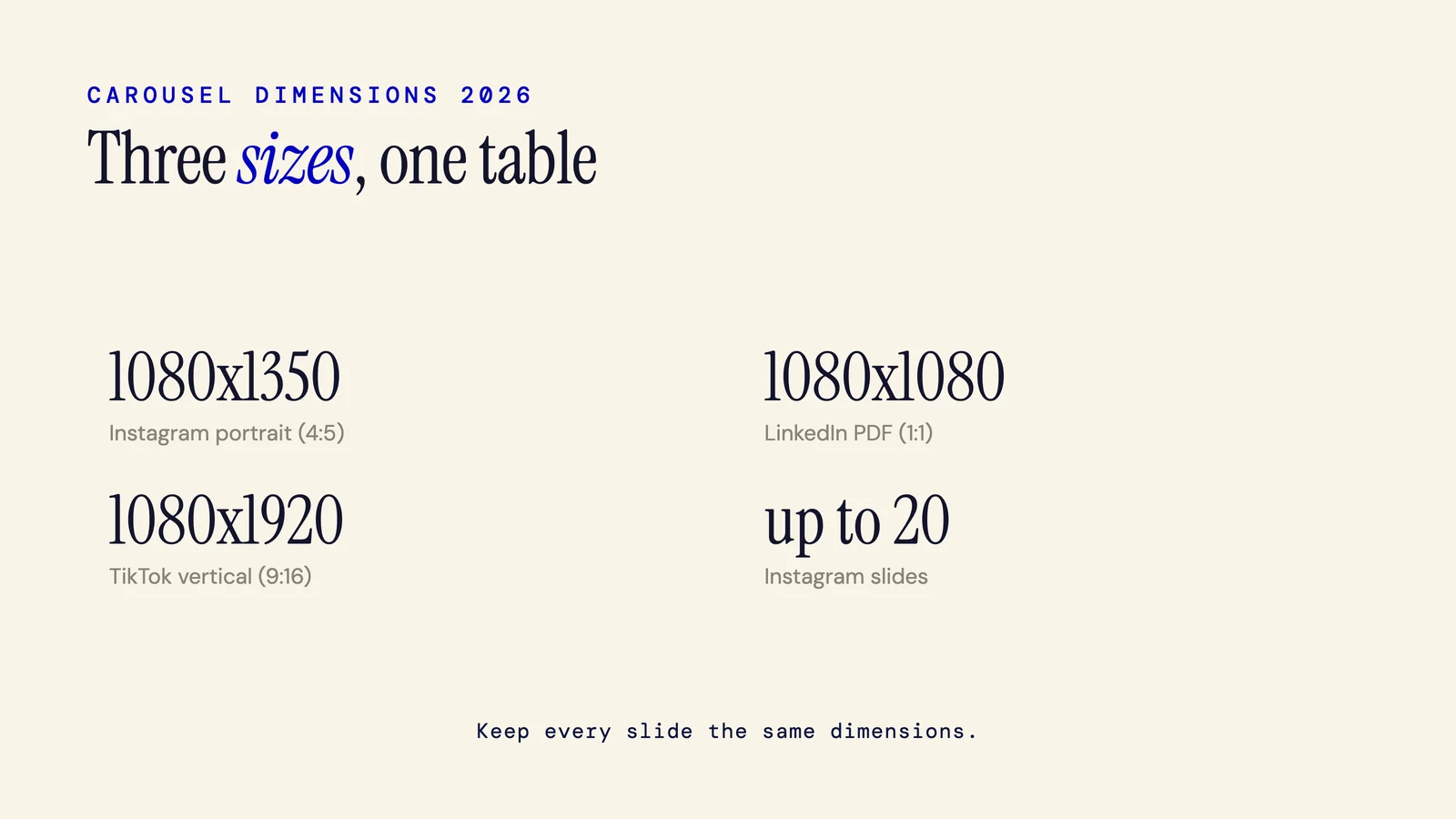
Carousel Dimensions 2026: Sizes for IG, LinkedIn, TikTok
The current carousel dimensions for 2026, all in one place. Instagram, LinkedIn, and TikTok specs plus a reference table so you can start designing right away.
4 min read
Carousel Image Size for Every Platform (2026 Table)
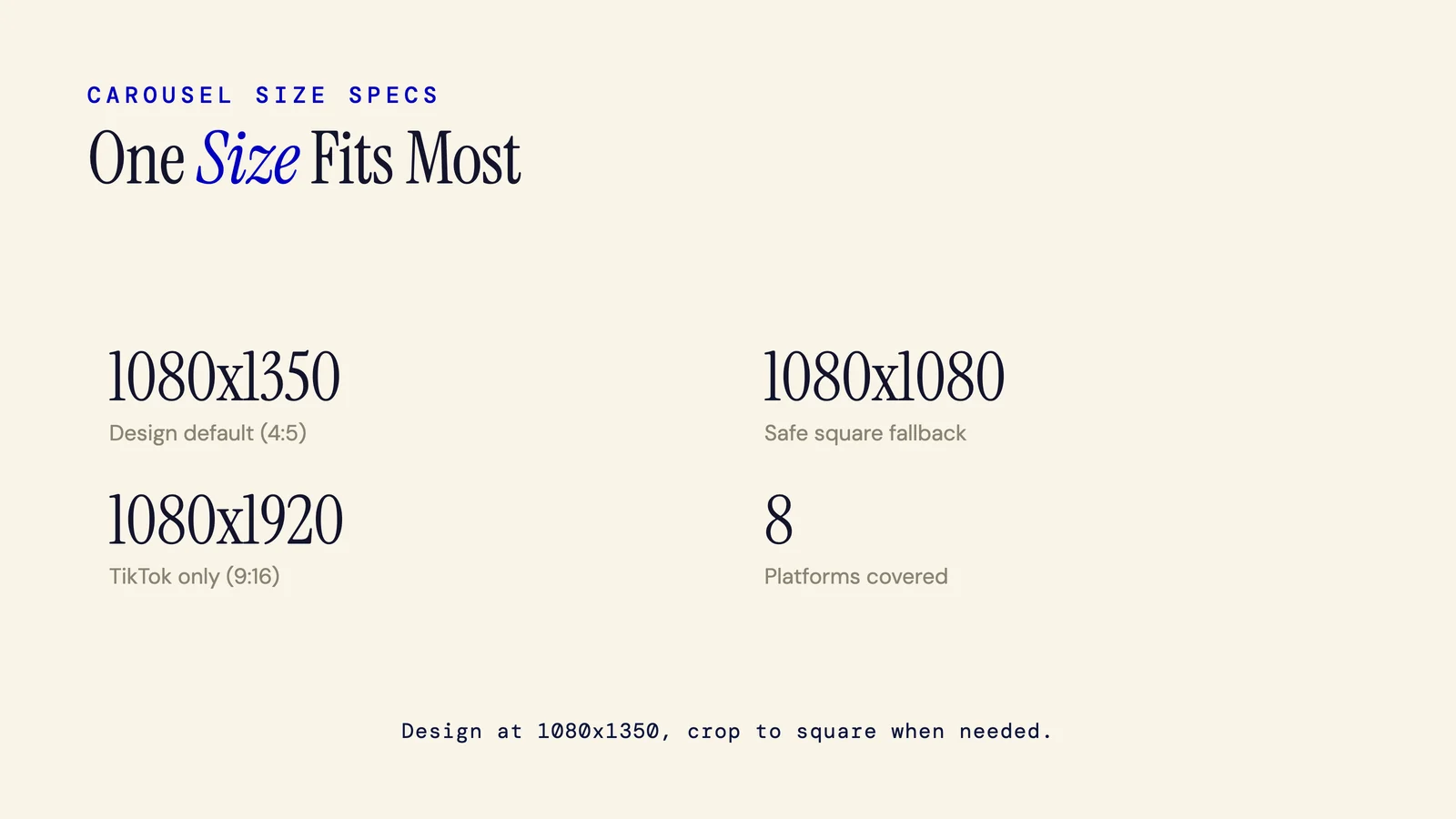
The single reference for carousel image sizes across all major platforms. Recommended pixels, aspect ratios, and slide limits for eight platforms, plus the one universal size to design at.
4 min read
Carousel Post Examples: Annotated Breakdowns by Platform
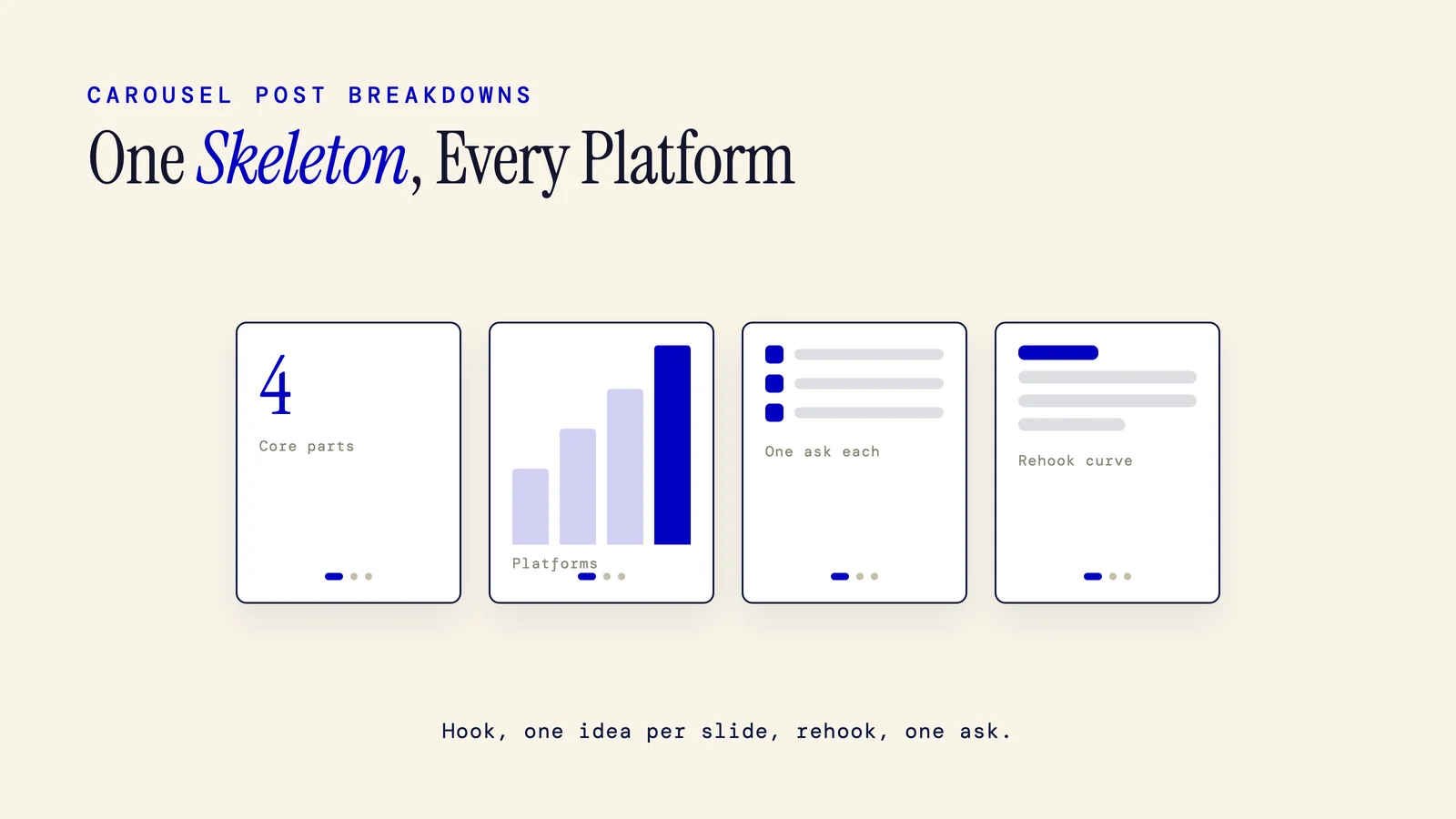
Every strong carousel post example shares the same skeleton: a hook that makes the swipe feel mandatory, one idea per middle slide, and a single clear CTA. Annotated breakdowns across Instagram, LinkedIn, and TikTok.
8 min read
Best Carousel Maker App: Editors vs AI Generators
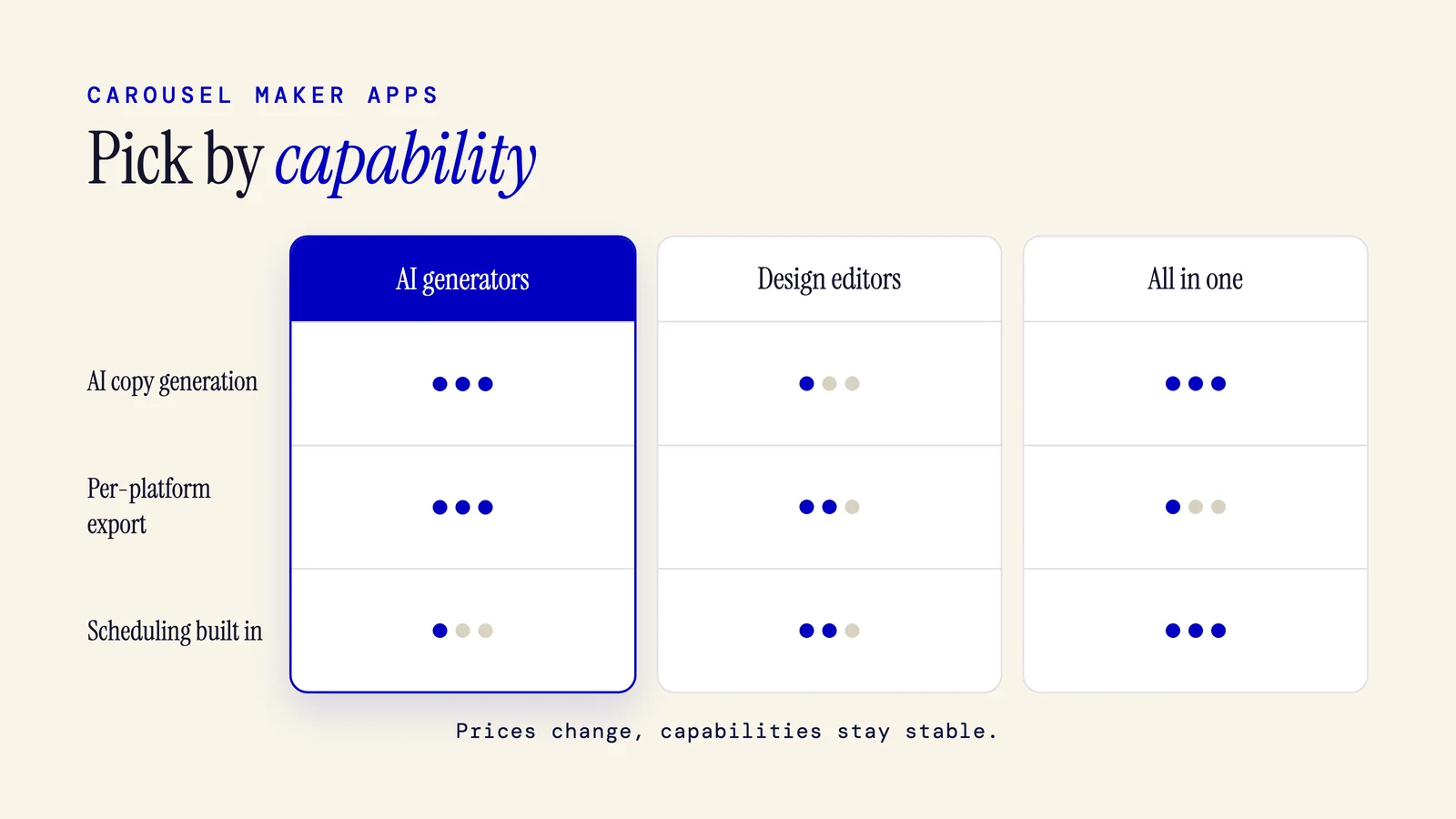
Design editors, AI generators, and all in one platforms each solve a different problem. This roundup compares real tools by capability so you can match the right one to your workflow.
7 min read
Canva Alternative for Carousels: Tools Compared
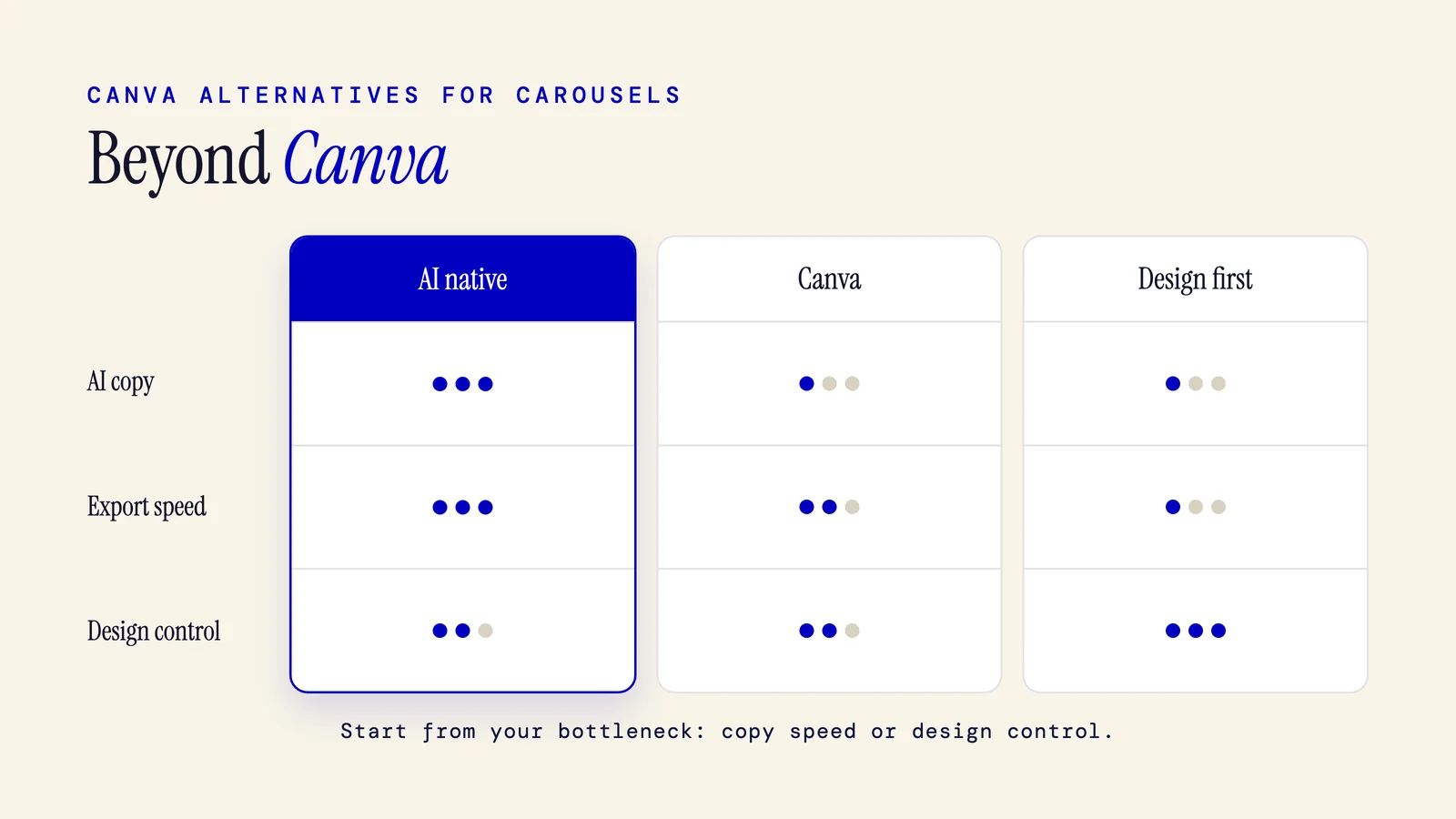
Canva is great general design software. But for repeatable carousels, many creators hit friction it was never built to solve. Here is what to use instead.
7 min read
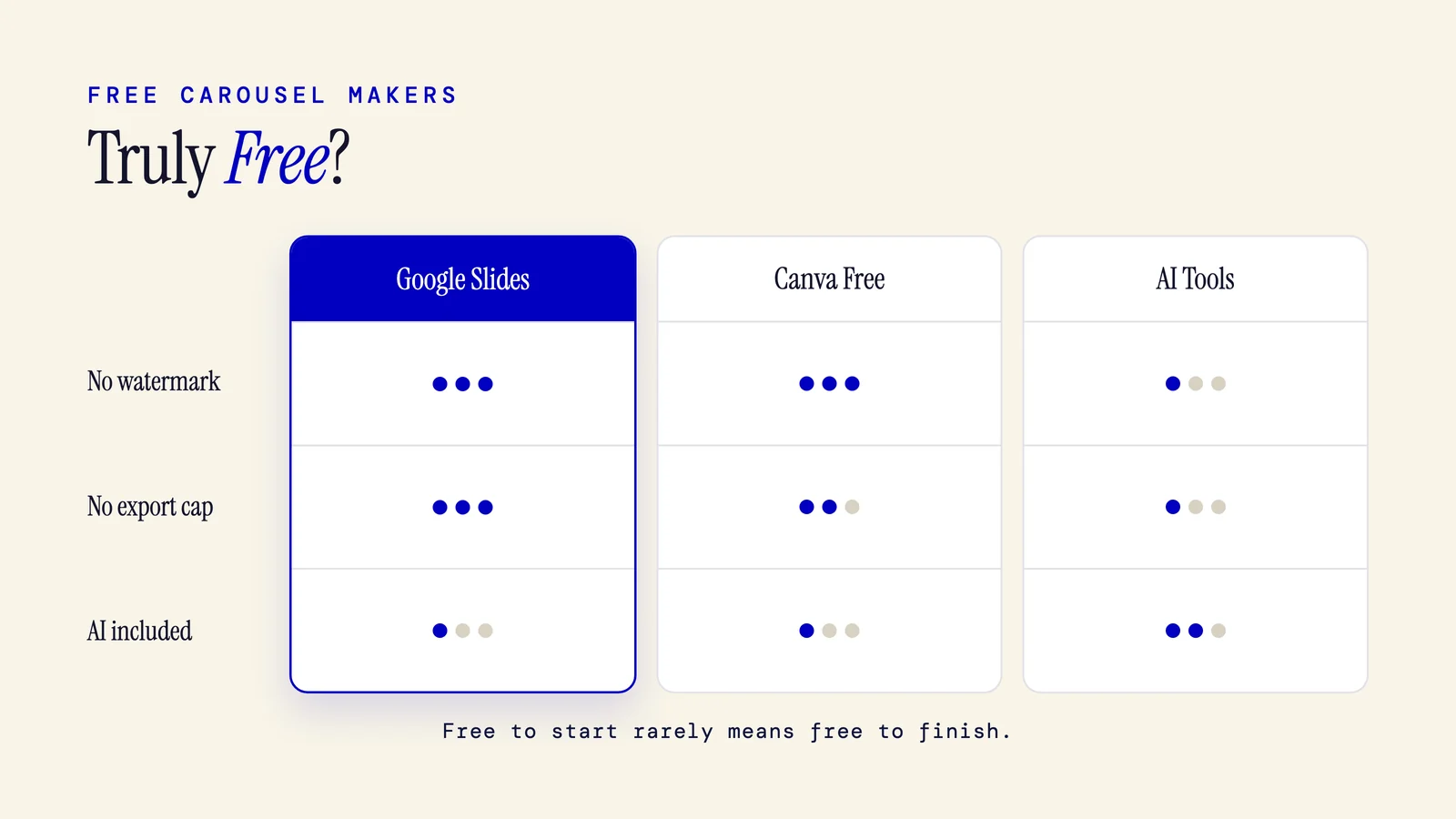
Free Carousel Maker: What's Truly Free (No Bait)
Most free carousel makers are free to start, not free to finish. Here is what actually costs nothing and where the walls appear.
7 min read
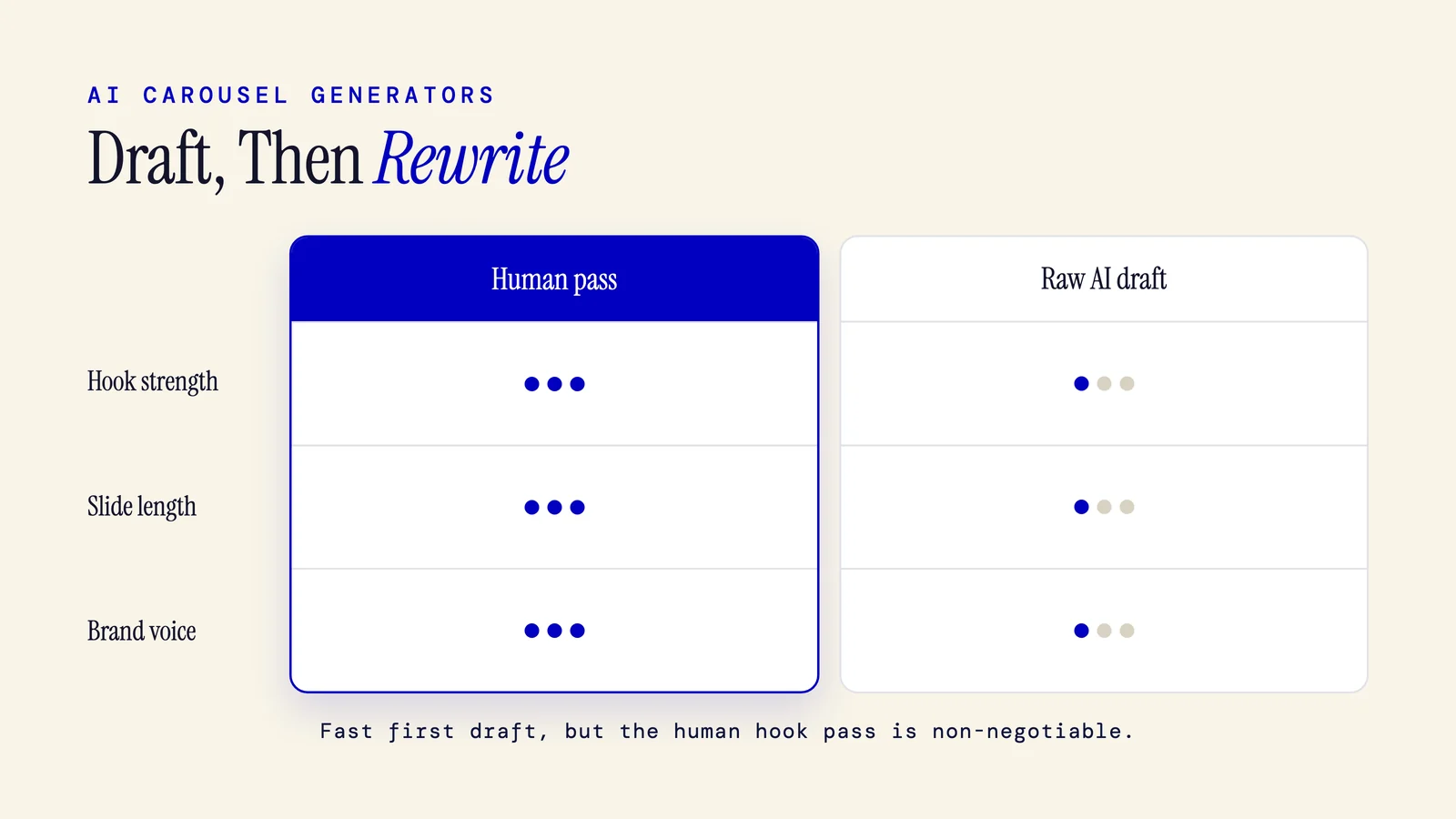
AI Carousel Generator: How They Work + The Real Tools
An AI carousel generator turns a prompt, URL, or PDF into a multi slide carousel. Here is how they work, which tools to know, and why the output still needs a human pass.
6 min read
Platform Growth
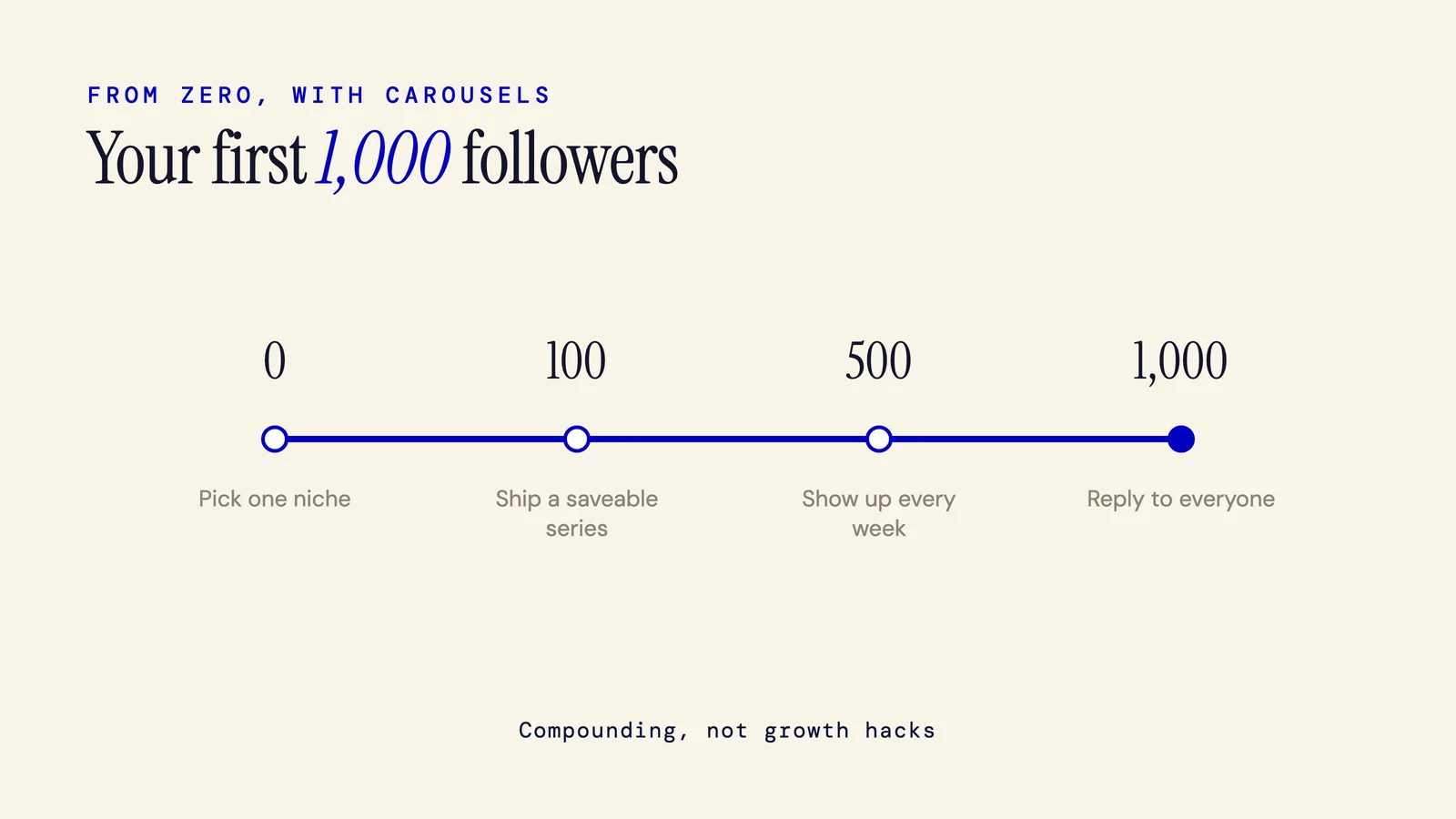
How to Get Your First 1000 Followers With Carousels
Getting your first 1000 followers with carousels comes down to five habits: pick one narrow niche, build a repeatable format, make every post worth saving, post 3 to 5 times a week, and reply to comments early. No bots, no gimmicks, just useful content posted often.
6 min read
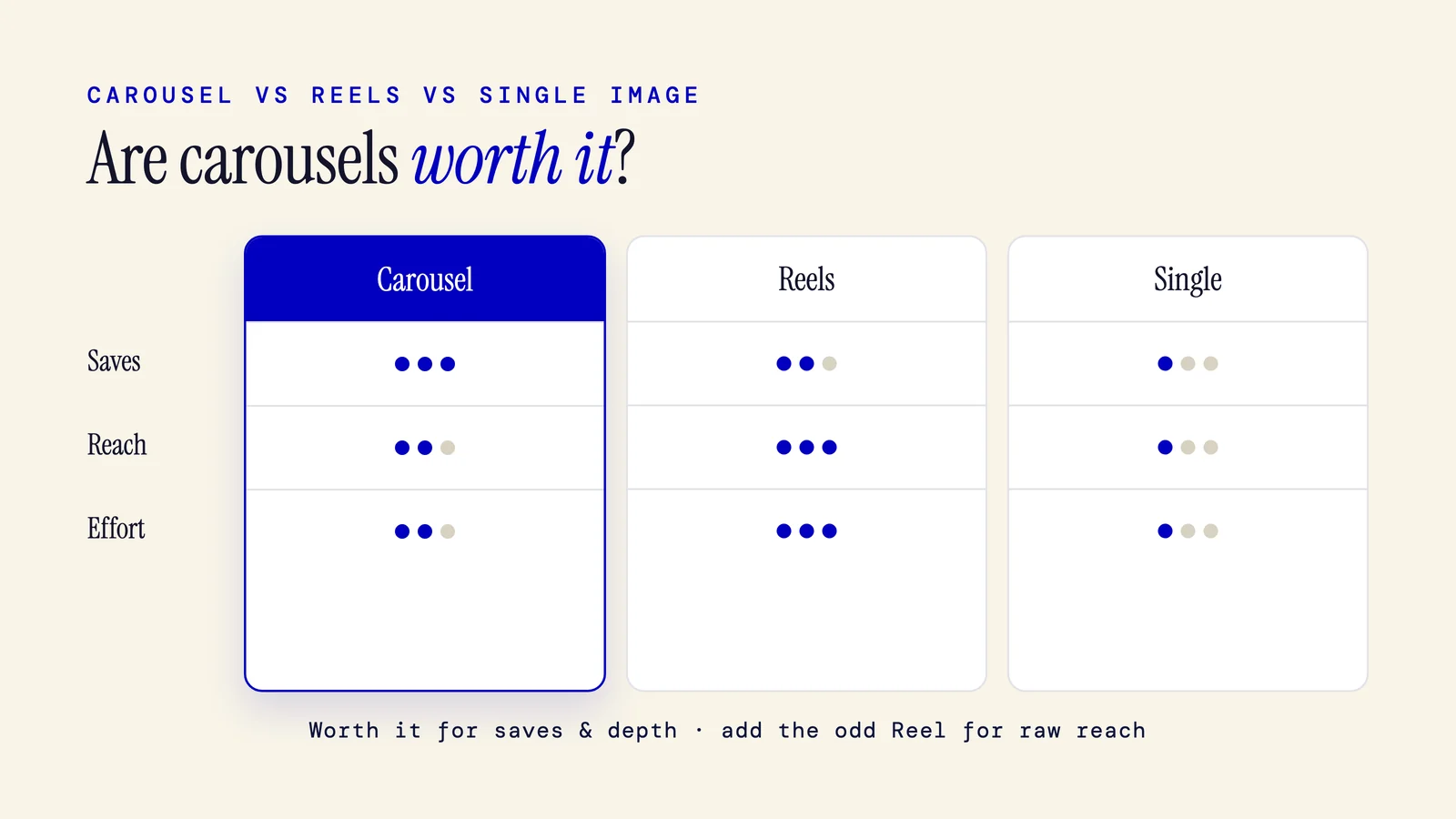
Are Instagram Carousels Worth It? An Honest 2026 Verdict
Yes, Instagram carousels are worth it for most creators in 2026. They win on engagement and saves, the signals that build a loyal audience. The catch: Reels still reach more new people. Here is when carousels pay off, when they do not, and who should lean on them.
7 min read
How to Build a Carousel Content Calendar You'll Keep
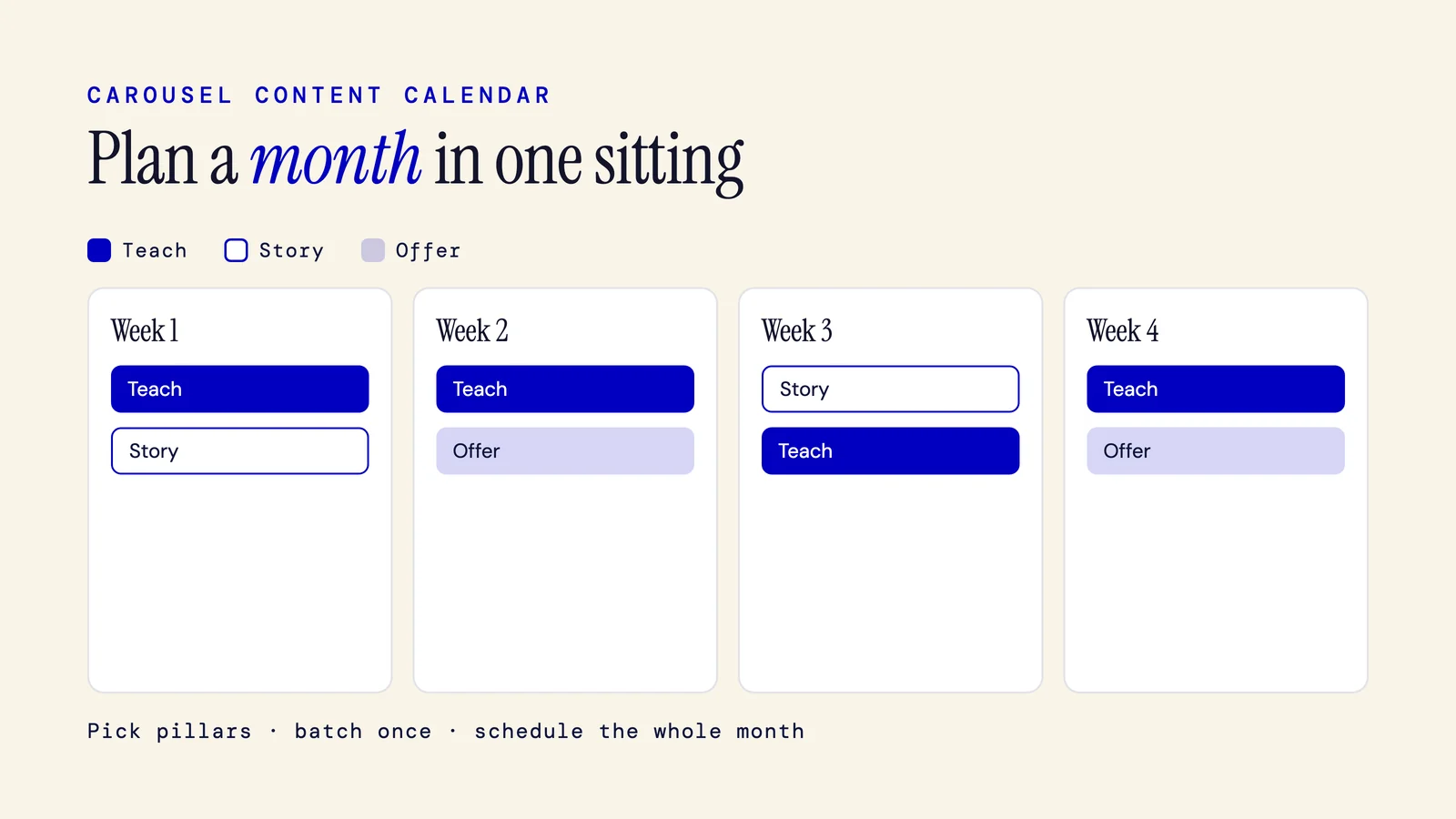
A carousel content calendar tells you which carousel to post, on which day, from which theme. Build one you can keep: pick 3 to 5 pillars, set a cadence you can hold, map each slot to a pillar, make it all on one batch day, then repurpose across platforms.
6 min read
How to Get on the Instagram Explore Page With Carousels (2026)
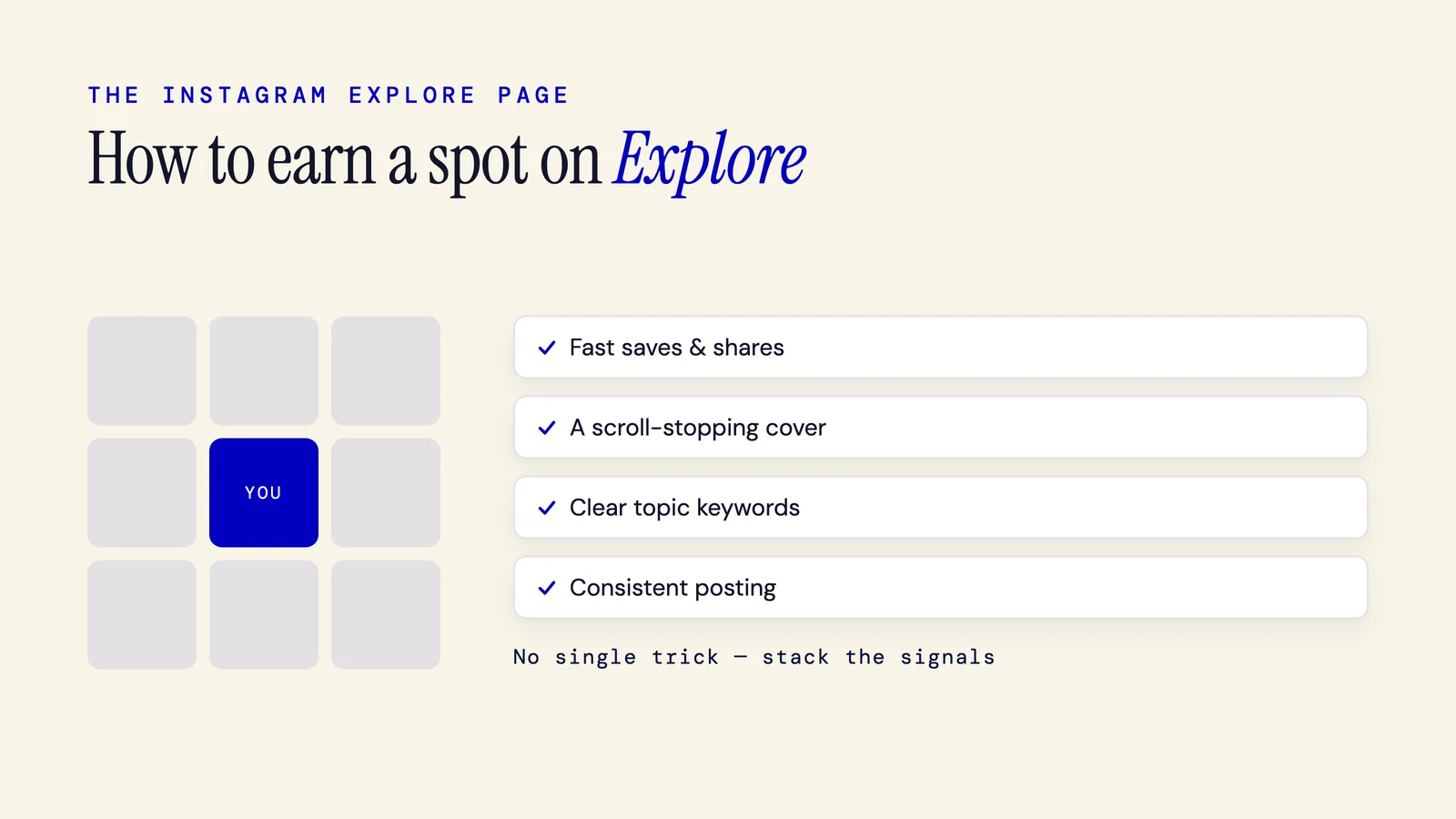
The Explore page shows your carousel to people who do not follow you, chosen by an AI that predicts what each viewer will save. To earn a spot, drive fast saves and shares in the first hour, cover one clear topic, and post consistently. There is no guaranteed trick.
6 min read
How to Increase Instagram Reach With Carousels (2026)
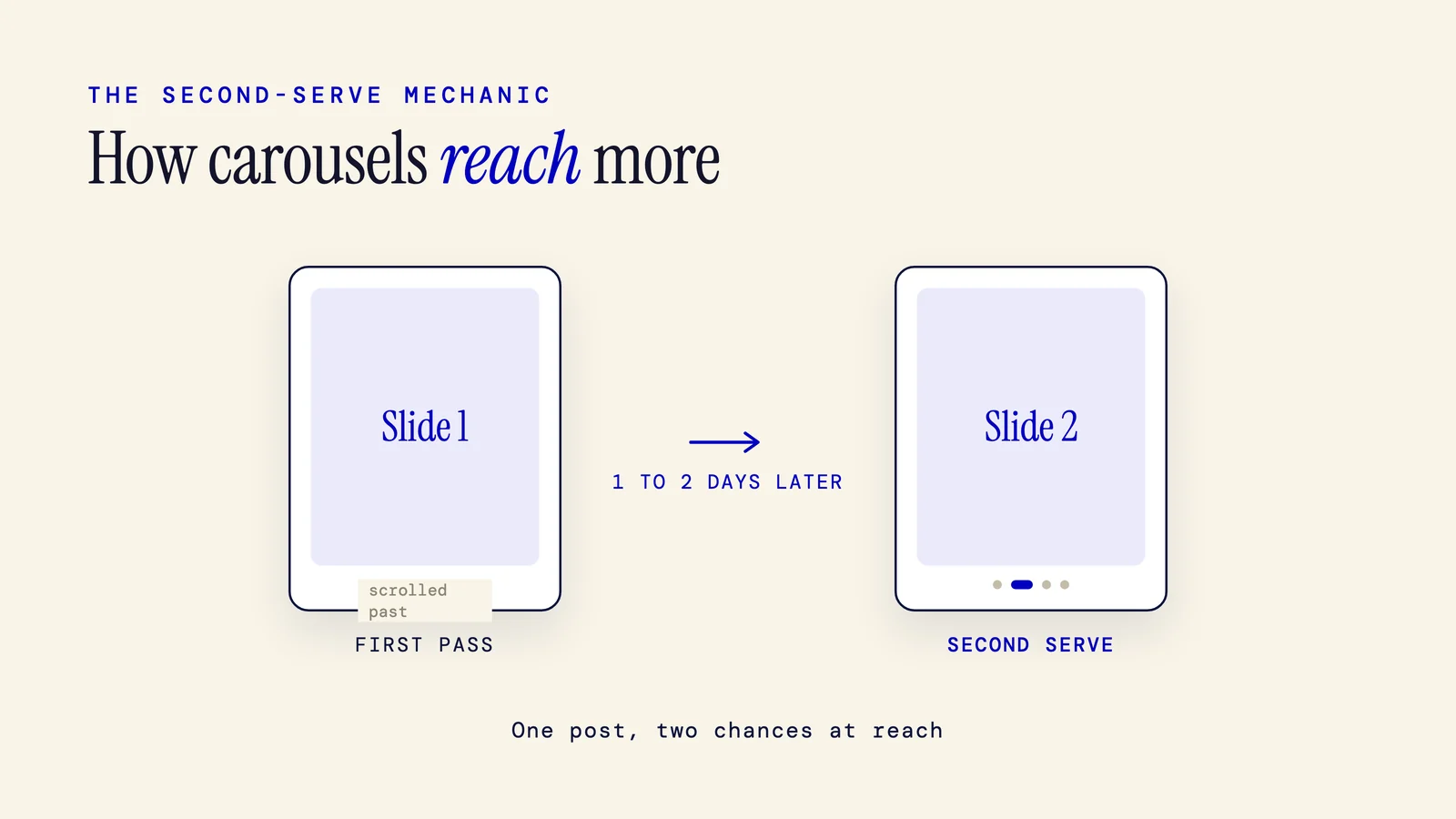
You increase Instagram reach with carousels by earning swipes, saves, and shares, the signals the feed uses to spread a post. Carousels also get a second serve: if someone scrolls past, Instagram can re-show it starting on slide two. Lead with a hook and write captions people search.
6 min read
How Often to Post Carousels: A Realistic Cadence by Platform (2026)
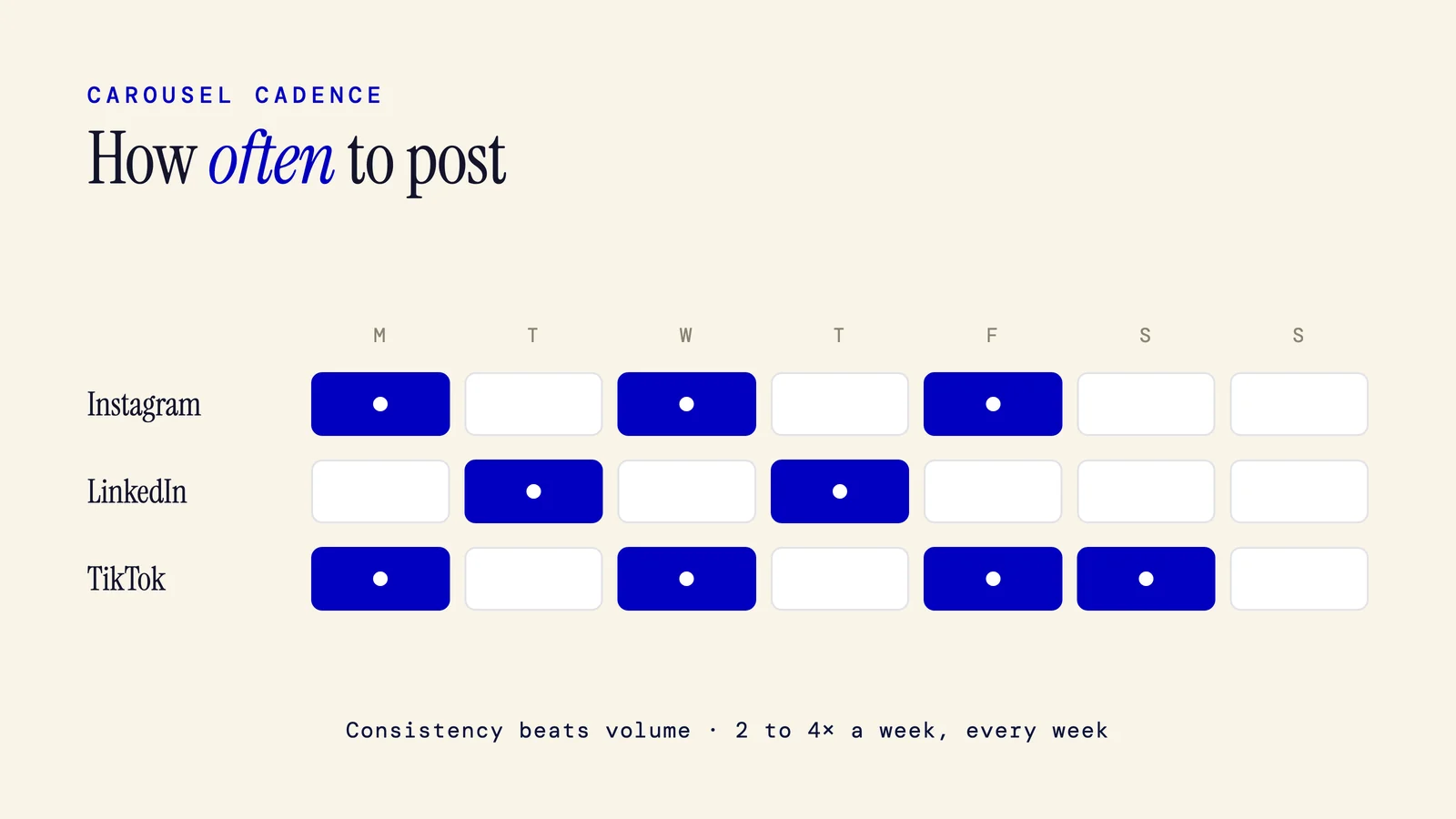
Post carousels 1 to 3 times a week on Instagram, 2 to 3 on LinkedIn, and up to 4 or 5 on TikTok. The exact number matters less than a schedule you can keep. Here is a realistic cadence by platform and goal, why consistency beats volume, and how batching sustains it.
7 min read
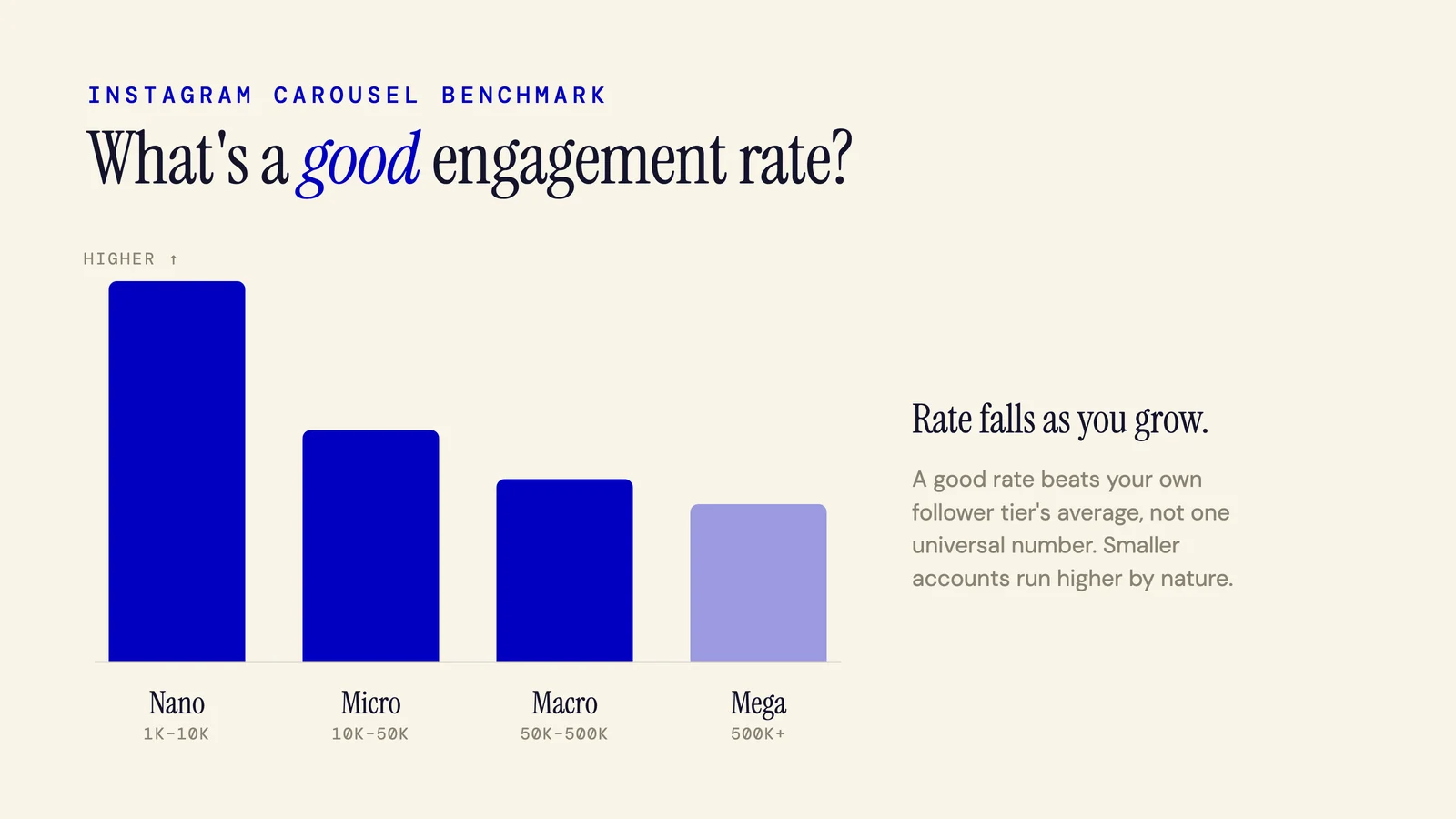
Instagram Carousel Engagement Rate: Benchmarks & How to Raise It (2026)
A good Instagram carousel engagement rate beats your account tier's average, and carousels give you the best shot at it. Platform wide, carousels average 0.55%, ahead of Reels and single images. Here is how to benchmark by follower tier, calculate yours, and raise it.
6 min read
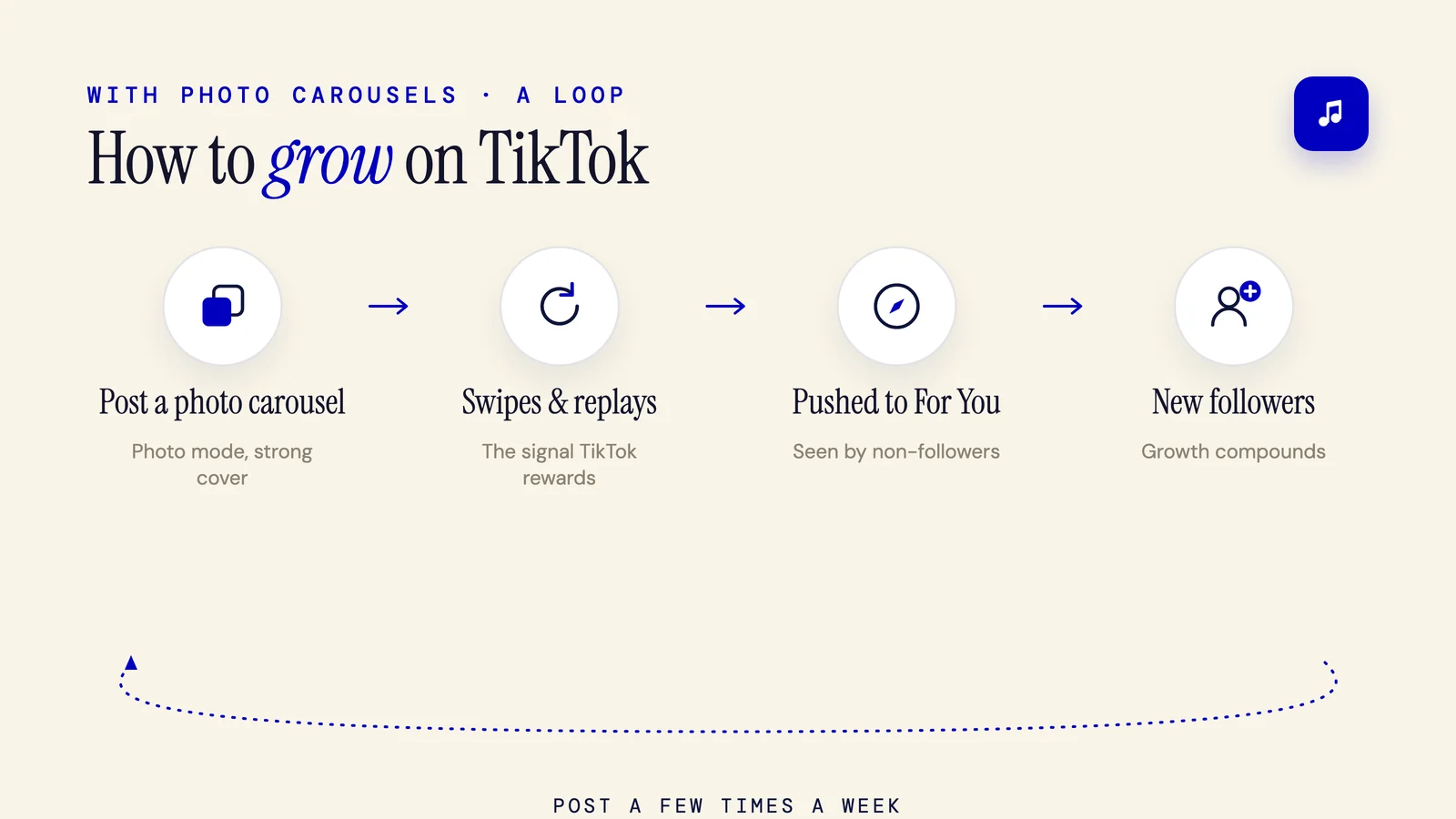
How to Grow on TikTok With Photo Carousels (2026)
Photo carousels grow a TikTok account by winning swipes and replays, the two signals the For You feed rewards. Lead with a cover that promises one payoff, add readable text and a trending sound, post 3 to 5 times a week, and send viewers to your profile to turn reach into follows.
6 min read
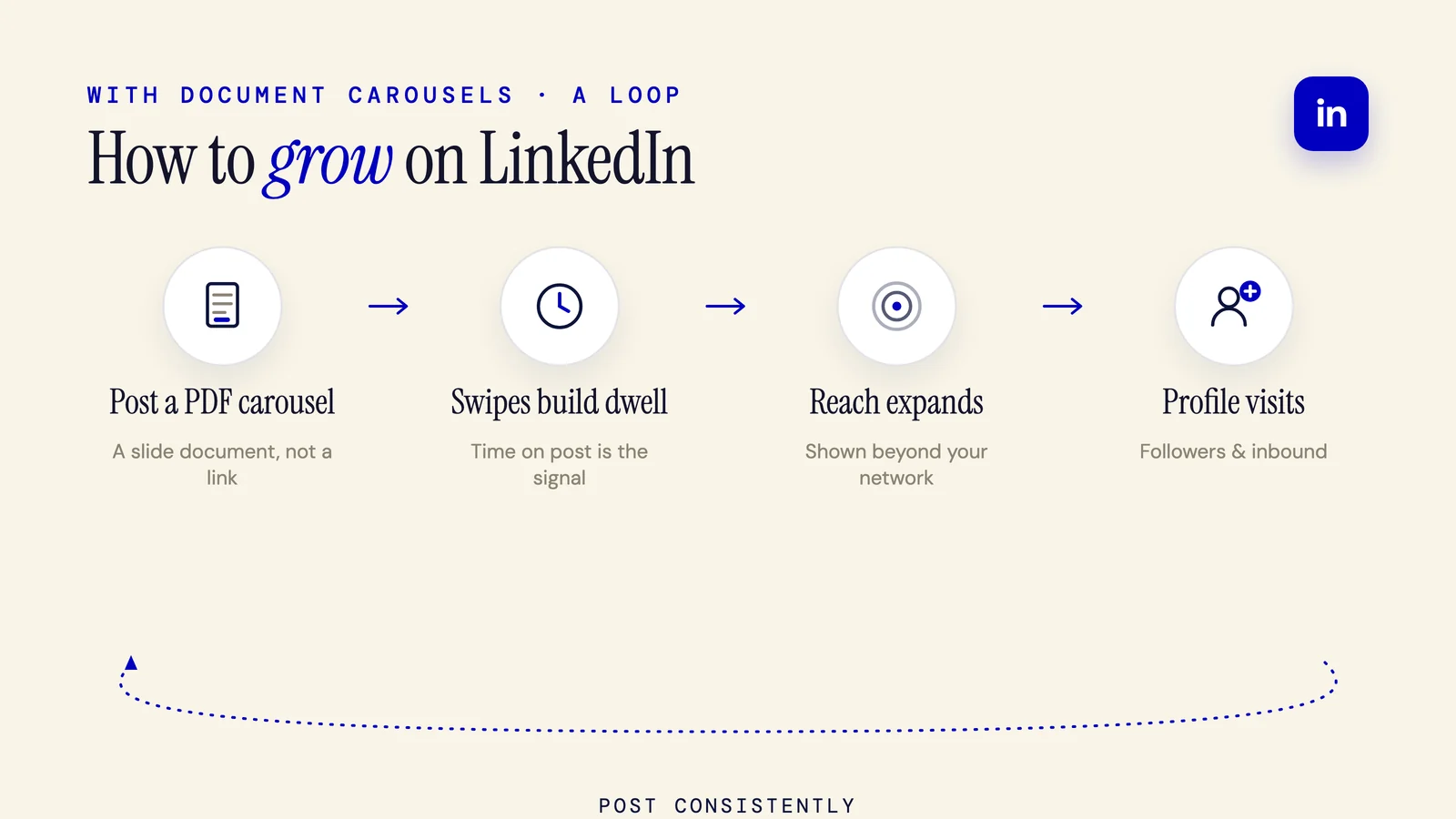
How to Grow on LinkedIn With Carousels (2026 Playbook)
Growing on LinkedIn with carousels comes down to dwell time. Document posts hold readers longer, which LinkedIn reads as quality. Write a hook slide, export a portrait PDF, keep it to 8 to 12 slides, post on a steady rhythm, and give reach somewhere to go.
6 min read
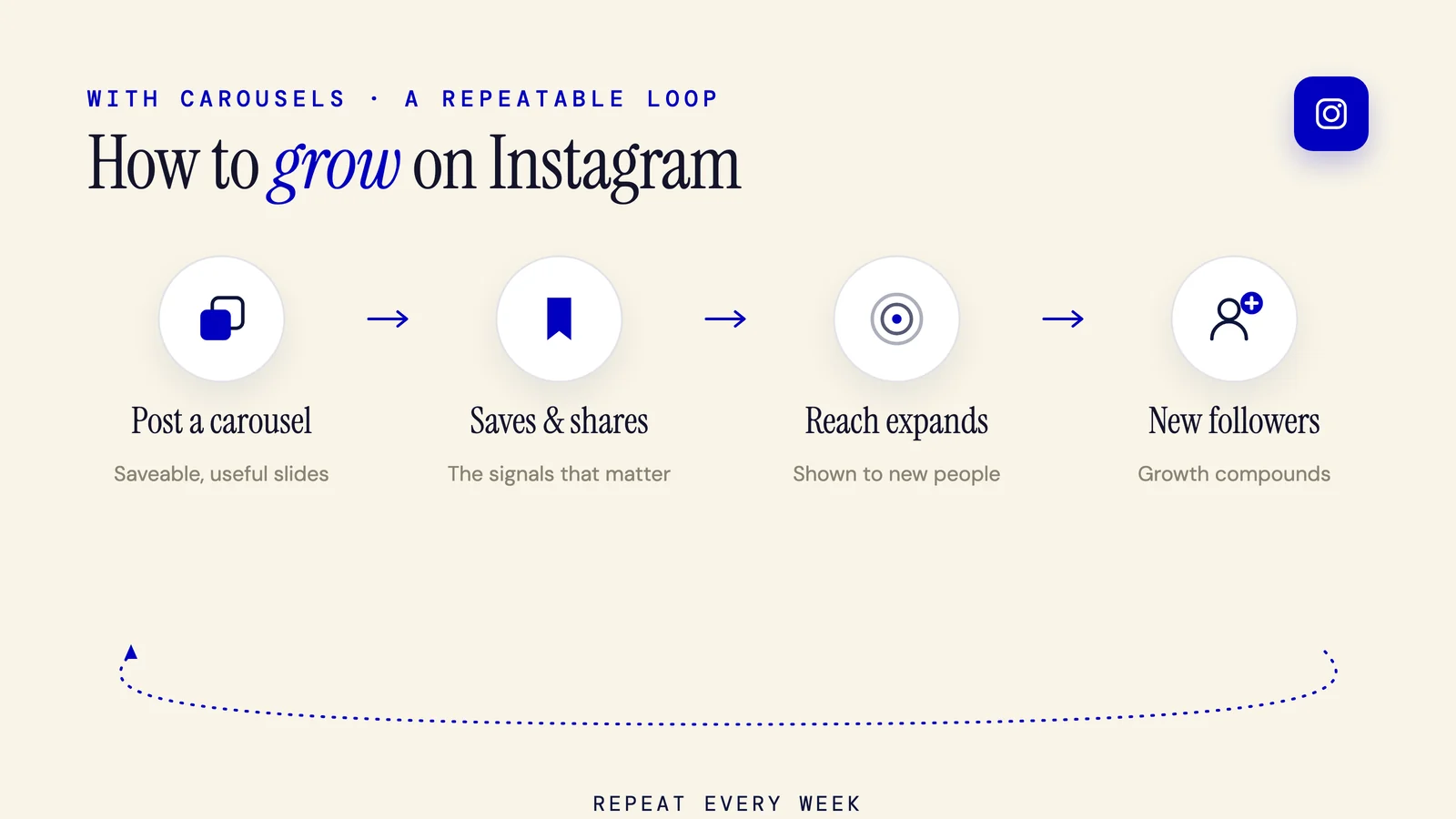
How to Grow on Instagram With Carousels: The 2026 Pillar Guide
Growing on Instagram with carousels is one loop: post decks people save and send, and the algorithm rewards you with reach. This 2026 pillar covers the growth loop, the ranking signals, hooks that stop the scroll, a repeatable posting system, and how to measure real growth.
13 min read
Repurposing
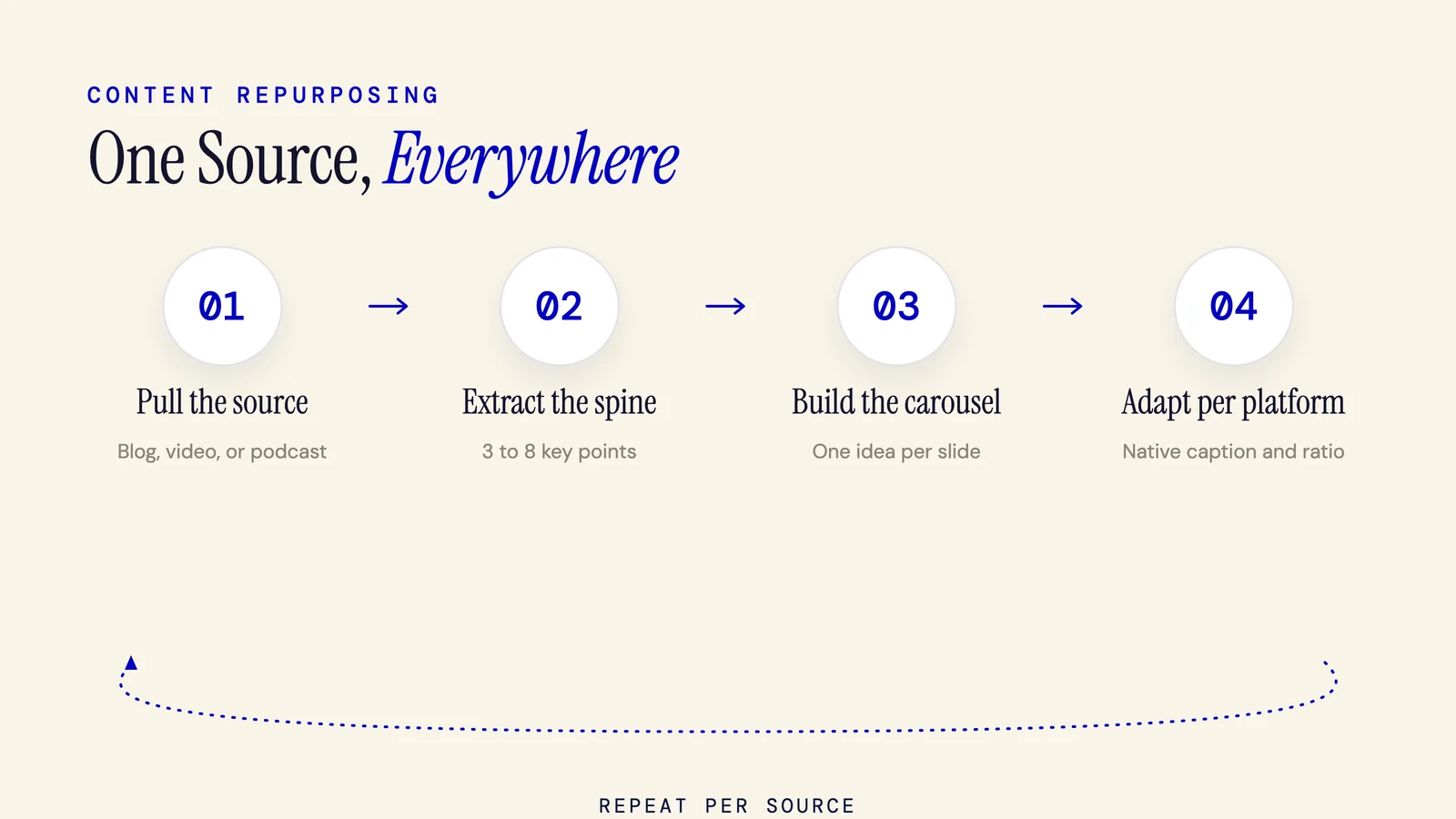
Content Repurposing: The Complete Guide for 2026
Content repurposing reworks one source into multiple platform-native formats, not a republished copy. One carousel adapts to Instagram (4:5), LinkedIn (1:1), and TikTok (9:16). This 2026 guide maps one source into 30+ assets, with a tool-agnostic AI workflow and the ROI metrics others skip.
14 min read
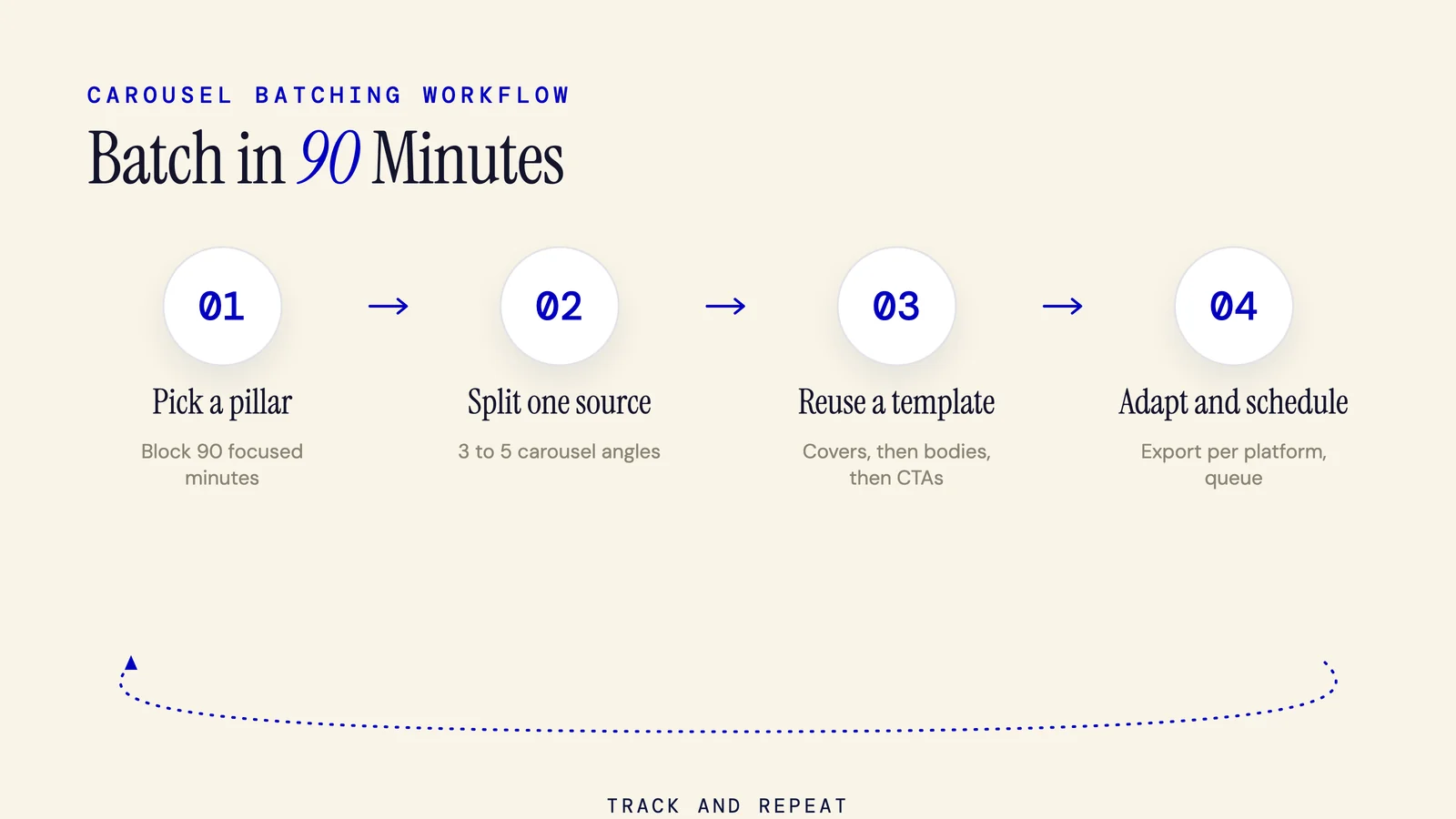
How to Batch Create Carousels: The 90-Minute System (2026)
Batch creating carousels means making a week of posts in one focused sitting, not one at a time. Pick a pillar, turn one source into 3 to 5 angles, reuse a master template, and batch all covers, bodies, and CTAs. Four carousels in 90 minutes is realistic.
7 min read
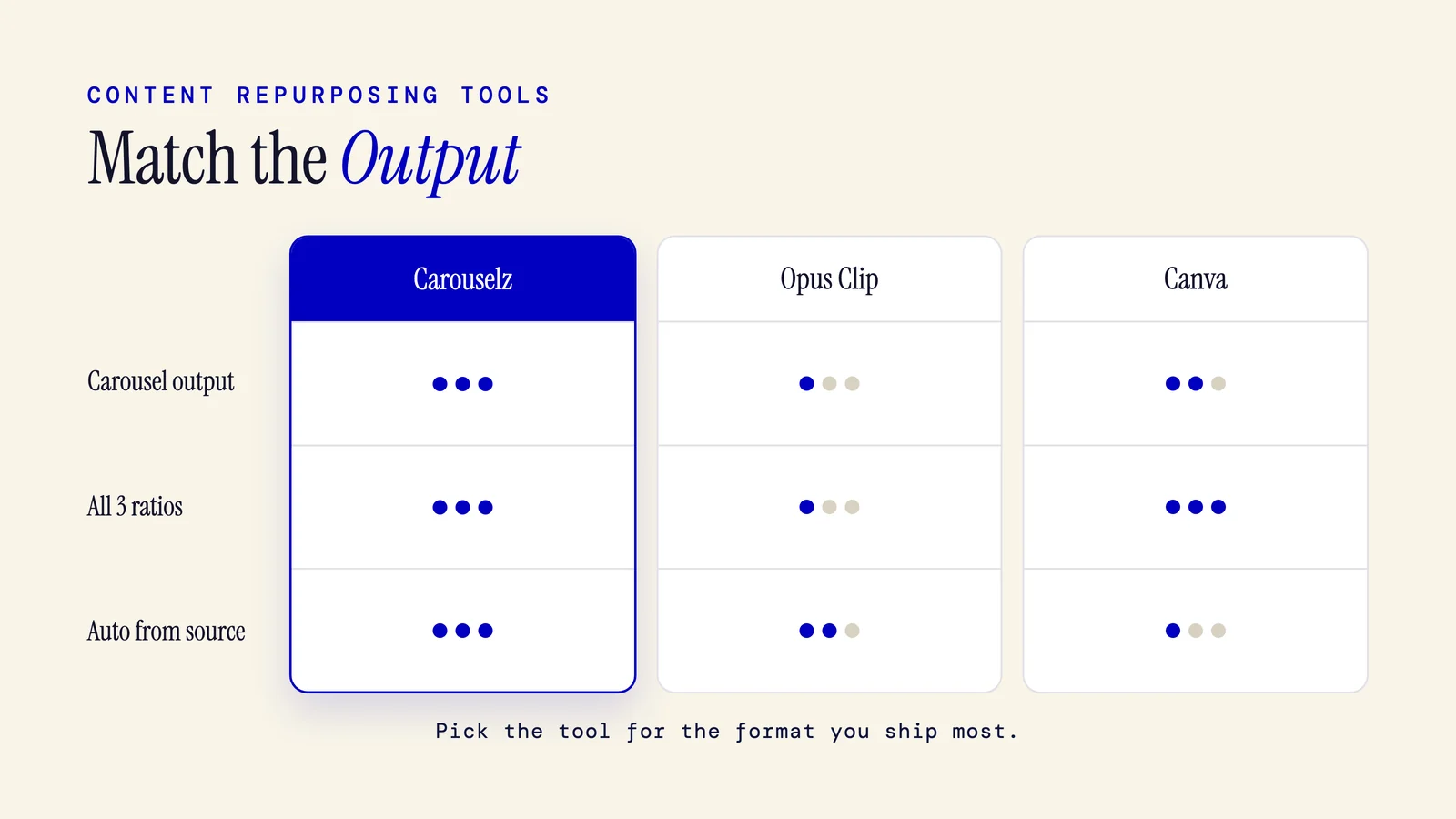
Content Repurposing Tools: 8 Best for Carousels in 2026
The best content repurposing tools depend on what you publish. Dedicated carousel tools win on slide control and brand consistency, Opus Clip leads for video clips, Jasper and Copy.ai handle copy. This guide ranks 8 tools on carousel output, aspect ratios, and free tiers.
9 min read
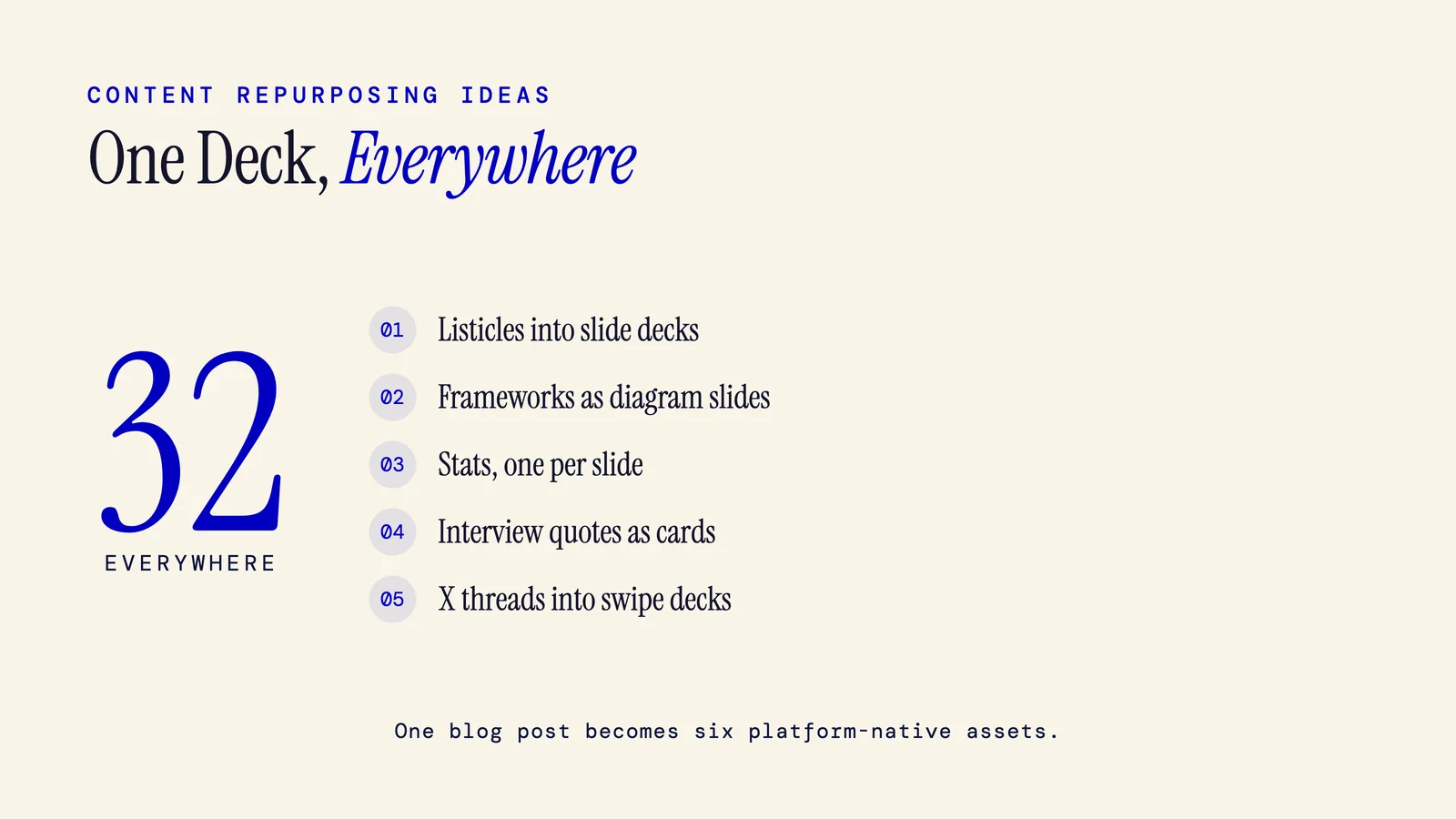
Content Repurposing Ideas: 30+ Carousel Wins (2026)
Content repurposing means reshaping one idea into new formats for different platforms. The best move: turn each pillar asset into a carousel first, then spin that deck out to LinkedIn, Instagram, and TikTok. Inside: 30+ ideas ranked by carousel fit, a 1-to-6 output table, and a batch system.
9 min read
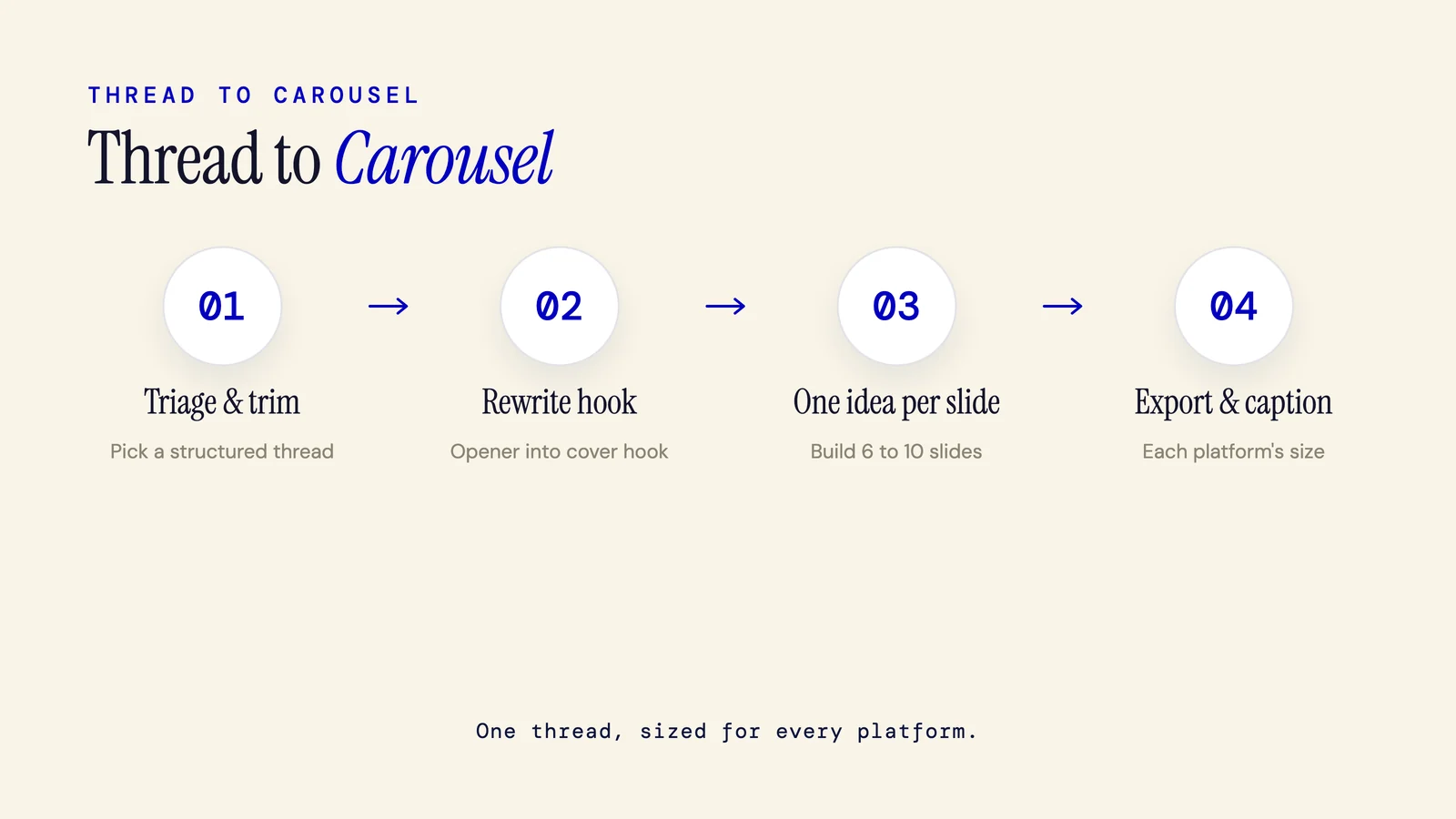
How to Repurpose a Twitter Thread Into a Carousel (2026)
To repurpose a Twitter (X) thread into a carousel, pick a high engagement, structured thread, map each key tweet to one self contained slide, rewrite the opener into a cover hook, build 6 to 10 slides, then export at each platform's size with a fresh caption. It works manually or with a maker.
6 min read
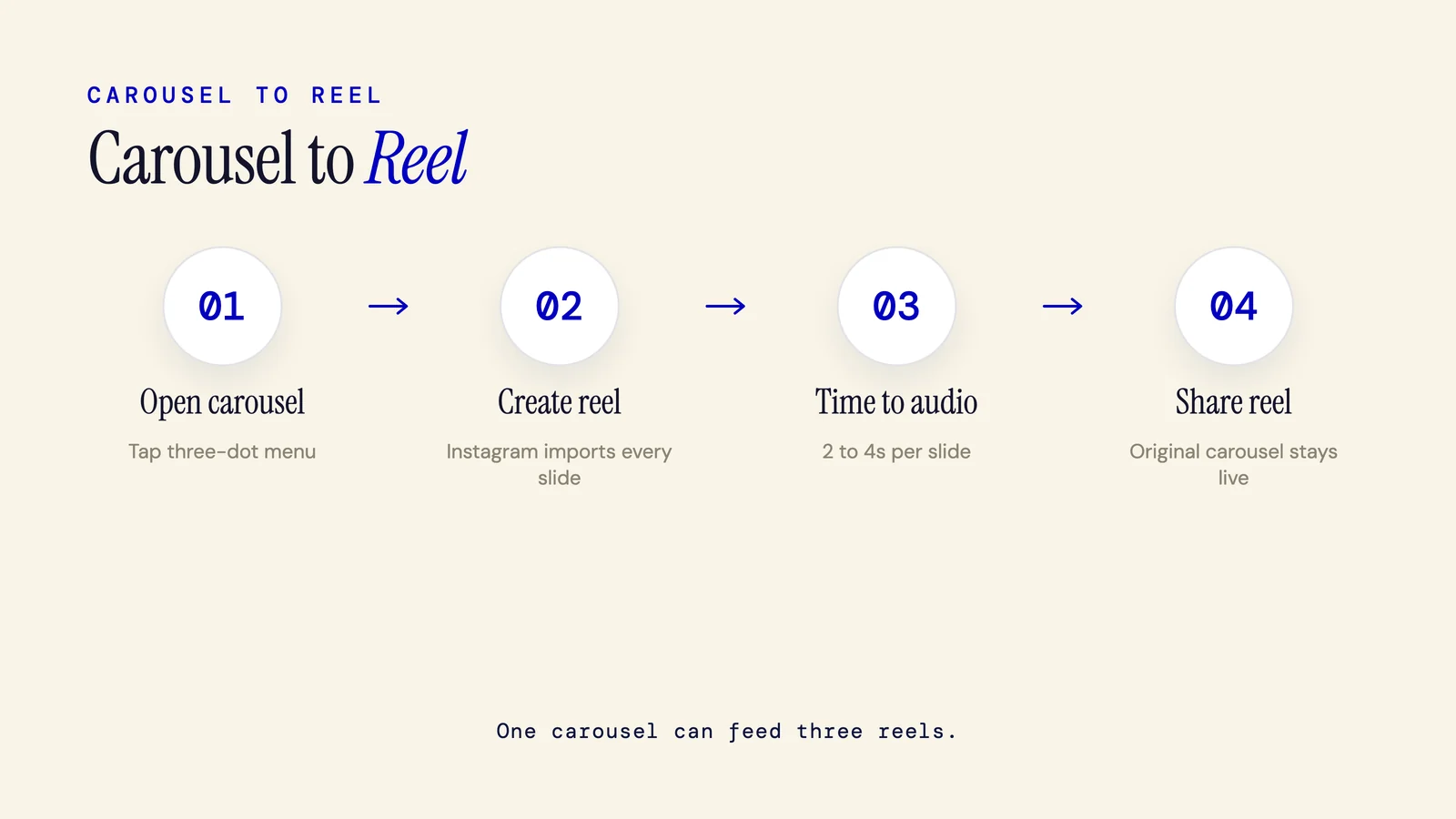
How to Turn a Carousel Into a Reel: Instagram, TikTok, LinkedIn (2026)
To turn a carousel into a reel on Instagram, open the post, tap the three dot menu, and choose Create reel. Instagram syncs your slides to audio in seconds and keeps the original live. TikTok and LinkedIn need a rebuild. Here is the 2026 multi platform guide.
7 min read
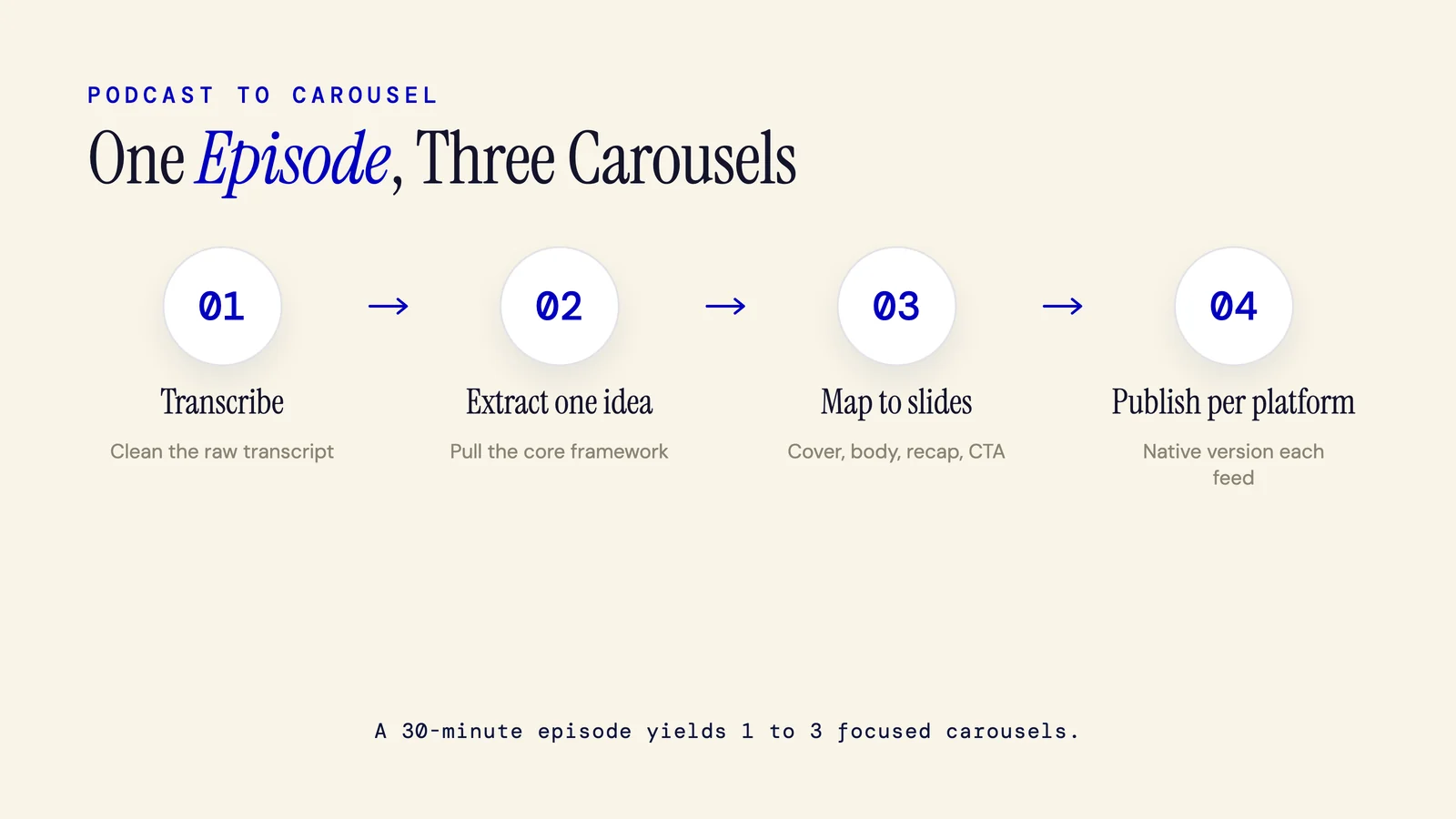
How to Repurpose a Podcast Into a Carousel (Step-by-Step)
To repurpose a podcast into a carousel, transcribe the episode, pull out one core idea or framework, then map it to a slide template: cover hook, 3 to 7 body slides, recap, CTA. Write tight copy per slide and publish a native version per platform. One 30 minute episode yields 1 to 3 carousels.
7 min read
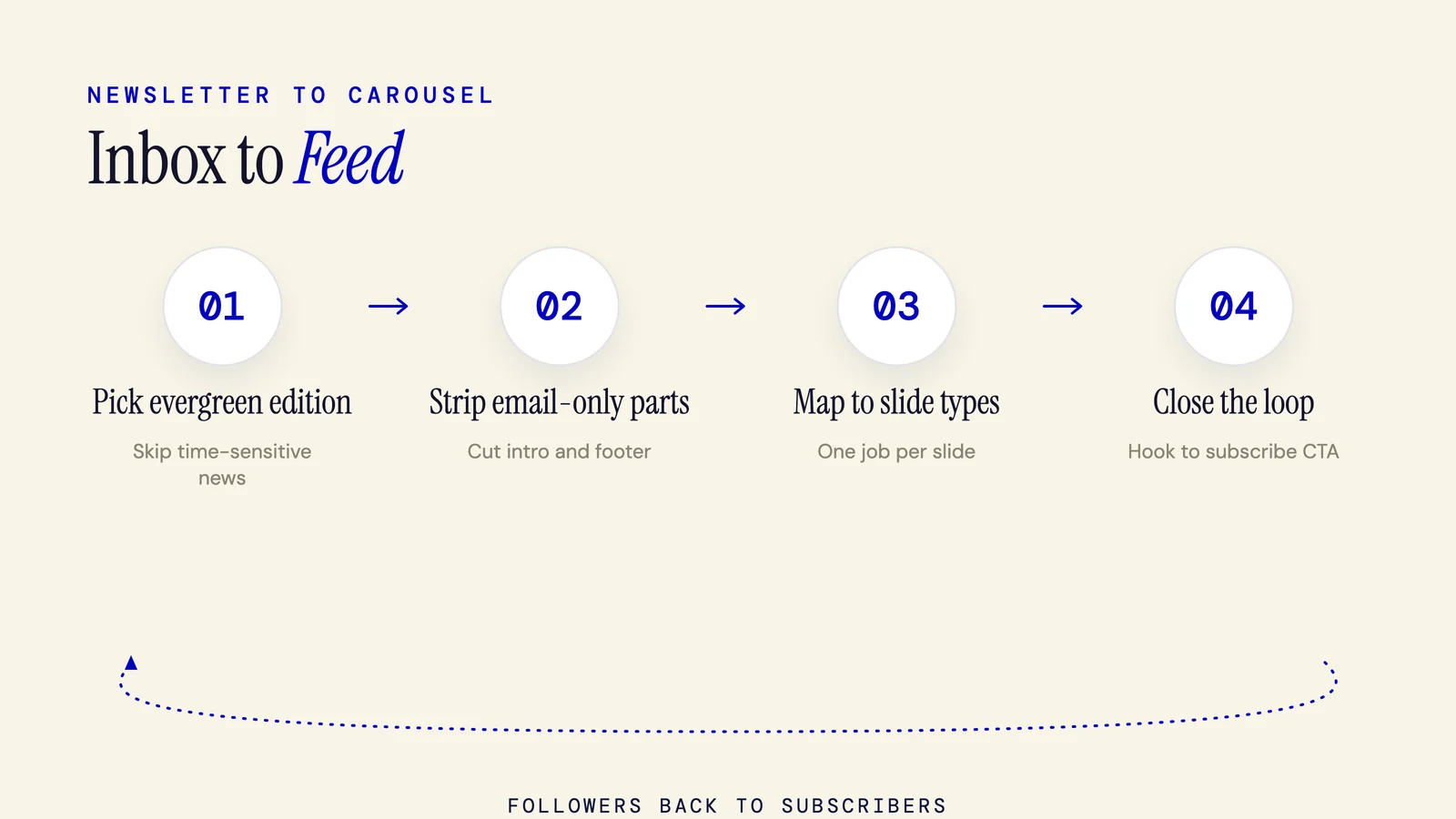
How to Repurpose a Newsletter Into a Carousel: 6-Step Guide
To repurpose a newsletter into a carousel, pick one evergreen edition, strip what only belongs in email, choose one focal topic, and map each point to a slide type. Turn the subject line into your hook and end on a subscribe CTA. The result: a 6 to 9 slide carousel built in about 20 minutes.
6 min read
How to Turn a Video Into a Carousel (2026 Guide)
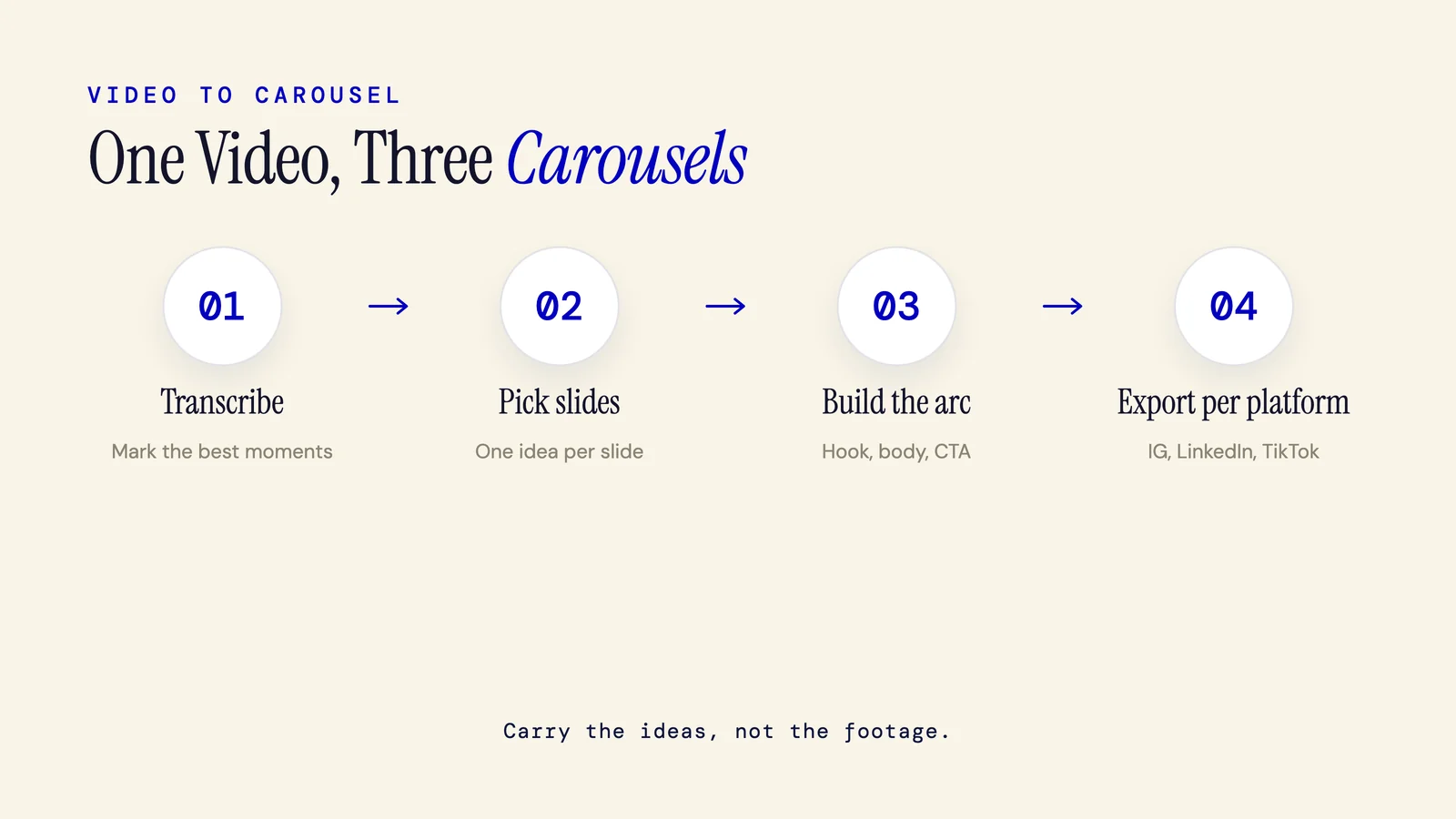
Turning a video into a carousel means extracting its ideas, not clipping frames. Transcribe it, mark the strongest moments, map one idea per slide into a 6 to 10 slide arc, then export: native images for Instagram, a PDF for LinkedIn, and a 9:16 image set for TikTok Photo Mode.
7 min read
How to Repurpose a Blog Post Into a Carousel: The 6-Step Workflow
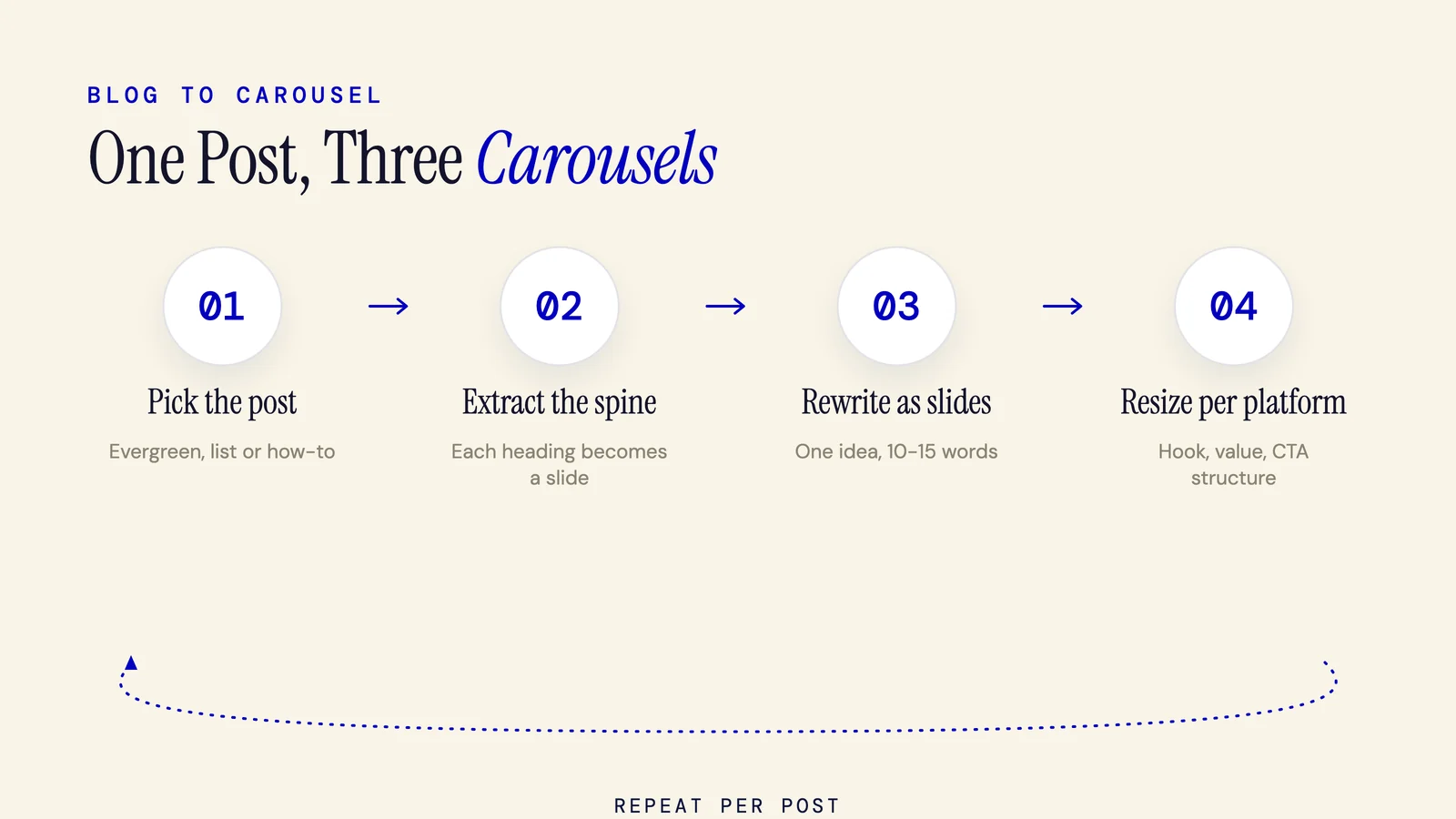
Repurpose a blog post into a carousel in six steps: pick an evergreen post, extract its key points, rewrite each into a one-idea slide, then structure hook, value, and CTA. Resize the canvas and copy for Instagram, LinkedIn, and TikTok. One post becomes three platform-ready carousels.
6 min read
Visual & Design
Carousel Design: The Cross-Platform Guide for Instagram, LinkedIn, and TikTok (2026)
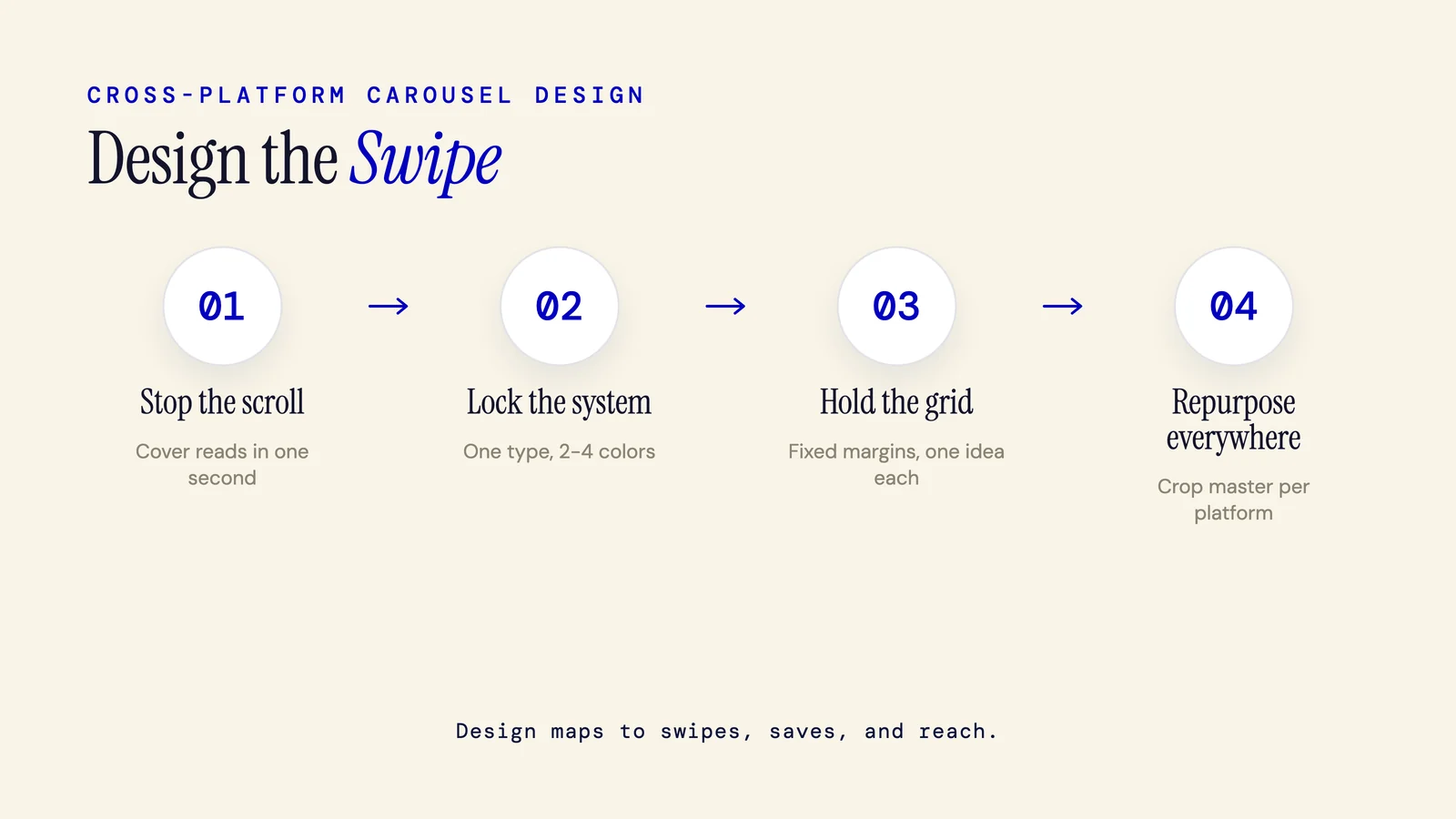
Carousel design is the visual craft of a swipeable multi slide post built to hold attention and earn saves. This guide covers Instagram, LinkedIn, and TikTok: 2026 specs, font and line length ranges, color and contrast rules, slide anatomy, and how design maps to reach.
15 min read
How to Add Text to an Instagram Carousel (Native Steps, Specs, and Hooks)
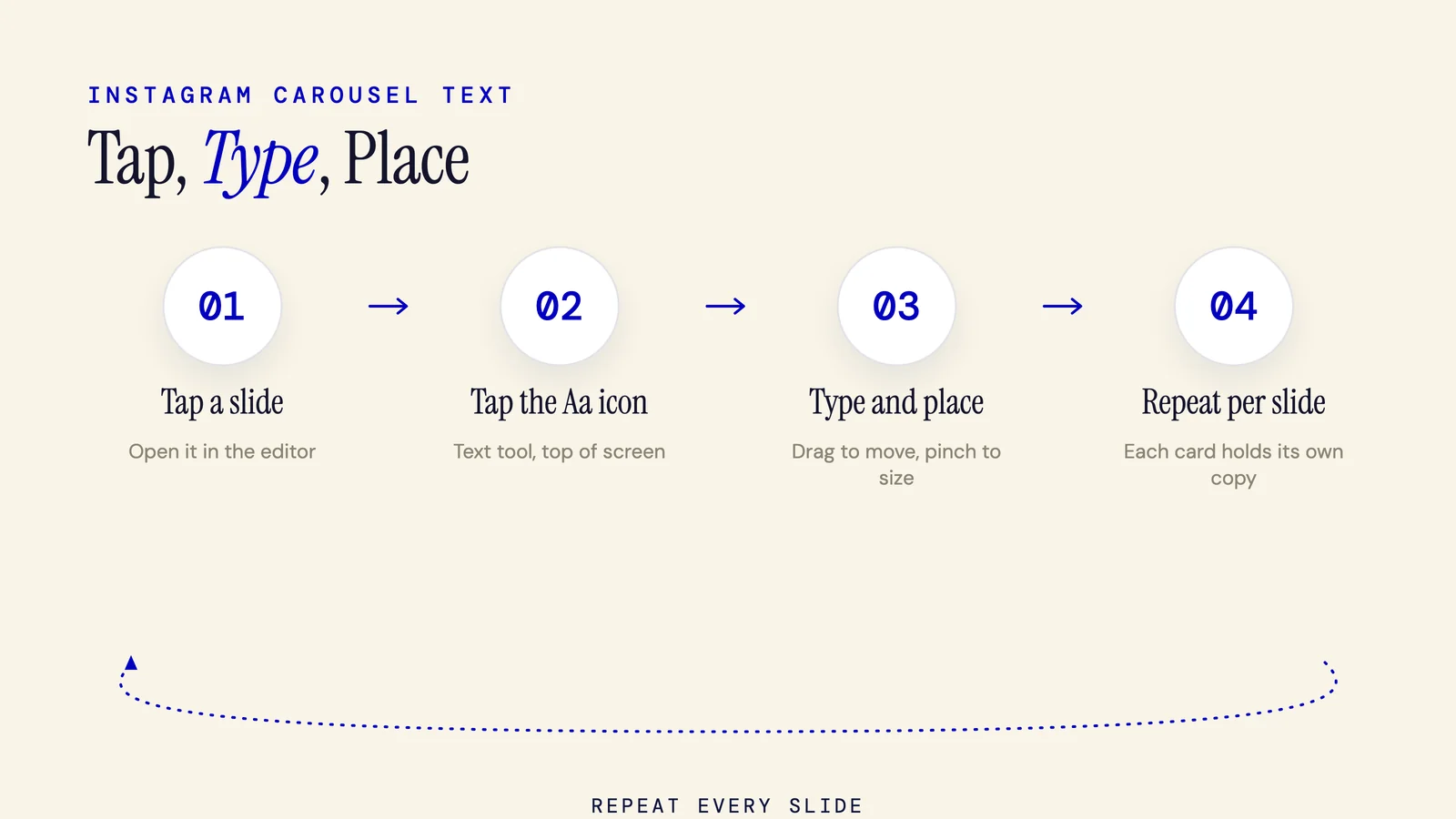
Yes, you can add text to an Instagram carousel right in the app: tap a slide, tap the Aa icon, type, and place. This 2026 guide covers native iOS and Android steps, exact font sizes and safe zones, hook formulas for slide one, and fixes for text that errors or blurs.
7 min read
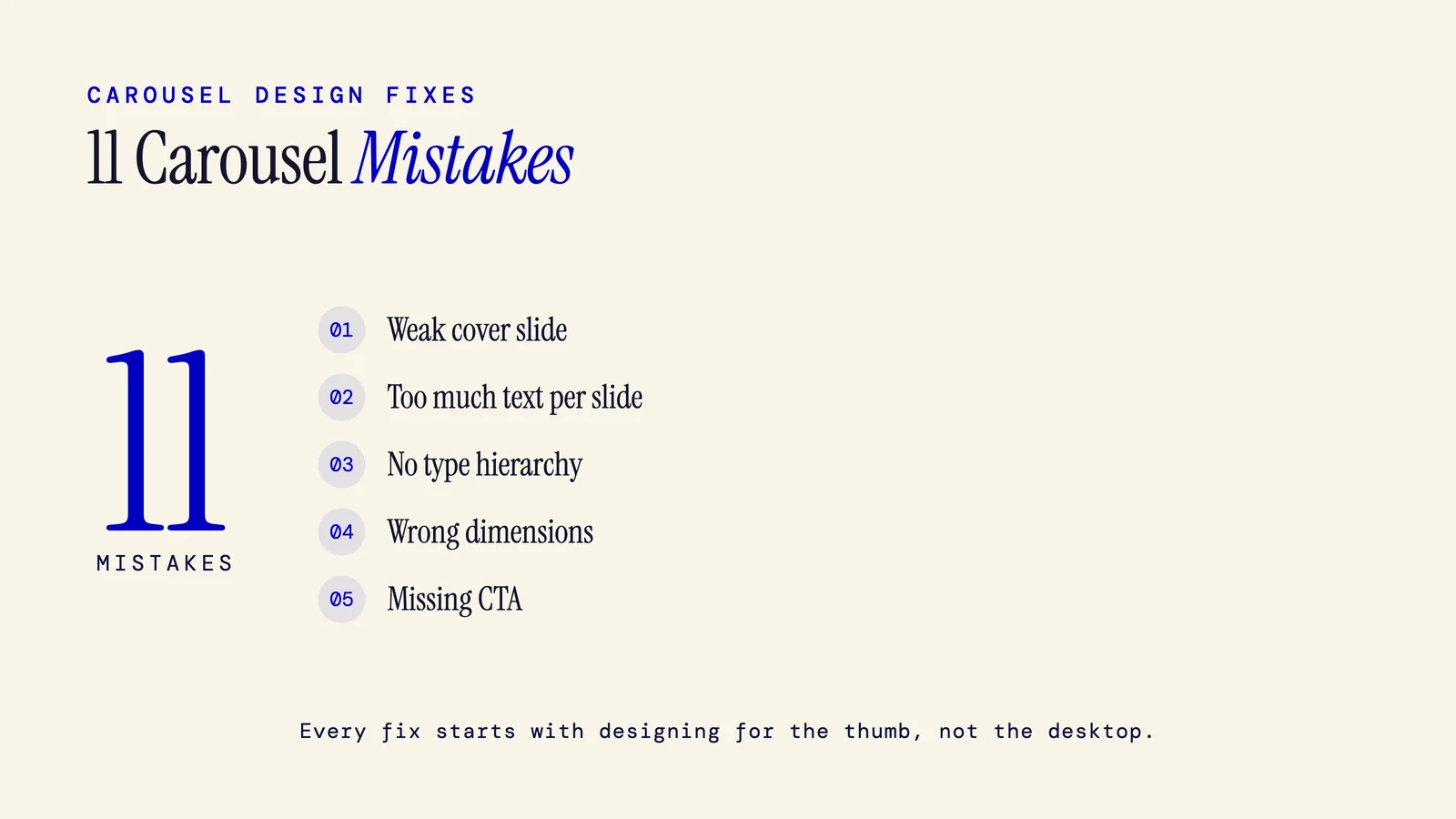
Common Carousel Design Mistakes: 11 Fixes for 2026
The most common carousel design mistakes trace back to one thing: designing for a desktop canvas instead of a thumb scrolled phone feed. Here are 11, from a weak cover to a missing CTA, each with a concrete before/after fix for Instagram, LinkedIn, and TikTok.
9 min read
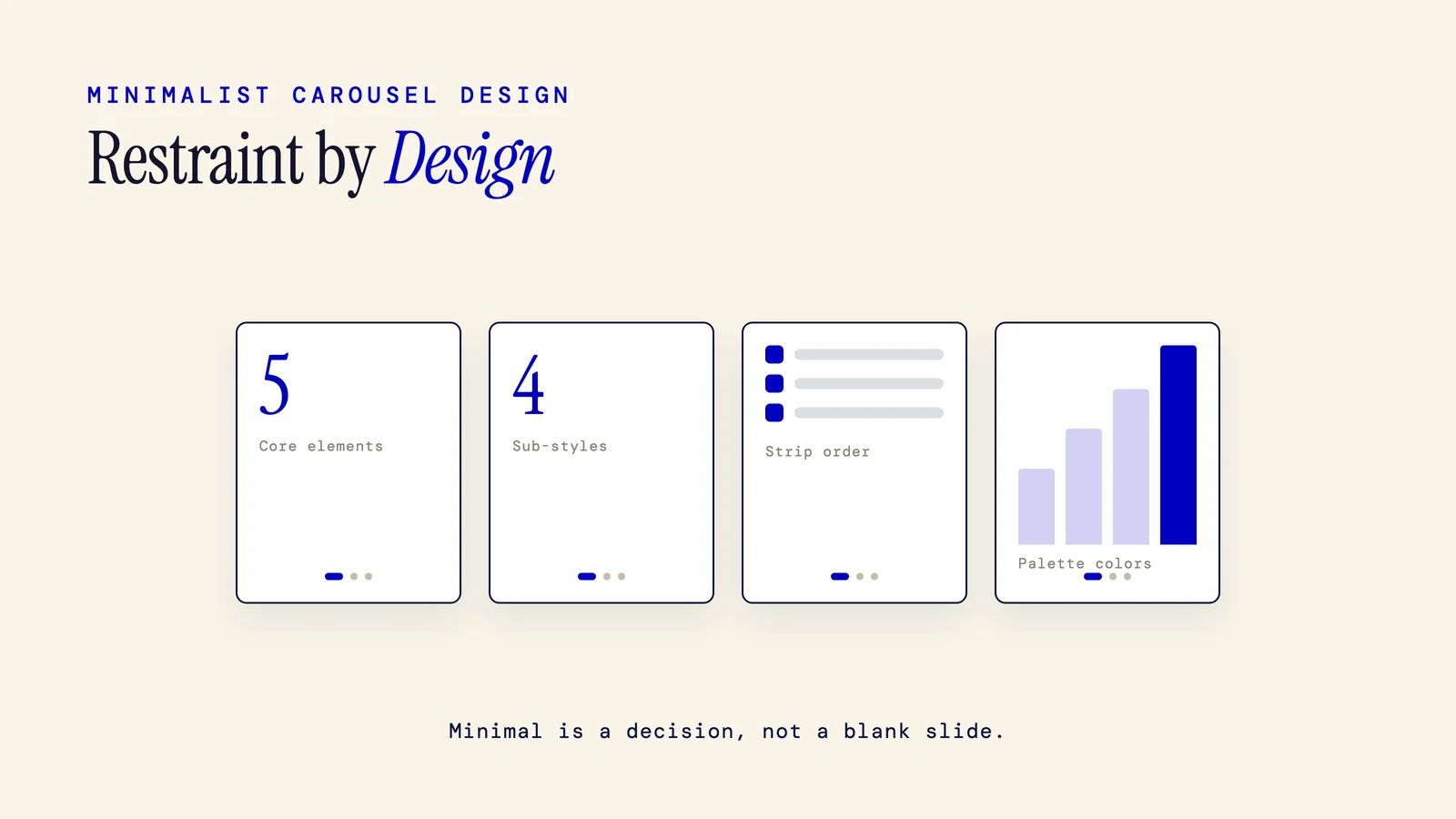
Minimalist Carousel Design: 4 Sub-Styles and What to Strip First (2026)
Minimalist carousel design is a visual system built on restraint: white space, one or two colors, one typeface, a strict grid, one idea per slide. Not a blank slide. Learn intentional minimalism, four sub-styles, a what to strip first framework, and specs for IG, LinkedIn, and TikTok.
8 min read
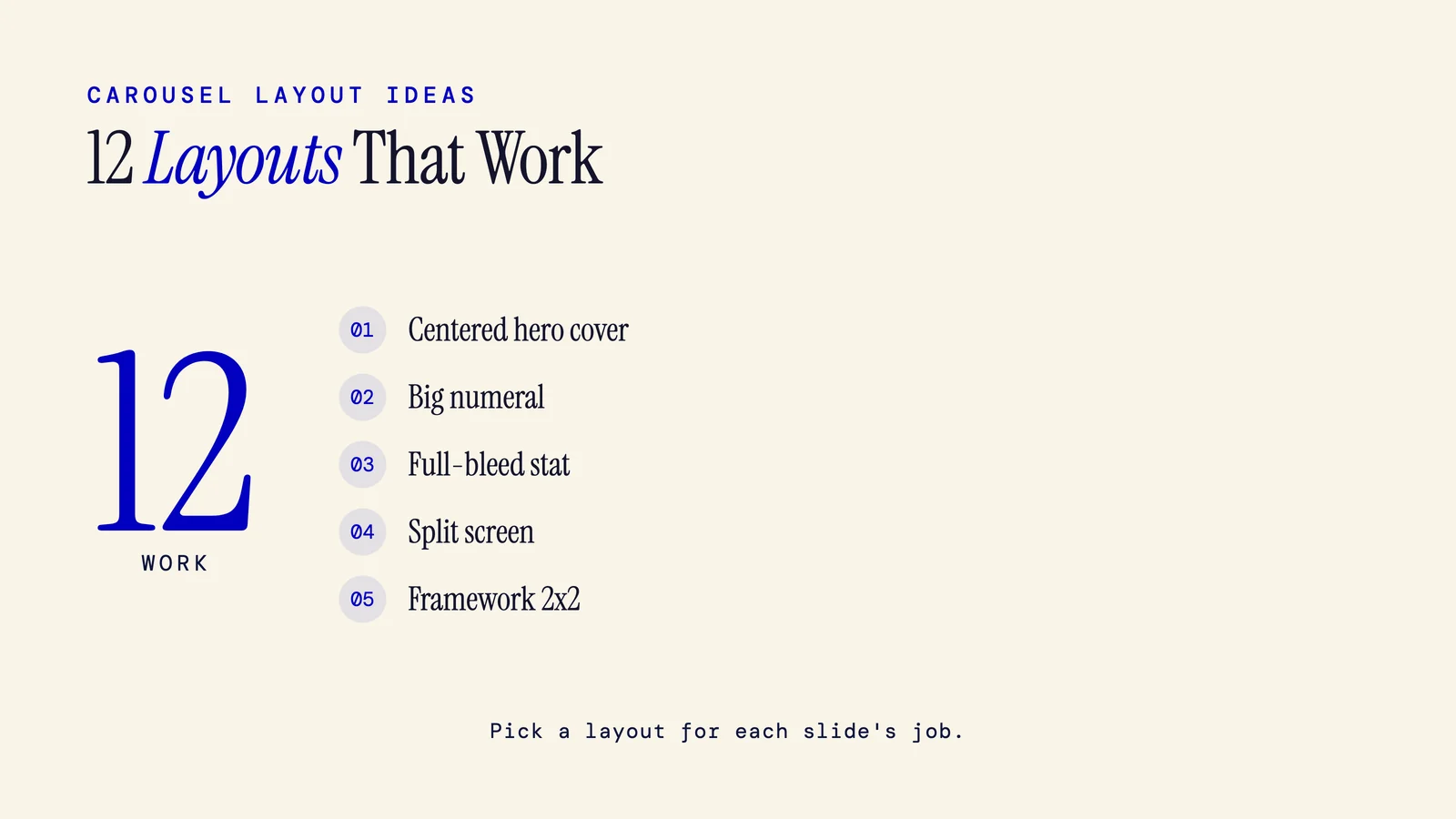
12 Carousel Layout Ideas for Instagram, LinkedIn, and TikTok (2026)
A carousel layout is the repeatable visual structure of each slide. Pick one for each slide's job (cover, body, or CTA) and your content type. Here are 12 carousel layout ideas for Instagram, LinkedIn, and TikTok, mapped to slide position, with platform sizes and 2026 trends.
10 min read
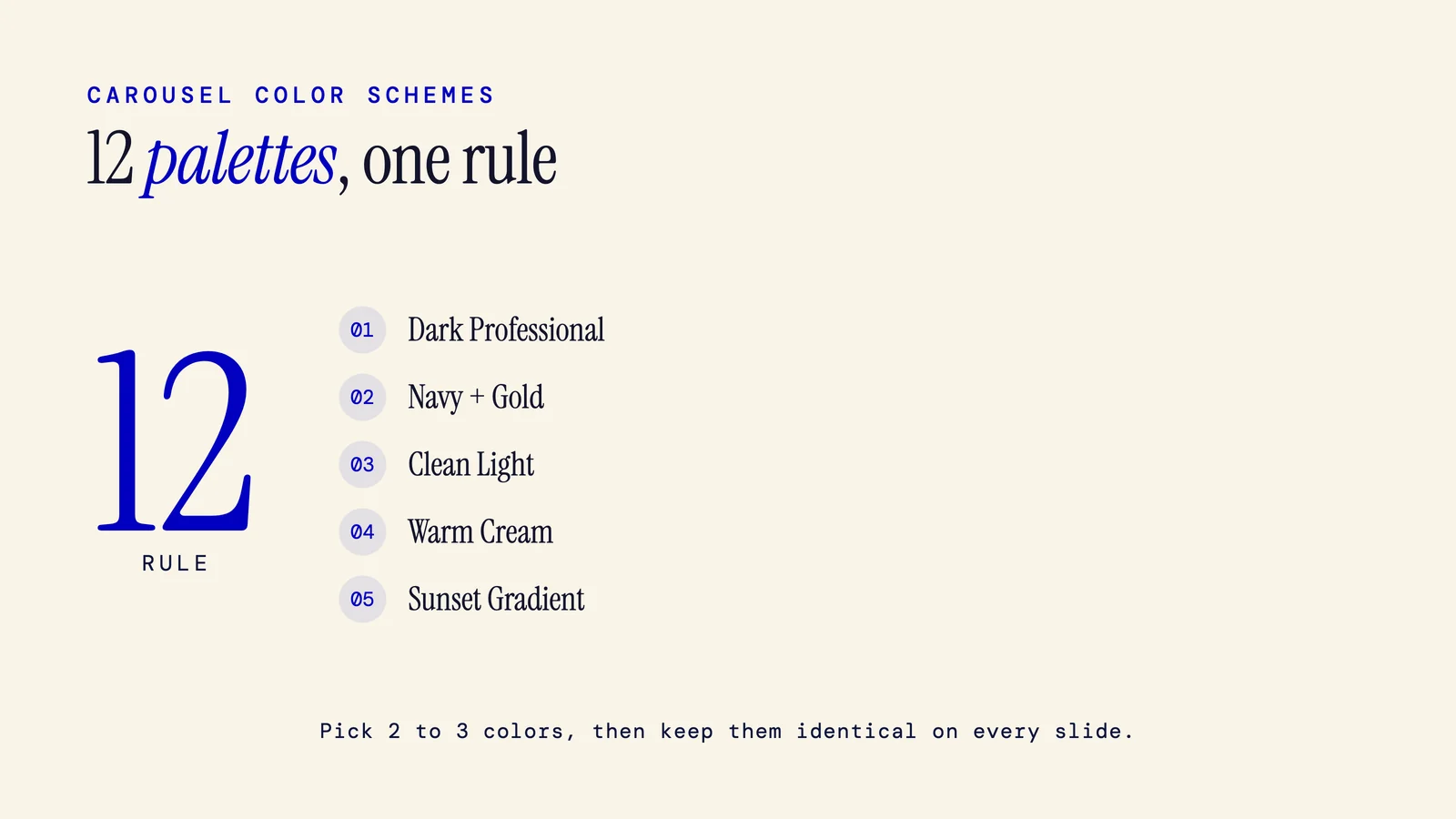
Carousel Color Schemes: 12 Palettes With Hex Codes for Instagram, LinkedIn, and TikTok
Good carousel color schemes use a 2 to 3 color palette, spread with the 60/30/10 rule and kept identical on every slide. This guide gives 12 palettes with exact hex codes, platform picks for Instagram, LinkedIn, and TikTok, a brand archetype map, and fresh 2026 palettes.
10 min read
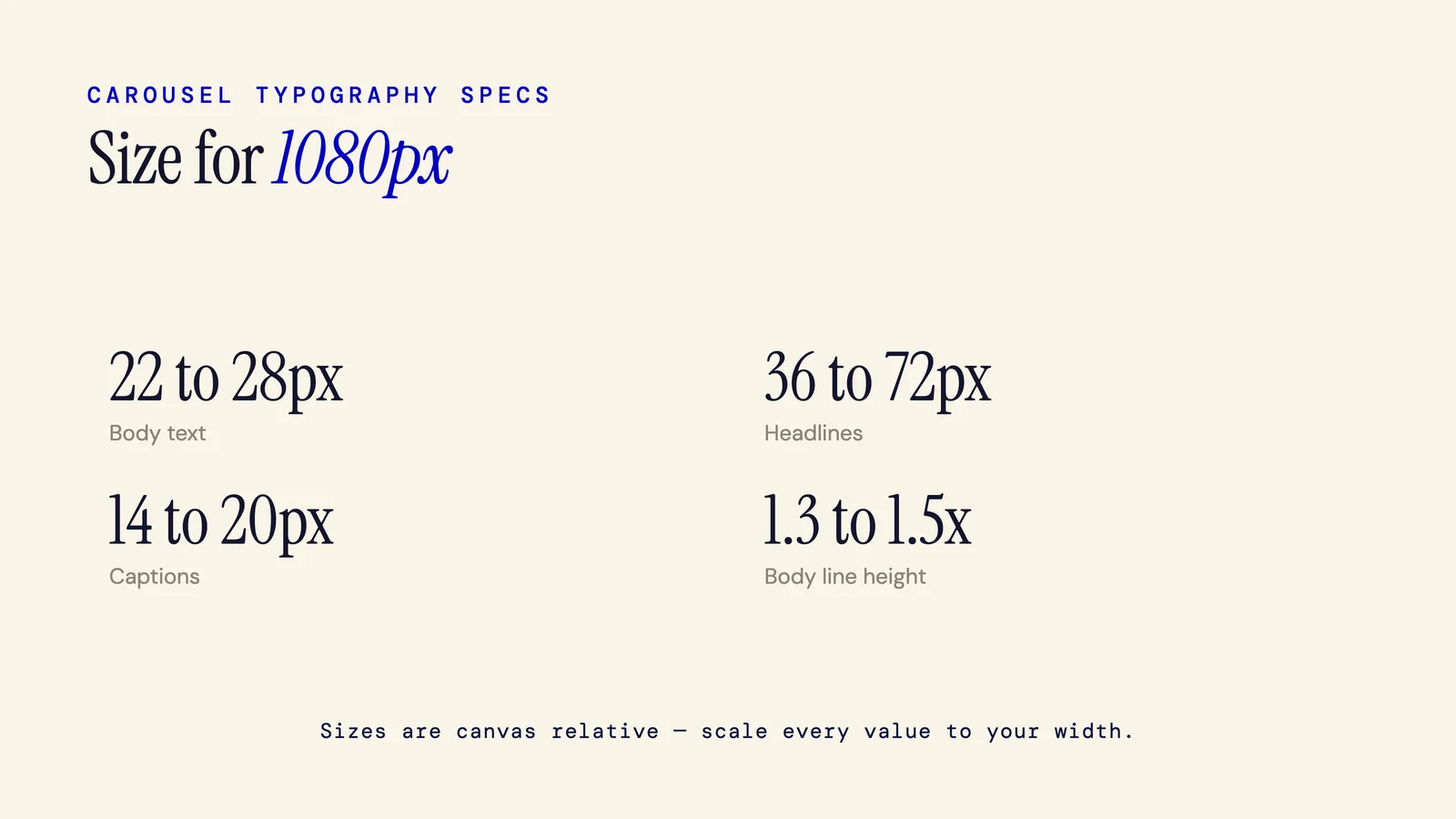
Carousel Font Size: Exact Specs for Every Platform (2026)
On a standard 1080px canvas, carousel body text runs 22 to 28px, headlines 36 to 72px, and captions 14 to 20px. Sizes are canvas relative, so scale them to your width. TikTok runs largest, Instagram medium, LinkedIn slightly smaller. Here is the full size, weight, and line height spec.
5 min read
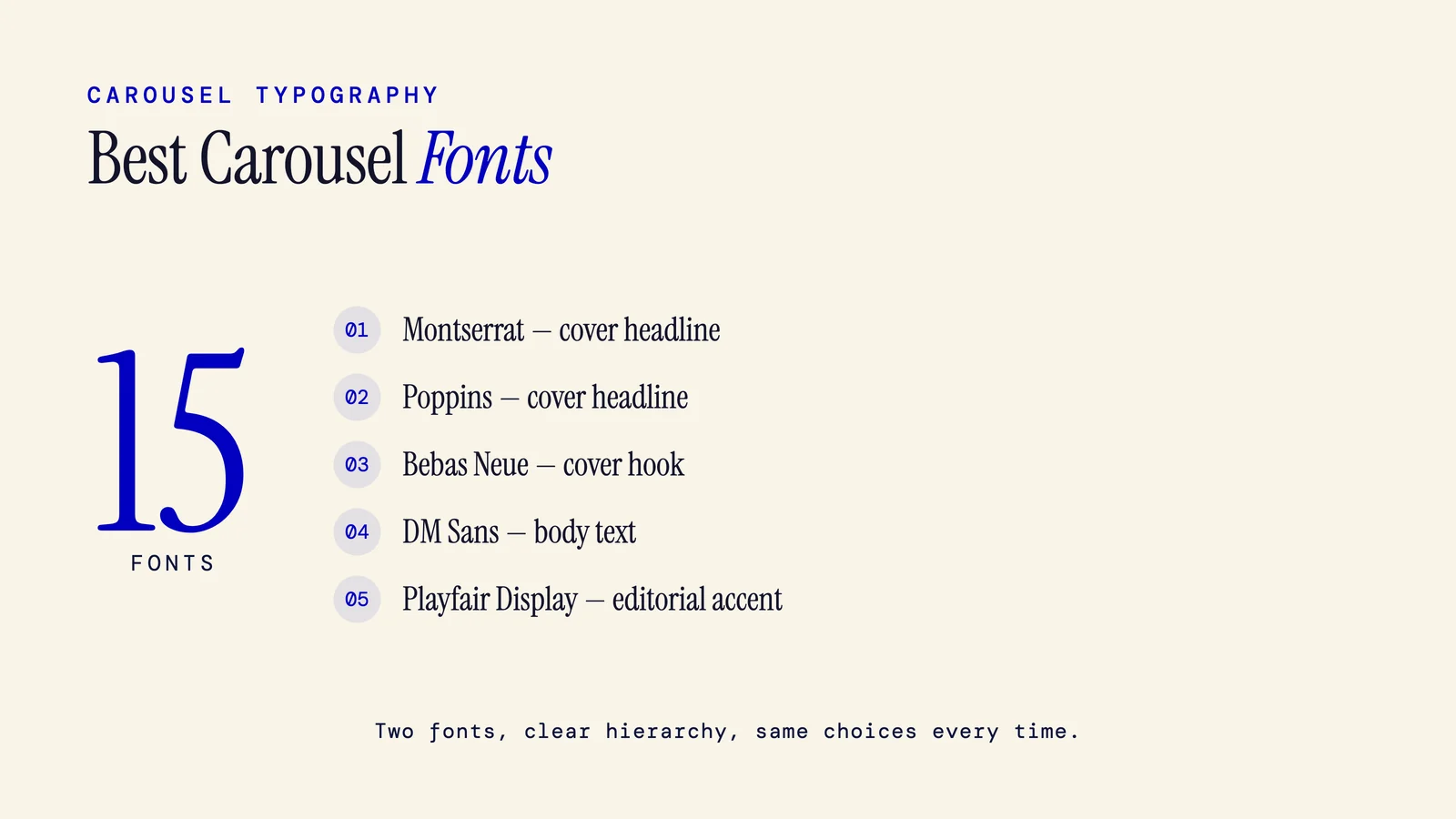
Best Fonts for Carousels: 15 Picks by Slide Role (2026)
The best fonts for carousels are bold geometric sans like Montserrat and Poppins for headlines, a clean sans like DM Sans or Inter for body, and at most one accent serif. Here are 15 picks matched to cover, body, and CTA slides for Instagram, LinkedIn, and TikTok.
10 min read
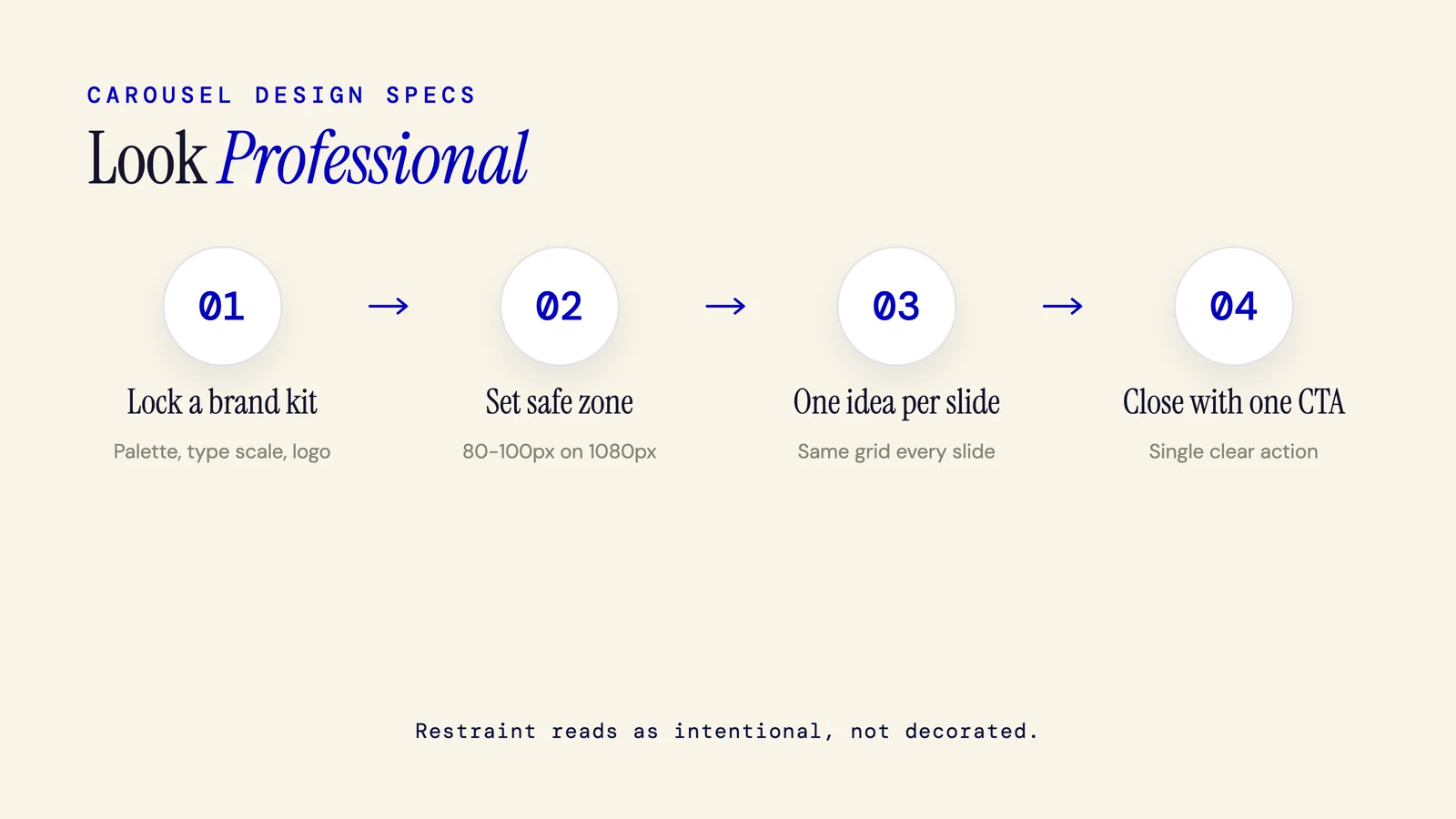
How to Make a Carousel Look Professional: Exact Specs & a Pre-Post Checklist (2026)
To make a carousel look professional, lock a three-color palette and two typefaces, keep 80 to 100px of safe-zone padding on a 1080px canvas, put one idea per slide, and align everything to one grid. This guide gives the specs, the amateur tells to fix, and a checklist to audit before you post.
7 min read
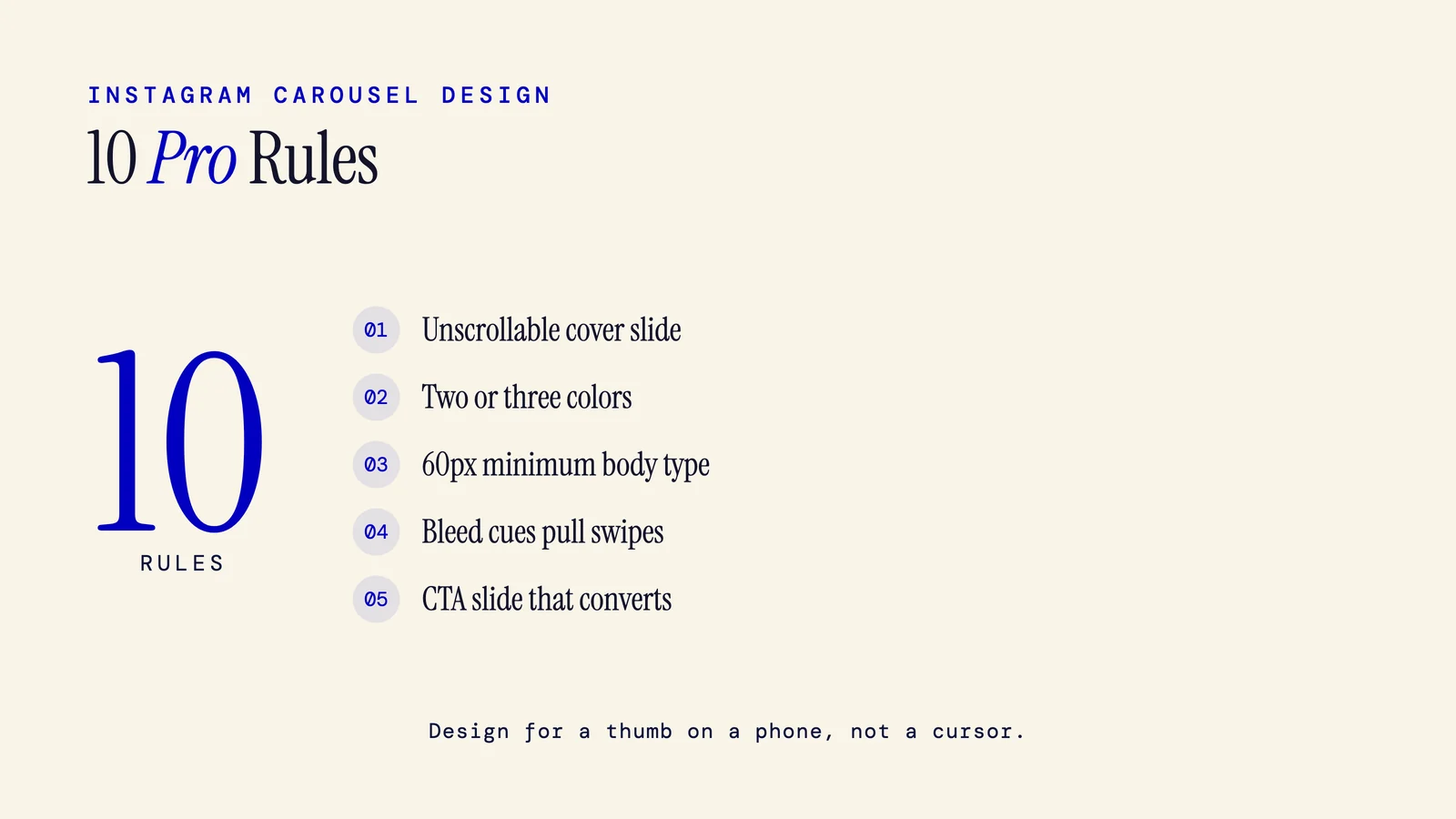
Carousel Design Tips: 10 Pro Rules for Instagram, LinkedIn & TikTok (2026)
A strong carousel design starts with a scroll-stopping cover, one idea per slide, a tight palette of two or three colors, mobile-ready type, deliberate swipe cues, and a closing slide that converts. These tips cover Instagram, LinkedIn, and TikTok, with exact font sizes and color rules.
9 min read